
Creality Ender 3 V3 SE
4.9Editor score
Auto leveling included
Direct drive extruder
High speed printing
This guide compares the top 3D printers for beginners focusing on ease of use speed print quality and reliability to help you choose the right machine.
Choosing the right 3D printer can be overwhelming with so many options available. This guide helps beginners find machines that offer reliability ease of use and great results right out of the box.
We evaluated ten top models based on setup time calibration features print speed and community support. Each product was reviewed for its ability to deliver consistent quality without demanding technical expertise.
Every pick includes detailed specs pros cons and real-world performance insights. Prices and availability may change so check current listings before making your final decision for your project.
4.9Editor score

4.7Editor score

4.2Editor score
This side-by-side comparison highlights key specifications for each model to help you quickly identify which printer matches your specific needs and budget constraints.
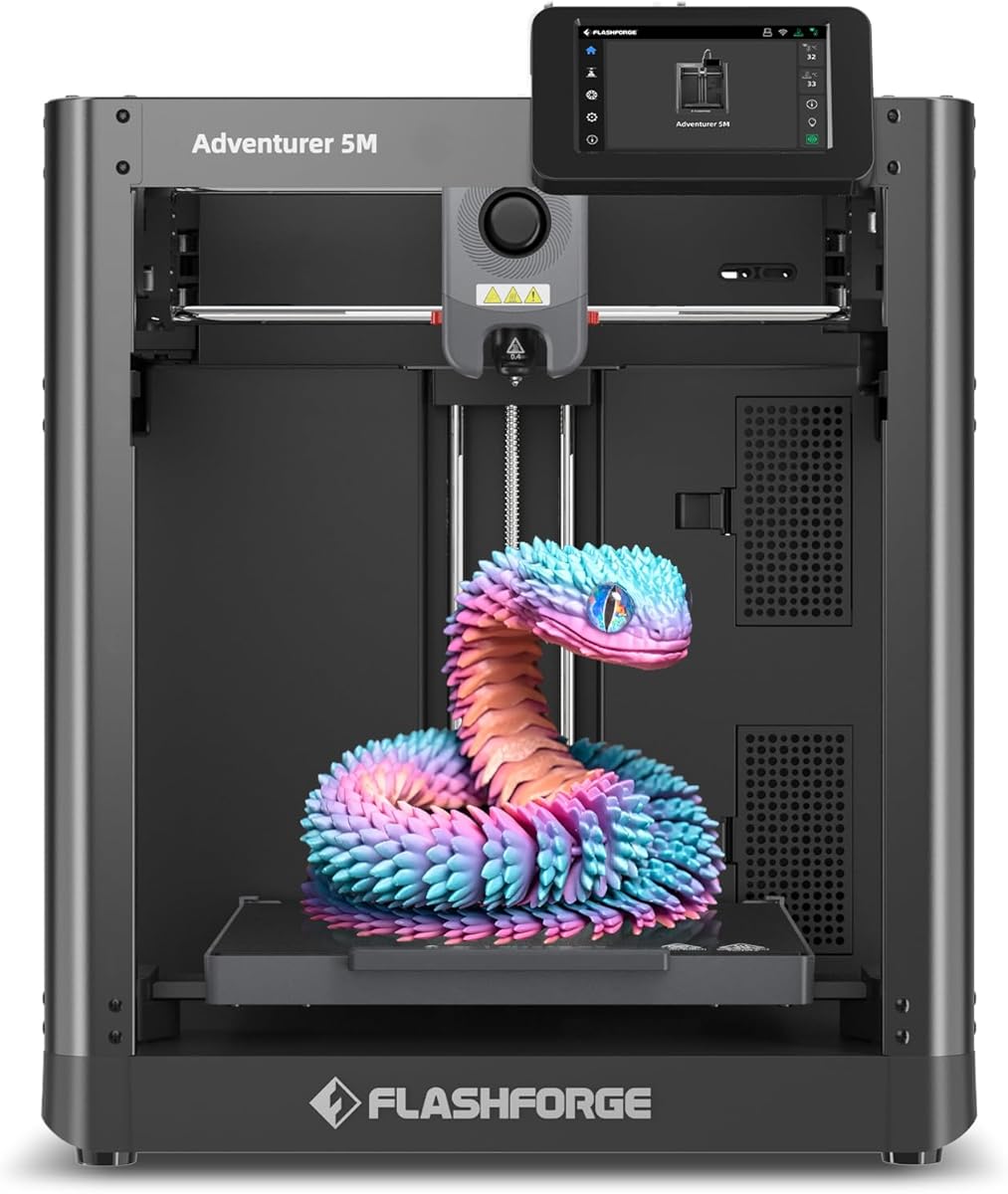




The FLASHFORGE Adventurer 5M is a high speed printer designed for users who value efficiency without sacrificing quality. It holds a strong rating among users looking for rapid prototyping capabilities.
We may earn a commission when you buy through this link, at no additional cost to you.
Its CoreXY structure allows travel speeds up to 600mm/s while maintaining precision. The direct drive extruder supports a wide range of filaments including high temp materials.
While it offers great speed, the build volume is moderate. Users may need to slice larger models into parts for some complex projects.
Ideal for hobbyists needing quick turn around times. Its app features make remote monitoring simple for busy makers.
The 600mm/s travel speed reduces print times significantly compared to standard printers.
Nozzles can be swapped in three seconds without tools saving you valuable time.
We may earn a commission when you buy through this link, at no additional cost to you.
The Bambu Lab P1S Combo offers an enclosed system paired with an Automatic Material System for advanced multi color printing. It scores high for reliability and ease of use.
We may earn a commission when you buy through this link, at no additional cost to you.
Users benefit from 500mm/s printing speeds and automatic bed leveling. The enclosure supports advanced filaments like ABS and ASA without warping.
The main trade off is the cost compared to entry level models. However the included AMS adds significant value for creative projects.
Recommended for users wanting professional results at home. It simplifies complex prints while maintaining high quality standards.
Up to sixteen colors can be used in one print with the AMS unit.
The sealed body maintains temperature for better adhesion on difficult materials.
We may earn a commission when you buy through this link, at no additional cost to you.
The Creality Ender 3 V3 SE is a budget friendly machine that does not compromise on essential features. It earns top marks for providing reliable printing at a low cost.
We may earn a commission when you buy through this link, at no additional cost to you.
It features automatic leveling via CR Touch and a direct drive extruder. These upgrades make it much easier to use than older models.
While it lacks an enclosure or advanced features the included filament bundle offers immediate value. Performance is solid for PLA and PETG.
Perfect for first time users wanting to try 3D printing. It delivers great results without requiring technical tuning skills.
You get a complete setup including filament without breaking the bank.
The Sprite direct drive extruder handles flexible filaments with ease.
We may earn a commission when you buy through this link, at no additional cost to you.
The Bambu Lab A1 stands out for its fully automatic calibration process. It minimizes manual intervention allowing users to focus purely on creating.
We may earn a commission when you buy through this link, at no additional cost to you.
With acceleration of 10000 mm/s² it prints fast while maintaining smooth surfaces. The motor noise canceling keeps the environment quiet for homes.
Without an enclosure it may struggle with high temp materials. But for most users PLA and PETG works perfectly.
Best for families or students needing a reliable plug and play solution. Its interface is intuitive for all skill levels.
The printer self calibrates to ensure perfect first layers every single time.
Noise canceling tech ensures it does not disrupt your workspace or home.
We may earn a commission when you buy through this link, at no additional cost to you.
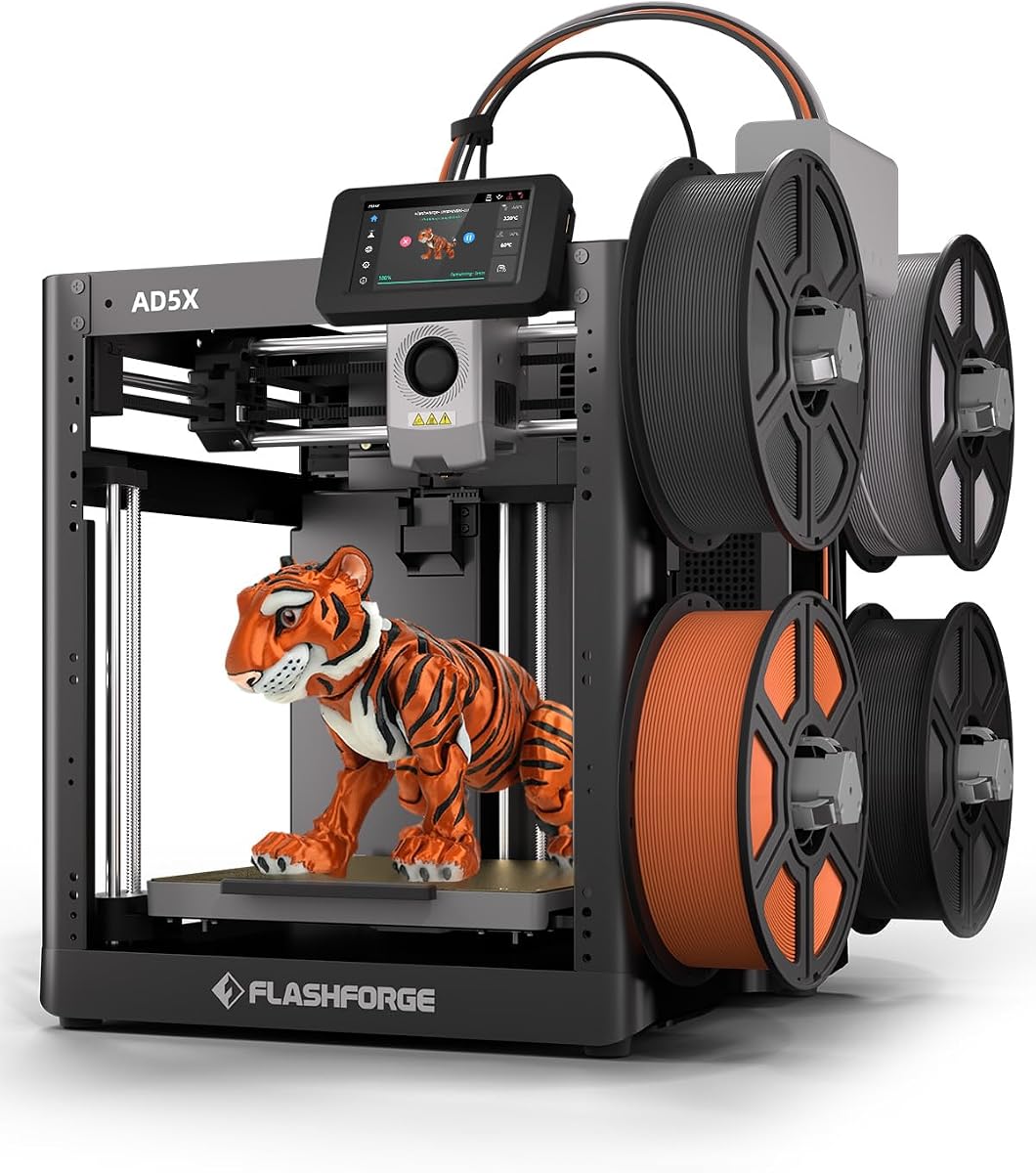
The FLASHFORGE AD5X supports up to four colors simultaneously offering creative flexibility. It combines speed with precision for rapid prototyping needs.
We may earn a commission when you buy through this link, at no additional cost to you.
The 600mm/s speed and CoreXY structure ensure efficient printing. The 300C extruder handles higher temperature materials well.
While it offers great speed the multi color setup is limited to four colors. Users needing more variety may find this restrictive.
Ideal for makers wanting fast multi color prints. Its resume function helps avoid losing work during power outages.
Create vibrant prints using four colors without stopping to change filament.
The CoreXY design minimizes vibrations for cleaner edges on fast prints.
We may earn a commission when you buy through this link, at no additional cost to you.
The AOSEED AI 3D Printer integrates artificial intelligence to simplify design for kids and beginners. It provides a safe enclosed environment ideal for children.
We may earn a commission when you buy through this link, at no additional cost to you.
With voice and text to 3D tools users can create custom models easily. The printer includes over 8000 tested models for instant printing.
It supports only single color printing which limits some advanced use cases. However the safety features are exceptional for family use.
Perfect for education and fun at home. The built-in camera allows parents to monitor progress remotely.
Turn text or images into 3D models with voice commands instantly.
Enclosed body and pinch resistant parts keep children safe during use.
We may earn a commission when you buy through this link, at no additional cost to you.
The Bambu Lab A1 mini is designed for smaller spaces without losing core reliability. It comes with a creative LED lamp kit to inspire immediate projects.
We may earn a commission when you buy through this link, at no additional cost to you.
It maintains the full auto calibration of the larger models ensuring easy setup. The compact size fits easily on any desk.
The main limitation is the smaller build volume. Large models must be printed in multiple sections or scaled down.
Best for students or small desks needing reliability. The included kit makes it ready to use right away.
Ideal for apartments or dorms with limited desk space available.
Includes a lamp kit so you can start printing functional decor immediately.
We may earn a commission when you buy through this link, at no additional cost to you.
This fully assembled mini printer offers a complete starter kit including filament and SD card. It targets beginners who want to start printing immediately without assembly.
We may earn a commission when you buy through this link, at no additional cost to you.
It features automatic leveling and supports speeds up to 250mm/s. The package is tailored for school projects and home fun.
The build area is limited to small toys and figures. Complex large projects may require multiple prints.
Ideal for schools or families testing 3D printing. It provides a safe and simple entry point.
Everything needed to start printing is included in the original box.
No tools or assembly required just plug in and start printing.
We may earn a commission when you buy through this link, at no additional cost to you.
The Bambu Lab P1S delivers enclosed printing capabilities at a competitive price point. It supports advanced materials without needing additional accessories.
We may earn a commission when you buy through this link, at no additional cost to you.
Setup takes only 15 minutes making it very convenient for new users. The automatic bed leveling ensures consistent results.
Multi color printing requires the AMS accessory which is sold separately. This adds to the total cost for full features.
Best for users wanting reliable ABS or ASA printing. It balances performance and affordability well.
The closed body allows stable printing with high temperature materials like ABS.
Start creating within 15 minutes of unboxing thanks to simple design.
We may earn a commission when you buy through this link, at no additional cost to you.
The FLASHFORGE AD5M offers an all metal CoreXY structure ensuring stability and precision. It focuses on rapid printing with reliable calibration.
We may earn a commission when you buy through this link, at no additional cost to you.
It supports 600mm/s speeds and includes automatic calibration for easier operation. Nozzles can be swapped in seconds for flexibility.
The build volume is moderate and might require scaling for larger objects. However its speed compensates for this limitation.
Ideal for fast prototyping with consistent quality. Its resume feature ensures work is not lost during interruptions.
The all metal structure provides stability during high speed printing cycles.
Nozzle swaps take only seconds allowing quick changes between materials.
We may earn a commission when you buy through this link, at no additional cost to you.
Selecting the right 3D printer requires understanding your needs and budget. This section covers key factors to consider before making a purchase.
Beginners benefit from printers with automatic bed leveling and calibration. These features remove the need for manual adjustments and ensure consistent results.
Prioritize models that offer plug and play setups to minimize frustration.
The build volume determines the maximum size of objects you can print. Small volumes are easier to manage but limit project scale.
Choose a size that fits your typical projects without wasting space.
Faster printers reduce wait times but may introduce vibration issues. Look for balanced speeds that maintain quality on standard materials.
Speed should match your patience level and project deadlines.
Some printers support a wide range of materials while others are limited to PLA. Ensure the extruder can handle the material types you plan to use.
Check if the extruder handles flexible or high temp materials if needed.
An enclosure helps maintain consistent temperatures for materials like ABS. It also contains noise and fumes for a safer environment.
Enclosed units are recommended for advanced material printing at home.
Modern printers often include Wi-Fi or app control for remote monitoring. This allows you to check progress without being near the machine.
Look for reliable apps if you want to manage prints remotely.
A strong user community provides tutorials and troubleshooting guides. This support network is invaluable when you encounter issues with settings.
Check online forums to see how active the user base is.
Consider not just the printer cost but also maintenance and accessories. Extra nozzles and filament bundles can add to the initial price.
Budget for ongoing supplies to keep printing consistently.
Always clean the build plate before starting a print to ensure adhesion. Use a scraper or alcohol to remove any dust or oils from the surface.
Store filament in dry environments to prevent moisture absorption which causes print defects. Drying filament improves layer bonding and surface finish.
Regularly update firmware to access new features and bug fixes. Keeping the printer software current ensures optimal performance.
Printers with automatic bed leveling and enclosed designs are best. Models like the Bambu Lab A1 or Ender 3 V3 SE are highly recommended for their ease of use and reliable performance.
No prior experience is needed as these models are designed for simplicity. Most come with pre-sliced software and tutorials to guide you through your first print.
A standard printer needs about 12 by 12 inches of desk space. Ensure there is ventilation and stable surface to avoid vibration issues during operation.
Yes some models support multi-color printing via multiple nozzles or an AMS system. Check if the printer supports add-ons that enable color switching during a single print.
PLA is the best starting filament due to its low warping and ease of use. It is available in many colors and works well on most basic printers.
Print times vary from a few hours to several days depending on size and resolution. Small objects usually take under two hours to complete with standard settings.
The top picks offer a range of options from budget friendly to advanced multi color models. Each printer provides reliable performance tailored for different user needs.
Prioritize ease of use and support features if you are new to the hobby. This ensures a smoother experience and more successful first projects.
Always check current listings for the latest updates and bundles. Prices and availability fluctuate so verify details before finalizing your purchase.