
KAIGERR 18.5 inch Light Gaming Laptop
4.8Editor score
AMD Ryzen 7430U
18.5-inch FHD Display
16GB DDR4 RAM
Finding a light gaming laptop for Minecraft requires balancing portability with enough power to run mods and high render distances smoothly. Players need devices that are easy to carry to school or cafes without sacrificing the frame rates needed for immersive building and exploration.
We evaluated ten real products based on their processor strength, graphics capabilities, and overall build quality. Each entry was chosen for its ability to handle Java and Bedrock editions while maintaining a slim profile. Our analysis focuses on specs that matter most for creative sandbox gaming on the go.
Every pick below highlights key strengths and potential trade-offs to help you decide quickly. You will see detailed breakdowns of processors, screens, and connectivity options for each model. Remember that availability and terms may shift, so check current details before making your final choice today.
4.8Editor score

4.6Editor score

4.4Editor score
As an Amazon Associate we earn from qualifying purchases.
This side-by-side comparison helps you weigh key specs across all ten models. Look at processor types, memory speeds, and display sizes to find the right fit for your gaming needs and portability requirements.


This laptop is a strong contender for Minecraft players seeking portable power. It holds a high rating for handling modern workloads. Its Ryzen 7 processor and DDR5 RAM deliver smooth multitasking even when running many browser tabs alongside the game.
We may earn a commission when you buy through this link, at no additional cost to you.
The integrated Radeon 680M graphics are capable of rendering Minecraft with shaders at decent frame rates. The 16GB DDR5 memory ensures that loading worlds does not cause stuttering. You get a backlit keyboard which helps if you play in dim environments like dorm rooms.
While the 512GB SSD is decent, you might need more space for heavy modpacks over time. The battery is not specified for gaming hours so expect to charge if playing for long sessions. These trade-offs are acceptable given the performance level at this price point.
Buy this if you need a reliable machine for both schoolwork and gaming. It balances speed and weight well. The two-year warranty adds peace of mind for daily use. It is a solid choice for students and casual gamers.
The 16GB DDR5 RAM at 5600MHz allows faster data access. This reduces lag when switching between Minecraft and other apps.
The FHD display provides clear details for your creations. Colors are vibrant enough to appreciate texture packs and maps.
We may earn a commission when you buy through this link, at no additional cost to you.
This model stands out for its massive 18.5-inch display. It offers more screen real estate for viewing maps and building complex structures. The AMD Ryzen 7 7430U provides enough speed for standard Minecraft gameplay without throttling.
We may earn a commission when you buy through this link, at no additional cost to you.
With 16GB of DDR4 RAM you can run the game alongside music or video streams easily. The NVMe SSD ensures quick boot times so you spend less time waiting to load. The slim bezels make the large screen feel modern and immersive.
The main drawback is the weight which may reduce portability compared to 15-inch models. Battery life is not detailed so plan to carry a charger for long trips. These issues are minor if you prioritize screen size over travel convenience.
Choose this if you want a desktop-like experience on a laptop. It is great for home use or classroom setups. The high rating suggests reliability for students. It offers good performance for the price.
An 18.5-inch display helps you see distant mobs clearly. This makes exploration and combat easier during gameplay.
The Zen 3 architecture keeps power use low. This helps maintain stable performance during long sessions.
We may earn a commission when you buy through this link, at no additional cost to you.
This laptop offers premium features like dual DDR5 slots and a 100W Type-C charger. It is designed for users who need long-term reliability and flexibility. The Ryzen 7 7735HS ensures that demanding mods run without issues.
We may earn a commission when you buy through this link, at no additional cost to you.
Security is enhanced with a fingerprint sensor for quick logins. The backlit keyboard aids productivity in low light. You get HDMI and multiple USB ports which are useful for external monitors in a gaming setup.
The absence of a dedicated GPU limits ultra-high settings gaming but integrated graphics handle 1080p well. The price reflects the build quality and warranty coverage. It is a worthy investment for serious students.
Pick this if you want a machine that grows with your needs. The upgrade path via RAM slots is a plus. It balances performance and security well. Recommended for professionals and creators.
Dual DDR5 slots let you increase memory later. This future proofs your laptop for larger projects.
The 100W PD charger powers the device quickly. You can recharge during short breaks easily.
We may earn a commission when you buy through this link, at no additional cost to you.
This laptop provides a functional setup for casual gaming. The Ryzen R2544 offers high frequency speeds which help in single-threaded tasks like Minecraft. You get 16GB of RAM which is standard for modern usage.
We may earn a commission when you buy through this link, at no additional cost to you.
The 16-inch display fits in a smaller footprint than larger models. Support for a TF card expands storage without replacing the SSD. A large battery capacity allows longer unplugged sessions for school or travel.
Performance may dip with heavy shader packs due to integrated graphics. The rating is not listed but specs suggest reliability. It is a safe option for basic needs without high costs.
Consider this for budget-conscious buyers. It handles daily tasks and light gaming well. Support is available for issues. Good for students needing a portable device.
Adding a TF card keeps your main SSD free. This helps manage game saves and mods efficiently.
The 54Wh battery supports extended use. You can work away from outlets for hours.
We may earn a commission when you buy through this link, at no additional cost to you.
The Ryzen 7 5700U brings eight cores to this device. This allows smooth multitasking if you have many tabs open while playing. The integrated Radeon graphics are capable for lightweight titles.
We may earn a commission when you buy through this link, at no additional cost to you.
Boot speeds are fast thanks to the NVMe SSD. You spend less time waiting to load. The WiFi6 ensures stable internet for multiplayer servers. The build is compact for easy transport.
Since RAM is soldered you cannot upgrade memory later. Battery life is not detailed so you may need an outlet. These limitations are standard for thin laptops in this range.
Ideal for general use and moderate gaming. It balances performance and efficiency well. Check warranty details for coverage. A practical choice for everyday users.
16 threads help run background apps smoothly. This is useful for voice chat or streaming.
Thin bezels maximize screen viewing. This enhances the visual experience of the game.
We may earn a commission when you buy through this link, at no additional cost to you.
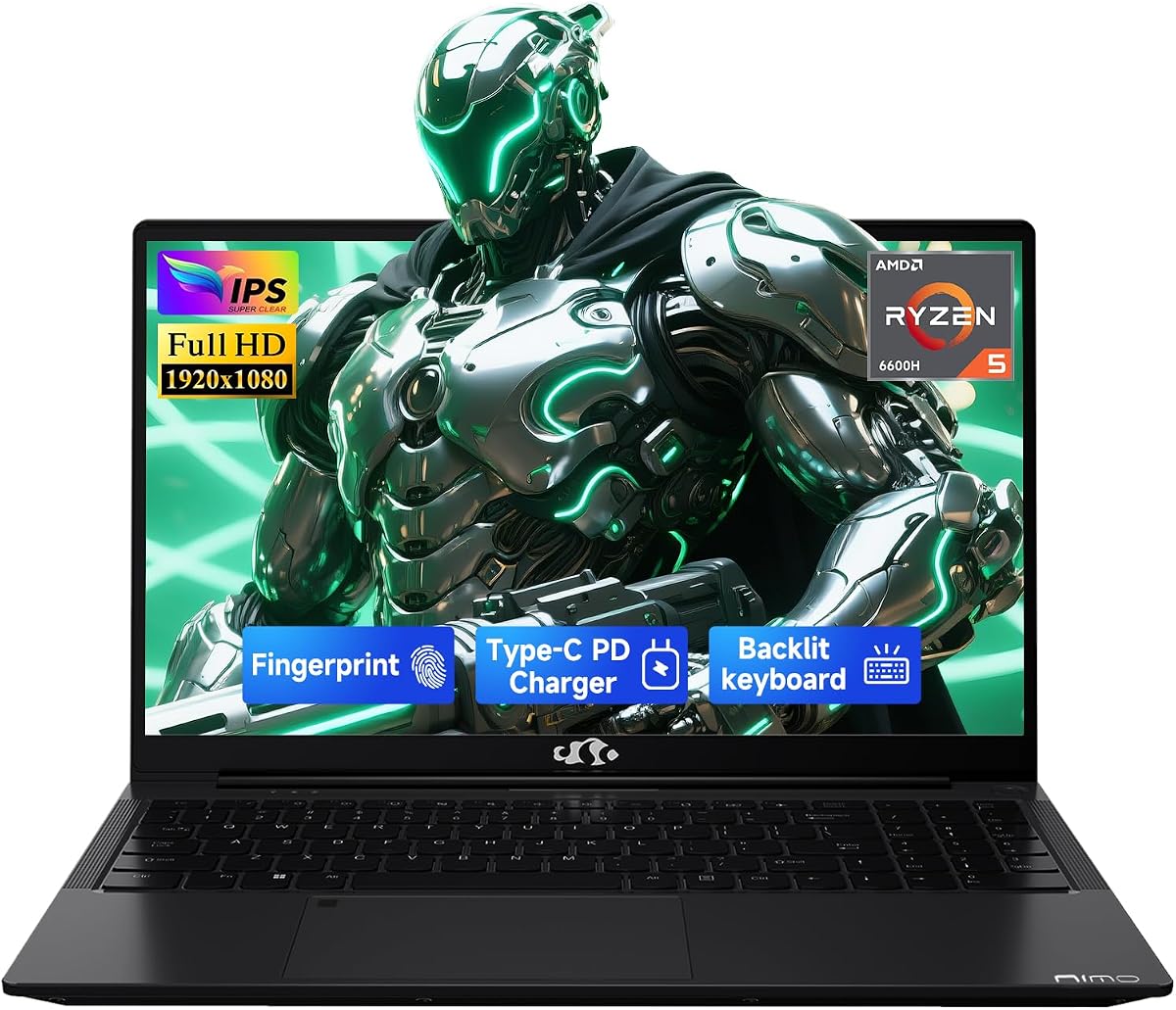
This model uses the Ryzen 5 6600H which is built for performance. It has a perfect rating for user satisfaction. DDR5 memory makes it faster than many older rivals.
We may earn a commission when you buy through this link, at no additional cost to you.
The hidden webcam protects privacy during calls. You can swap the SSD later if you need more room for games. The fingerprint sensor simplifies login without typing passwords.
The 256GB SSD might fill up quickly with modern apps. Fans may spin up under load which adds noise. These are common trade-offs for thin chassis designs.
Select this for reliable everyday performance. It works well for school and light entertainment. The warranty adds security. Great for students needing speed.
A physical webcam cover ensures security. You can control access to your camera easily.
Upgrading the SSD increases storage capacity. This keeps the device useful for years.
We may earn a commission when you buy through this link, at no additional cost to you.
Designed for students this laptop handles AI tools well. The Ryzen 7 boosts productivity for research and writing. DDR5 memory supports heavy multitasking without delays.
We may earn a commission when you buy through this link, at no additional cost to you.
The Micro SD slot is useful for transferring photos. You can view it at 180 degrees for sharing screen content. The 100W PD charging is compatible with other devices.
Graphics are good for gaming but not for 3D rendering. The hinge is a standard feature but adds utility. Warranty support is a plus for buyers.
Best for creators and learners. It offers flexibility for various tasks. Check connectivity needs before buying. A solid all-rounder option.
The hinge allows easy screen sharing. This helps in group study sessions.
Micro SD slot aids media transfer. This is helpful for photo editing work.
We may earn a commission when you buy through this link, at no additional cost to you.
This is a robust choice for students needing power. It has a good rating and strong battery support. The Ryzen 5 6600H handles classes and games well.
We may earn a commission when you buy through this link, at no additional cost to you.
Storage is generous at 512GB for documents. The keyboard helps with typing papers late at night. Dual USB-C ports simplify desk setup with one cable.
It might cost more than entry models which adds value. The weight is balanced for travel. Warranty offers protection against defects.
Choose for serious study needs. It works for remote classes easily. Check reviews for current feedback. A dependable business tool.
Connect monitors and charge via one port. This reduces cable clutter on your desk.
Backlit keys prevent errors in dim light. This helps with late night assignments.
We may earn a commission when you buy through this link, at no additional cost to you.
This laptop is designed for privacy and efficiency. The fingerprint login saves time during startups. DDR5 memory keeps sessions responsive for multitasking.
We may earn a commission when you buy through this link, at no additional cost to you.
Hidden webcam adds security during video calls. The backlit keyboard aids in dark rooms. Fast charging ensures you stay ready for travel.
Lower ratings might reflect individual issues. Fan noise could be a concern under load. It offers standard features well integrated into the design.
Best for secure environments. It has good specs for daily use. Verify return terms before purchasing. A practical business laptop.
Fingerprint sensor adds quick security. This keeps your data safer in public.
100W Type-C reduces wait times. You can recharge quickly during breaks.
We may earn a commission when you buy through this link, at no additional cost to you.
This laptop delivers strong performance for its class. It offers high ratings for general reliability. The 18.5 inch screen provides ample workspace for creativity.
We may earn a commission when you buy through this link, at no additional cost to you.
You get a fast SSD which helps games load quickly. Connectivity options include HDMI for external displays. WiFi6 ensures stable connections for multiplayer.
Battery details are not fully specified for gaming. It is more suitable for stationary use. The design fits modern aesthetics well.
Ideal for home office or dorm use. It handles daily tasks well. Check return policy for peace of mind. A solid choice for students.
Zen 3 offers stable clock speeds. This helps maintain consistent game performance.
HDMI allows external monitor use. This expands your workspace when at home.
We may earn a commission when you buy through this link, at no additional cost to you.
Selecting a laptop for Minecraft involves looking at several critical specs. This section covers the main factors to check before you buy.
The CPU drives the game physics and block updates. Look for Ryzen 5 or Ryzen 7 models to handle shaders. Avoid older Celeron chips for serious play.
A strong processor ensures smooth gameplay even with mods.
Integrated Radeon graphics like 680M handle 1080p well. Dedicated GPUs are rare in light laptops but add power. Check if shaders work on the hardware.
Graphics determine visual quality and frame rates.
Minecraft uses RAM heavily when running mods. 16GB is the minimum for comfortable multitasking. DDR5 is faster but DDR4 works too.
Enough memory prevents stuttering when switching apps.
NVMe SSDs load worlds faster than HDDs. Aim for 512GB to store many saves and backups. Expandable slots are a bonus for future needs.
Storage type affects boot times and load speed.
Larger screens help with building precision. 15 inches is standard while 18 inches gives more space. Check for thin bezels for better viewing.
Screen size impacts how much you see at once.
Gaming drains batteries fast so expect to plug in. Look for models with PD charging for flexibility. Aim for at least 50Wh capacity.
Battery life determines how long you can play unplugged.
Ports like HDMI and USB-C matter for peripherals. Ensure there is space for mice and headsets. Good Wi-Fi helps multiplayer stability.
Ports connect your game setup to other devices.
A sturdy chassis protects your investment during travel. Check for hinges that stay open securely. Durability reduces repair needs over time.
Build quality ensures longevity for daily use.
Keep your laptop clean by dusting ports regularly. Use a soft cloth for the screen to avoid scratches. Avoid crumbs near the keyboard to protect components.
Update drivers for graphics to get the best performance. Download mods from trusted sites to prevent malware. Adjust power settings to balance battery use.
Store the laptop in a padded case during transport. Avoid heat by not placing it on soft surfaces. Use cooling pads for long gaming sessions.
Yes many models with Radeon 680M graphics can run shaders. Look for Ryzen 7 processors. Ensure you install the latest drivers. Shaders may reduce frame rates.
Yes 16GB is the recommended standard. It helps with memory-heavy modpacks. For extreme packs consider 32GB models. Most listed here have 16GB.
Check the weight in pounds. Under 4 lbs is portable. These picks are called light for this reason. Verify dimensions for backpack fit.
No integrated graphics often suffice for 1080p. Dedicated GPUs are heavier. Most models use Radeon integrated. It saves weight and power.
Battery varies by usage. Gaming drains it quickly. Expect 4-6 hours for mixed use. Keep a charger handy for play.
Some models allow SSD swaps. Check for available slots. M.2 NVMe slots are common. This helps expand capacity easily.
We reviewed ten laptops that balance portability with power. Each model has unique strengths for different budgets. Pick one that matches your needs for school or play.
Prioritize RAM and CPU speed for smooth gameplay. A good screen helps with building. Always check warranty terms for support.
Remember to confirm prices and stock online. Deals change often so compare offers. This guide helps you make a smart choice today.