
BenQ TH671ST
4.4Editor score
Full HD 1080p
Low input lag
Short throw ratio
This guide compares the top Benq Projector for Golf Simulator options to help you find the perfect brightness, resolution, and throw ratio for your indoor
Choosing the right projection system transforms a garage or basement into a professional golf training space. High brightness and short throw capabilities are essential to avoid shadows and maintain clarity in indoor environments.
We evaluated ten top-rated models based on resolution, lumens, input lag, and specific golf simulator features. Our analysis focuses on how each projector handles simulated golf swings and course visuals.
Each pick highlights key strengths and trade-offs to help you decide based on your room size and budget. Note that product prices and availability may change frequently on retailer platforms.
4.4Editor score
5.0Editor score

5.0Editor score
The following table provides a side-by-side comparison of the ten selected projectors. It outlines key specifications such as resolution, brightness, throw ratio, and specific features relevant to golf simulation setups.



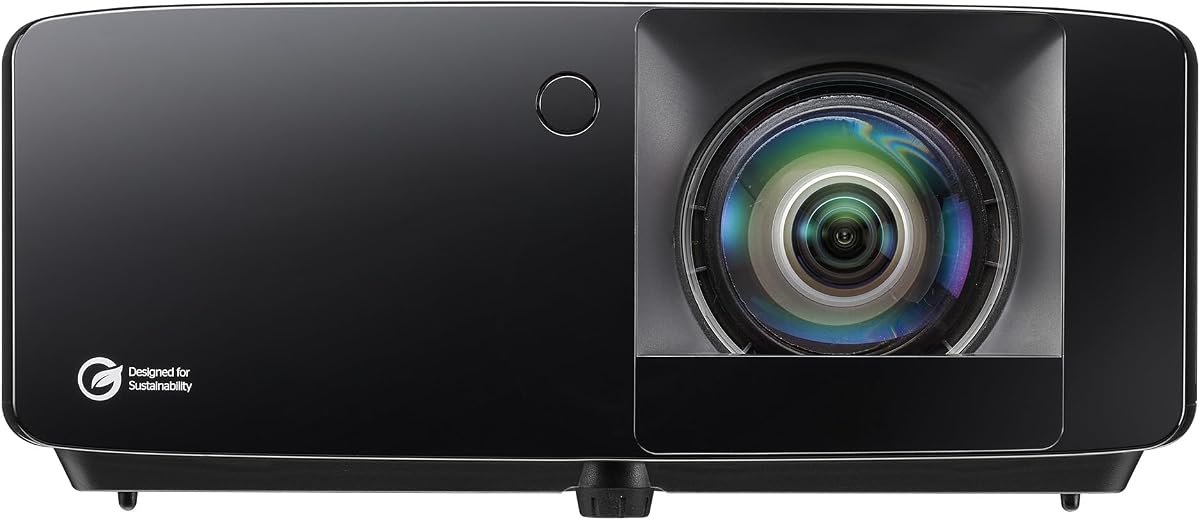
The Optoma GT3900UHD stands out as a top choice for golf simulators due to its true 4K resolution and high brightness. It delivers crisp details of fairways and greens even in light environments.
We may earn a commission when you buy through this link, at no additional cost to you.
Its 4000 lumens ensure vivid visuals without needing a dark room. The ultra-short throw lens allows placement close to the screen, minimizing shadow interference during swings.
While the price is higher than standard models, the investment pays off in longevity and image fidelity. Users report smooth performance with low input lag for responsive gameplay.
This projector is ideal for serious golfers seeking a professional-grade indoor setup. It balances high-end specs with the specific needs of golf simulation environments.
The true 4K UHD resolution provides razor-sharp detail that enhances the realism of virtual courses. Every blade of grass and texture is rendered with exceptional precision.
With 4000 lumens and laser technology, the GT3900UHD maintains consistent brightness over 30000 hours. This ensures your simulator remains vibrant for years without frequent maintenance.
We may earn a commission when you buy through this link, at no additional cost to you.
The BenQ TH671ST offers a compelling budget-friendly option for golf simulators without sacrificing essential features. It provides Full HD resolution and short throw capabilities ideal for smaller spaces.
We may earn a commission when you buy through this link, at no additional cost to you.
Its low input lag ensures smooth motion during fast swings, which is critical for accurate feedback. The 3000 lumens brightness is sufficient for moderate ambient light conditions.
While it lacks 4K resolution, the image quality remains sharp and vibrant for most users. The gaming-oriented design makes it well-suited for interactive sports simulations.
For those seeking a cost-effective solution, this projector delivers excellent value. It strikes a balance between performance and price for home golf training setups.
Designed with ultra-low input lag and high refresh rates, this projector ensures responsive visuals. This is vital for golf simulations requiring precise timing and feedback.
The short throw ratio allows projecting a 100-inch screen from just 5 feet away. This flexibility is perfect for rooms where distance between projector and screen is limited.
We may earn a commission when you buy through this link, at no additional cost to you.
The BenQ LK936ST represents the pinnacle of performance for golf simulators with its native 4K resolution and exceptional brightness. It is designed for users demanding the highest visual fidelity.
We may earn a commission when you buy through this link, at no additional cost to you.
With 5100 ANSI lumens, it delivers clear images even in well-lit rooms. The laser source ensures consistent output over 20000 hours, reducing long-term maintenance needs.
Lens shift capabilities offer precise image alignment without distorting the picture. This feature is crucial for fitting the projection perfectly to specific screen sizes and shapes.
Though expensive, this projector is a professional-grade choice for serious enthusiasts. It provides the brightness and clarity needed for an immersive golf simulation experience.
With 5100 ANSI lumens, this projector outshines many competitors in terms of light output. This makes it ideal for spaces where light control is difficult.
Native 4K resolution ensures every detail of the virtual course is sharp. The color accuracy and contrast ratios are optimized for realistic and engaging visuals.
We may earn a commission when you buy through this link, at no additional cost to you.
The BenQ AH700ST is specifically tailored for golf simulation with a dedicated Golf picture mode. This feature enhances visual clarity and realism to mimic actual course conditions.
We may earn a commission when you buy through this link, at no additional cost to you.
Its 4000 lumens brightness ensures vibrant images. The short throw ratio allows flexible installation in various spaces while maintaining a large, crisp image.
While user ratings vary, the technical specifications align well with simulator requirements. The color accuracy and brightness are key strengths for indoor practice environments.
This model is a strong contender for those prioritizing golf-specific optimization. It offers a balance of performance features tailored to enhancing the golf experience.
The dedicated Golf mode enhances visual clarity specifically for fairways and greens. This targeted optimization helps players focus on critical details during simulation.
We may earn a commission when you buy through this link, at no additional cost to you.
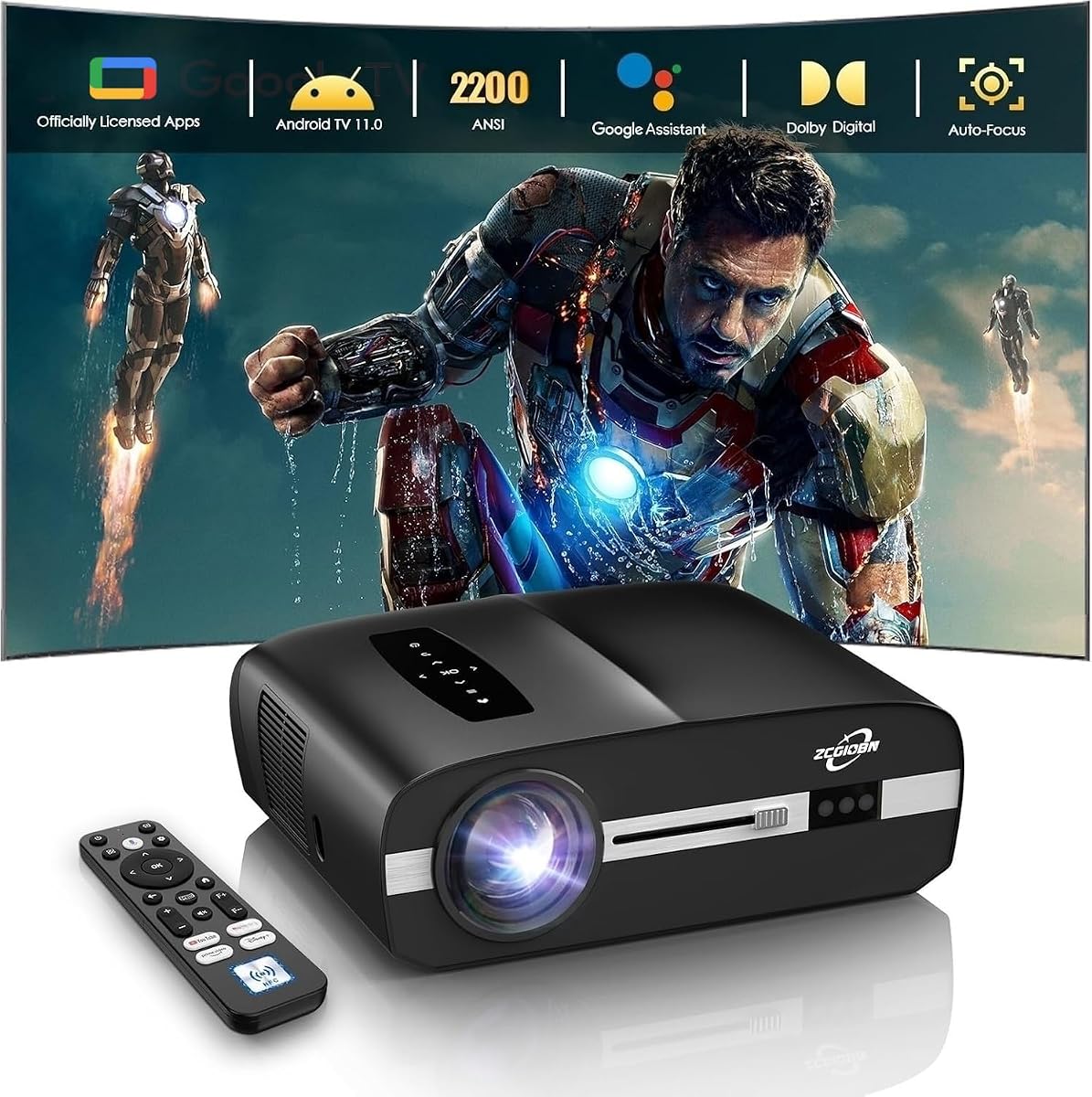
This versatile projector supports 4K resolution and includes built-in Google TV for easy access to streaming and apps. It offers flexible installation options like ceiling mounts for garages.
We may earn a commission when you buy through this link, at no additional cost to you.
Auto focus and keystone correction simplify setup from any angle. The sealed optical engine protects internal components from dust, which is beneficial in garage environments.
While not a short throw model, placing it overhead avoids shadows. The lower brightness is manageable in darker rooms but may struggle in very bright spaces.
For users wanting a smart projector with 4K at a moderate price, this is a solid choice. It balances connectivity with practical features for home setups.
Powered by Google TV, this projector allows streaming without extra devices. This integration simplifies entertainment options alongside simulation content.
We may earn a commission when you buy through this link, at no additional cost to you.
The BenQ TH575i combines gaming-ready features with built-in Google TV for versatile use. Its low input lag and high brightness make it suitable for active sports simulations.
We may earn a commission when you buy through this link, at no additional cost to you.
Included Google TV dongle provides endless streaming options. The low input lag ensures smooth motion which is critical for responsive gaming.
However, the resolution is limited to Full HD compared to newer models. User reviews vary, indicating potential variability in performance experiences.
This projector offers a convenient all-in-one solution for entertainment and simulation. It is best for those prioritizing smart features and brightness over ultimate resolution.
The included Google TV dongle allows immediate access to streaming services. This reduces the need for external boxes or complicated connections.
We may earn a commission when you buy through this link, at no additional cost to you.
The BenQ LU935ST offers professional-grade brightness and resolution suitable for demanding environments. Its laser source ensures consistent performance over years of use.
We may earn a commission when you buy through this link, at no additional cost to you.
At 5500 lumens, it performs well in well-lit areas. The short throw ratio and lens shift offer installation flexibility in various room layouts.
WUXGA resolution provides sharp visuals that are comparable to Full HD. However, the cost is high compared to consumer models.
Ideal for commercial setups or high-end home use where brightness is paramount. It delivers reliable, consistent performance for professional applications.
With 5500 ANSI lumens, this model ensures clear visibility in bright settings. This level of brightness is rare in standard home projectors.
We may earn a commission when you buy through this link, at no additional cost to you.
The BenQ W4100i focuses on cinematic color accuracy with HDR-PRO technology. Its LED source offers long life and vibrant colors ideal for detailed course visuals.
We may earn a commission when you buy through this link, at no additional cost to you.
Android TV integration allows easy access to streaming apps. Lens shift provides flexibility for ceiling mounting in smaller rooms.
While bright, it lacks the raw power of laser models. The resolution is 4K but HDR performance depends on content quality.
Best for users prioritizing color fidelity and smart features. It offers a strong blend of home theater quality and simulation utility.
The LED source provides superior color volume and saturation. This ensures greens and blues on the course look realistic and vivid.
We may earn a commission when you buy through this link, at no additional cost to you.
The ViewSonic LS740W features a specialized Golf Mode to enhance greens and blues for realistic play. It is designed for professional facilities and training centers.
We may earn a commission when you buy through this link, at no additional cost to you.
With 5500 lumens, it delivers punchy visuals in well-lit rooms. The laser source ensures reliable performance and reduced maintenance over time.
Resolution is WXGA which is sufficient for most simulation needs. It is more robust and built for commercial use rather than typical home setups.
Ideal for high-end facilities seeking world-class accuracy. It balances specialized features with high brightness for demanding environments.
The Golf Mode specifically boosts greens and blues to match outdoor conditions. This specialized tuning enhances the realism of the visual experience.
We may earn a commission when you buy through this link, at no additional cost to you.
The GoSports Cover is a protective enclosure designed for LED projectors placed on the floor. It blends into the turf setup to maintain a clean aesthetic.
We may earn a commission when you buy through this link, at no additional cost to you.
Made from durable HDPE, it protects against mishits during swings. Side vents ensure proper airflow to prevent overheating during operation.
Installation requires no assembly, simply placing the cover over the projector. It avoids the need for complex ceiling mounting hardware.
While not a projector itself, it is a vital accessory for ground-based setups. It ensures safety and longevity for your simulation equipment.
The cover protects expensive equipment while blending with the turf design. This dual function ensures both safety and a professional appearance.
We may earn a commission when you buy through this link, at no additional cost to you.
Selecting the right projector requires understanding specific technical factors that impact simulation quality. These key aspects ensure your setup meets the demands of golf training.
Brightness measured in ANSI lumens determines how well the projector performs in lit rooms. Higher lumens are crucial for garages or basements where light control is difficult.
Look for models with at least 3000 lumens to ensure visibility of detailed textures and colors.
Resolution affects the sharpness and detail of the virtual course. 4K UHD provides the most realistic textures, while Full HD is adequate for tighter budgets.
Choose a resolution that matches your screen size and visual expectations for the best experience.
The throw ratio defines how close the projector can be to the screen. Short throw projectors are essential to avoid shadows cast by the golfer during swings.
Select a short throw model to maximize available space and ensure unobstructed views.
Input lag is the delay between a signal and the displayed image. Low input lag ensures immediate feedback during fast swings which is critical for accuracy.
Prioritize models with gaming features to minimize latency and improve responsiveness.
Laser or LED light sources offer longer lifespans and stable brightness compared to traditional lamps. This reduces maintenance and replacement costs over time.
Invest in laser or LED models for reliable long-term performance.
Multiple HDMI ports allow simultaneous connection to PCs and consoles. Ensure your projector supports necessary interfaces for your simulator software and hardware.
Check for USB or DisplayPort options to expand your connection flexibility.
Some projectors include dedicated Golf modes that optimize color and contrast for fairways. These settings enhance realism without requiring manual adjustments.
Look for picture modes tailored to sports or specific sports for better visuals.
Features like lens shift and keystone correction allow precise image alignment. These are vital for fitting the image correctly on various screen sizes and shapes.
Choose models with adjustable features to simplify setup in constrained spaces.
Place the projector on a stable surface or mount it securely to avoid vibrations during use. Ensure it is positioned correctly to avoid casting shadows on the screen.
Regularly clean the lens and vents with a soft cloth to prevent dust buildup which can reduce brightness. Proper ventilation keeps the device cool during extended sessions.
Use appropriate cables and keep software updates current to maintain optimal performance. Checking connections frequently helps prevent signal issues during practice.
Yes, a short throw projector is highly recommended to minimize shadows during swings. It allows placement closer to the screen without blocking the view. This ensures clear visuals for both the golfer and the system.
High brightness is crucial for viewing in rooms with ambient light. It ensures details of the course are visible and vibrant. Look for models with over 3000 lumens for best results.
4K resolution offers the sharpest images and most detailed course textures. However, Full HD is often sufficient for smaller setups. Choose based on your budget and screen size.
Position the projector above or behind the golfer using a ceiling mount. A short throw ratio also helps reduce shadow interference. Proper placement is key to avoiding obstruction.
While possible, standard projectors may suffer from lag or poor throw ratios. Specialized models offer features tailored for interactive sports. Opt for gaming or simulator-friendly units for best results.
Laser projectors provide longer life and consistent brightness over time. They require less maintenance and are more reliable. This makes them a superior choice for frequent use.
We reviewed ten top projectors highlighting options like the Optoma GT3900UHD for quality and the BenQ TH671ST for budget savings. Each model offers unique strengths for different needs.
Prioritize brightness and throw ratio to ensure a shadow-free experience in your room. Consider resolution and connectivity to match your simulation software requirements.
Check current availability and pricing to find the best deal for your setup. Proper selection will enhance your indoor practice and improve your game.