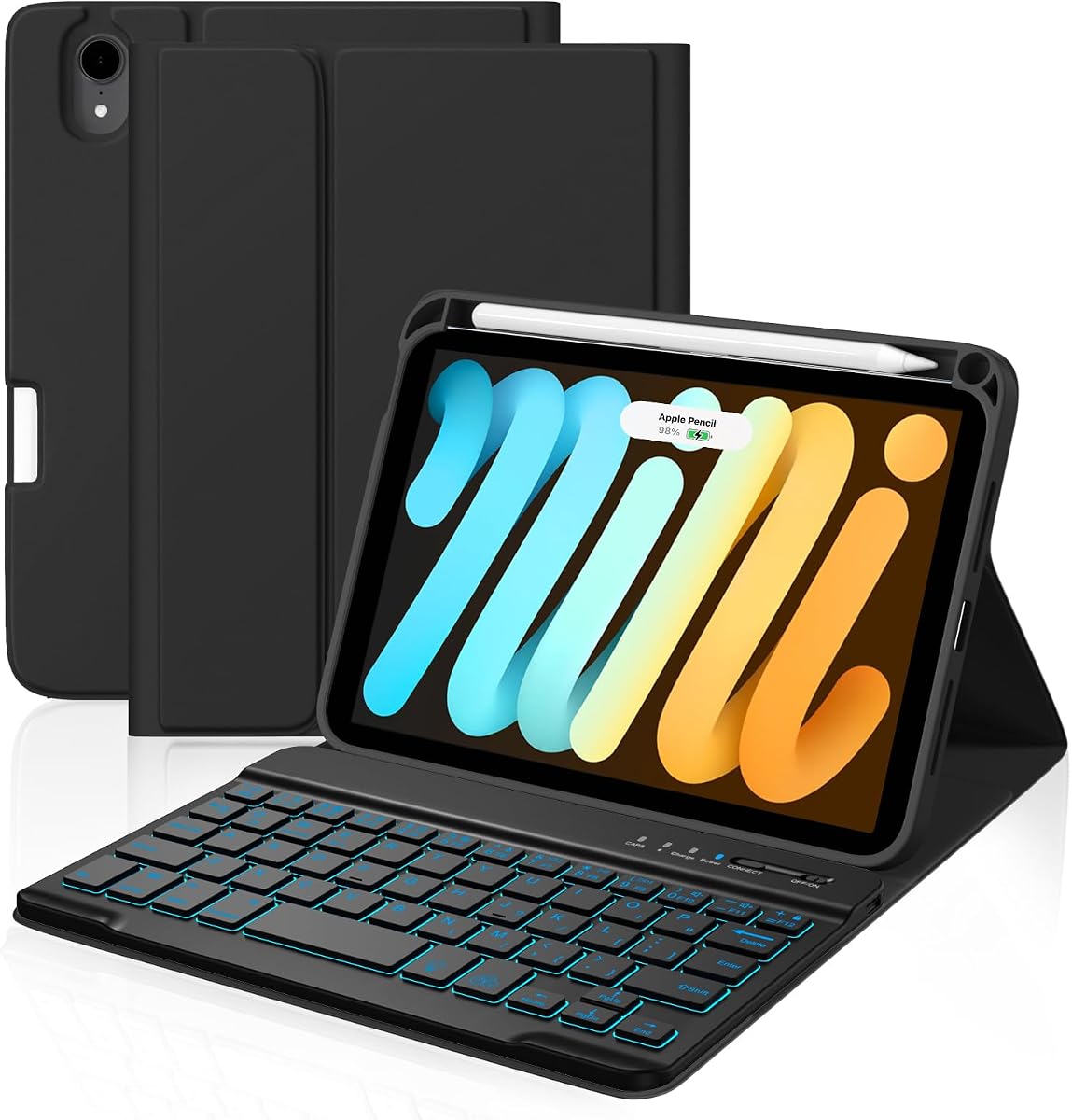
for iPad mini 7 Keyboard Case A17 Pro/Mini 6 Gen Case with Keyboard
4.4Editor score
Detachable backlit keyboard design
Long-life rechargeable battery
Built-in pencil holder included
Finding the right accessory for your tablet can transform how you work and play. A quality case with a built-in keyboard offers laptop-like convenience while protecting your device from daily wear and tear.
We evaluated ten top-rated models based on compatibility, typing experience, and overall build quality. Our analysis focuses on how well each option supports the latest iPad Mini generations while maintaining a sleek profile.
Each pick highlights specific strengths like trackpad support or rotating hinges. Please note that availability and pricing may vary over time, so check current listings before making your final decision.
4.4Editor score

4.3Editor score

4.6Editor score
As an Amazon Associate we earn from qualifying purchases.
This side-by-side comparison helps you quickly identify which model fits your specific workflow needs and budget constraints without overwhelming you with too many technical details.
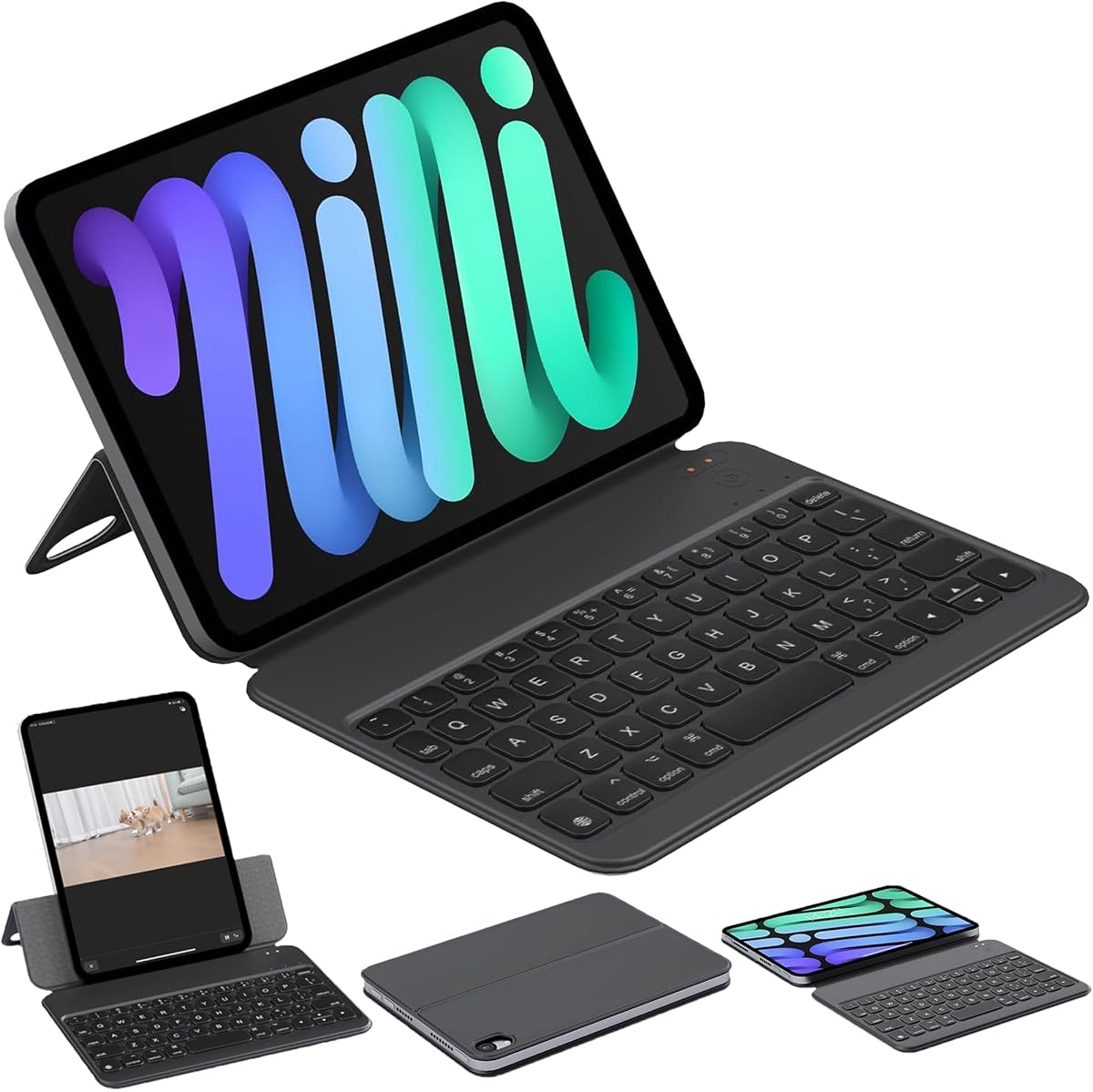


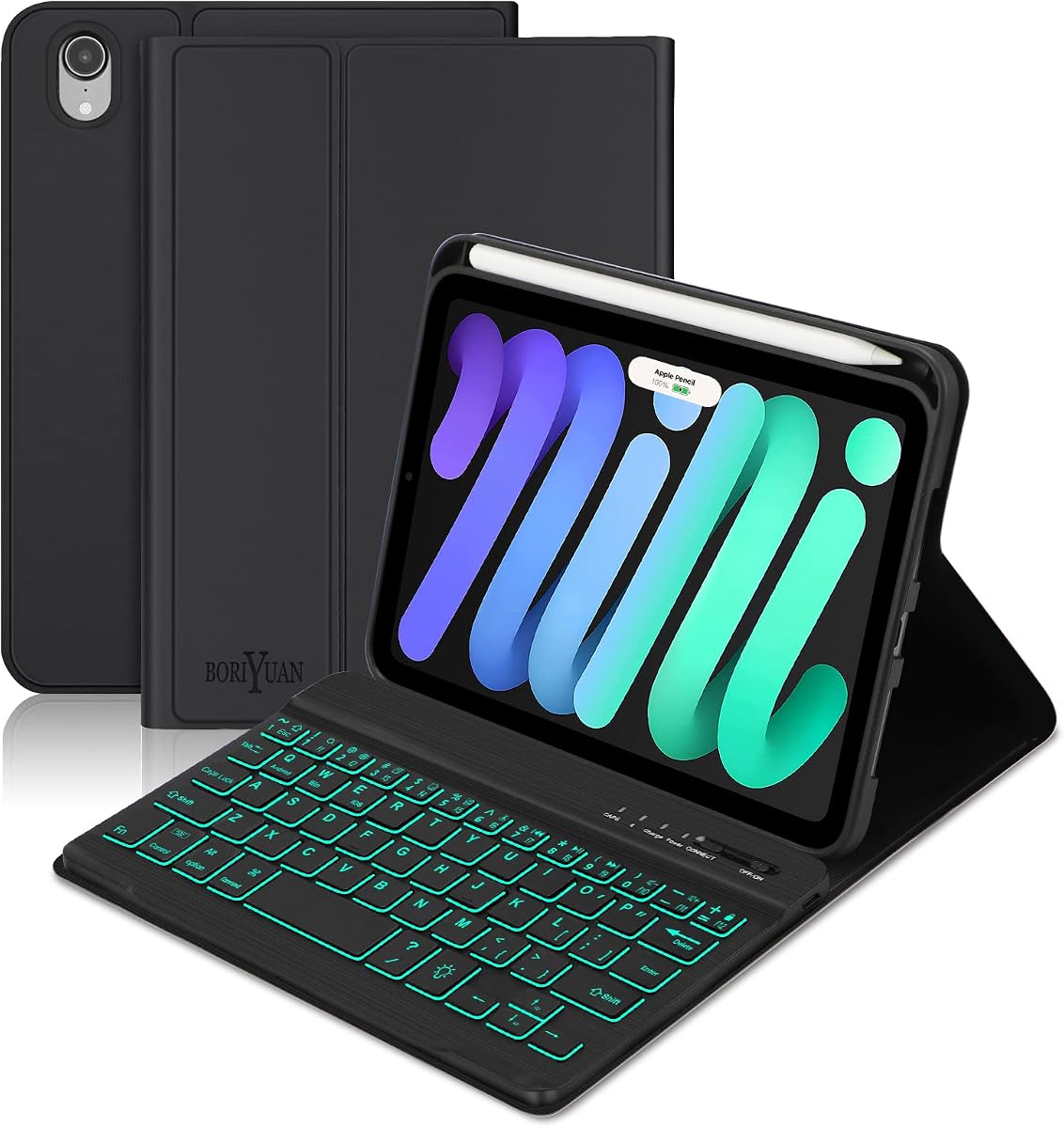
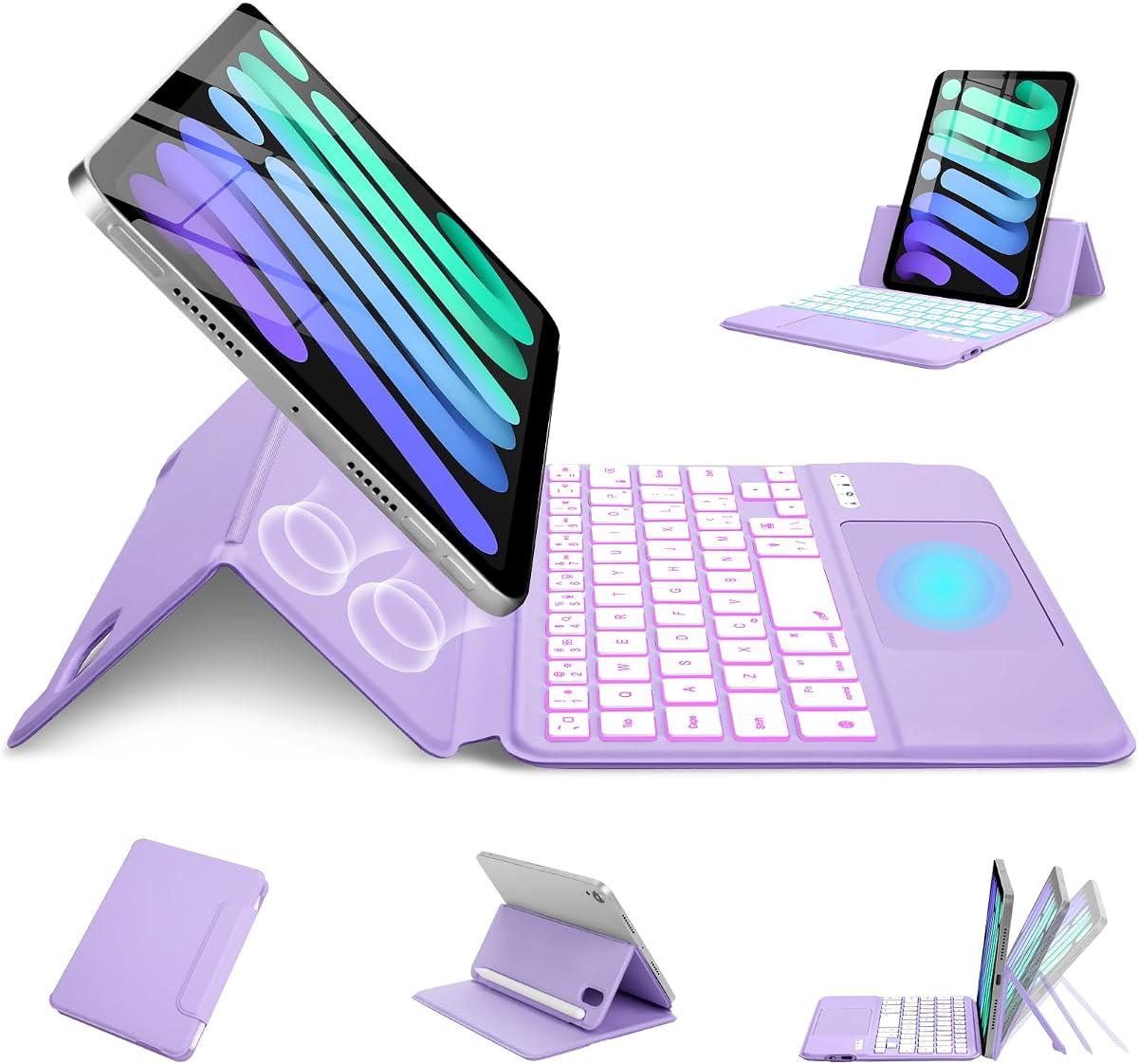
The Dexnor case ranks highly for users seeking a laptop-like experience with robust trackpad functionality. Its magnetic stand offers multiple viewing angles ideal for various work environments.
We may earn a commission when you buy through this link, at no additional cost to you.
You get a precise multi-touch trackpad that supports scrolling and pinch gestures seamlessly. The scissor-switch keys are quiet and responsive, making long typing sessions comfortable without fatigue.
The keys are compact, which might require adjustment for those used to full-size layouts. However, this trade-off ensures the case remains portable and fits easily into smaller bags.
This option is best for professionals who need cursor control and efficient navigation on their iPad Mini. It balances build quality with practical features at a competitive price point.
The trackpad allows you to navigate apps and files without lifting your fingers from the keyboard, streamlining your workflow significantly.
The floating cantilever stand lets you find the perfect ergonomic position for typing or watching content on your device.
We may earn a commission when you buy through this link, at no additional cost to you.
This case delivers strong performance at a very accessible price point. It features a detachable keyboard that offers flexibility for different use cases.
We may earn a commission when you buy through this link, at no additional cost to you.
The build quality is solid with a stain-resistant exterior that keeps the look fresh. A dedicated pencil holder ensures your stylus is always secure and within reach.
Lack of a trackpad means you rely on the touchscreen for navigation which might slow down some tasks. The hinge is functional but lacks the adjustability of premium models.
Students or casual users will appreciate the budget-friendly nature without sacrificing essential protection and typing functionality. It is a smart choice for everyday use.
You can separate the keyboard to use the iPad in handheld mode when you do not need to type extensively.
The stain-resistant material helps maintain a clean appearance even after prolonged use in various environments.
We may earn a commission when you buy through this link, at no additional cost to you.
The Magic-Style case stands out with its premium build and exceptional trackpad support that mimics a full laptop experience. It is designed for users who prioritize performance and portability.
We may earn a commission when you buy through this link, at no additional cost to you.
Its ultra-lightweight profile ensures you do not feel burdened when carrying your setup. The breathing mode backlight adds a touch of style while remaining functional in low light.
The premium price tag may be a barrier for some buyers seeking basic functionality. Additionally, the thin case design provides protection but may show scratches more easily over time.
Power users and creative professionals will find this model worth the investment for its seamless integration and high-end features. It truly elevates the iPad Mini into a productivity powerhouse.
Navigate with precision using multi-finger gestures that make app switching and text selection effortless.
The detachable case adds minimal weight, making it ideal for travel and daily commuting.
We may earn a commission when you buy through this link, at no additional cost to you.
This case prioritizes minimalism with a slim design that keeps your iPad portable and easy to handle. It is ideal for users who prefer a lightweight accessory.
We may earn a commission when you buy through this link, at no additional cost to you.
The auto key lock feature uses gravity to prevent accidental touches in reading modes. This thoughtful addition ensures your content stays safe when you are just consuming media.
The lack of a trackpad limits navigation efficiency compared to other models on this list. The rating suggests some users may find the build quality less durable over time.
If you value portability above all else and do not need a trackpad this is a solid budget option. It covers basic needs effectively for casual typing tasks.
Automatically locks keys in certain orientations to prevent unwanted input while you read or watch videos.
Around 30 magnets secure the iPad firmly to the case, reducing the risk of accidental detachment.
We may earn a commission when you buy through this link, at no additional cost to you.
The 360-degree rotating hinge offers unique flexibility for presentations or different working positions. It transforms your device into a versatile tool for various scenarios.
We may earn a commission when you buy through this link, at no additional cost to you.
You can enjoy a responsive trackpad alongside the keyboard for efficient navigation. The 11-color backlight allows you to personalize your setup to match your mood or environment.
The hinge adds some weight and complexity compared to simpler designs. Users might need time to adjust to the rotating mechanics when setting up on uneven surfaces.
Creative professionals who need flexibility for sketches or client presentations will find this case particularly useful. It balances functionality with a distinct and practical design.
Rotate the screen to landscape or portrait effortlessly without detaching it from the keyboard base.
Choose from 11 colors to create a typing experience that feels uniquely yours in any lighting condition.
We may earn a commission when you buy through this link, at no additional cost to you.
This case excels in energy efficiency with a long-lasting rechargeable battery and auto sleep features. It ensures your device remains ready for use when you need it most.
We may earn a commission when you buy through this link, at no additional cost to you.
The multi-gesture trackpad helps you navigate your iPad with speed and precision. It feels responsive and supports common actions like scrolling and swiping smoothly.
The USB-C charging cable is not included which means you must source one separately. This adds a minor inconvenience for those expecting an all-inclusive package.
Business travelers or students looking for reliability without frequent charging will appreciate these energy-saving features. It offers a dependable experience for daily workloads.
The keyboard enters sleep mode automatically when idle to save battery power for essential tasks.
The trackpad supports multi-gesture controls that make moving through files and apps intuitive.
We may earn a commission when you buy through this link, at no additional cost to you.
The Ultra Magic case uses high-quality fabric that resists yellowing and stains effectively. This material choice ensures the device looks fresh and professional over time.
We may earn a commission when you buy through this link, at no additional cost to you.
An upgraded hinge design shifts the center of gravity forward to prevent tipping during typing. This stability is a welcome improvement over generic designs.
Despite the material quality the overall rating suggests some users may experience connectivity issues. The layout is compact which might feel cramped for those with larger hands.
Users seeking a stylish and durable case with good stability features will find this model appealing. It offers a unique tactile experience compared to plastic alternatives.
The durable fabric resists discoloration from sun exposure and daily handling for a lasting look.
The shifted center of gravity ensures the keyboard stays flat and steady on your desk.
We may earn a commission when you buy through this link, at no additional cost to you.
Protection is the main strength of this case thanks to its silicone soft shell and durable exterior. It is designed to withstand accidental bumps and daily wear effectively.
We may earn a commission when you buy through this link, at no additional cost to you.
The detachable wireless keyboard allows you to use the iPad freely when not typing. A built-in holder keeps your pencil safe and prevents it from getting lost.
The design lacks a trackpad which limits navigation speed for productivity tasks. The hinge provides basic angles but lacks the advanced adjustability seen in other models.
If physical protection and durability are your top priorities this case is an excellent choice. It ensures your device stays safe while still offering typing convenience.
A silicone interior combined with a sturdy cover offers comprehensive protection against drops and scratches.
The holder keeps your stylus charged and secure so it is always ready for notes or drawing.
We may earn a commission when you buy through this link, at no additional cost to you.
This model emphasizes practical storage with a built-in pencil holder to keep your stylus secure. It is a simple solution for students who need both writing and typing tools.
We may earn a commission when you buy through this link, at no additional cost to you.
The case material is stain-resistant ensuring it looks clean and professional. It offers full functionality without adding excessive weight to your device.
The lack of a trackpad means you are limited to touch navigation or external mice. It lacks advanced features like rotating hinges or colorful backlights.
Users looking for a no-fuss solution with essential storage features will find it adequate. It covers the basics well for casual and academic use.
A dedicated slot ensures your stylus is always with your device and ready for use.
The material helps repel dirt and spills maintaining a fresh look throughout daily use.
We may earn a commission when you buy through this link, at no additional cost to you.
The MePadKey case is incredibly light and slim making it perfect for commuters. Its design focuses on portability without sacrificing essential typing functions.
We may earn a commission when you buy through this link, at no additional cost to you.
It includes a smart trackpad that supports multi-finger gestures for easier navigation. This feature adds significant value for those who prefer mouse-like control over touch.
You may need to set up the tap-to-click feature in settings for full functionality. The build is functional but does not offer premium materials found in higher-end models.
If your main concern is adding minimal bulk to your bag this case is a strong contender. It offers a balanced mix of features for travelers on a budget.
Enable tap-to-click in settings to interact with the trackpad as easily as a mouse.
The slim profile ensures the case fits into tight spaces without adding noticeable weight.
We may earn a commission when you buy through this link, at no additional cost to you.
Selecting the right case involves weighing several factors to ensure it meets your workflow requirements.
Ensure the case matches your exact iPad Mini model generation and size. Using a case designed for a different model can lead to alignment issues or a poor fit.
Always verify your model number in settings before purchasing to guarantee a proper fit.
A built-in trackpad enhances productivity by allowing cursor control similar to a laptop. This is essential if you plan to edit documents or manage files frequently.
Check if the trackpad supports multi-touch gestures for a smoother experience.
Backlit keys are helpful for typing in dim environments like planes or coffee shops. Look for models with adjustable brightness to reduce glare or save battery.
Some models offer color customization which can be a nice aesthetic bonus.
Consider the weight and thickness of the case since you want to keep the iPad portable. Lightweight materials are ideal if you carry your device daily.
Slimmer profiles ensure the case fits into smaller bags without adding bulk.
Long battery life on the keyboard is crucial for uninterrupted work sessions. Rechargeable models are more convenient than those requiring separate batteries.
Look for models that offer at least 50 hours of continuous typing use.
A dedicated pencil holder ensures your stylus stays charged and within reach. This is valuable for note-taking or creative work without searching for the pen.
Ensure the holder secures the pencil firmly to prevent it from falling.
Materials like durable leather or high-grade plastic can extend the lifespan of the case. Sturdy hinges prevent wobble and ensure stability during typing.
Look for protective features like soft interiors to prevent scratches on the device.
Compare features against the price to determine the best value for your budget. Sometimes a slightly higher cost brings better build quality and features.
Balance your spending with the features that matter most to your daily routine.
To begin use attach the case securely to your iPad ensuring all ports are accessible. Connect the keyboard via Bluetooth if it is not directly attached.
Adjust the viewing angle to a comfortable position for typing or viewing content. Use the pencil holder to store your stylus when not in use.
Keep the case clean by wiping it with a soft cloth regularly. Avoid exposing it to excessive moisture or direct sunlight to preserve the material.
Most cases listed are designed specifically for the 6th and 7th generation 8.3-inch models. Older models have different dimensions so compatibility is not guaranteed without checking specifics.
Many models feature detachable keyboards allowing you to use the iPad in tablet mode freely. This offers versatility if you prefer touch input for certain tasks.
Most keyboards use a USB-C cable to recharge via a connected port. Check the product details to confirm if the cable is included with the case.
Yes most folio cases cover both the front and back to protect against scratches. Ensure the case closes securely to prevent accidental damage.
Yes most designs allow you to charge the pencil while it is attached to the case. Some models even have a dedicated holder for extra convenience.
They offer a similar typing experience though keys are smaller. Scissor mechanisms are common to provide a comfortable feel for long sessions.
Check your iPad model number in the Settings menu under General. Matching this number ensures the case fits your device correctly.
We reviewed ten diverse options covering various needs from budget-friendly picks to premium models with advanced trackpads. The Dexnor and Magic-Style cases stand out for productivity.
Focus on features like battery life and trackpad support to maximize your workflow efficiency. Consider how often you travel to decide on weight and portability.
Prices change frequently so always check current listings before purchasing. We hope this guide helps you find the perfect accessory for your iPad.