
Thermalright TL-C14C-S X3 CPU Fan
4.7Editor score
S-FDB bearing system
PWM speed control
17 light modes
This guide compares the top 10 ARGB 140mm fans for cooling and style, evaluating airflow, noise, lighting, and build quality to help you choose the right model.
Choosing the right cooling solution is crucial for any PC build. ARGB 140mm fans offer a perfect blend of performance and aesthetics. They provide significant airflow while adding vibrant lighting to your setup.
We compared these ten models based on cooling efficiency, noise levels, and lighting customization. Our analysis focuses on bearing types, PWM control, and compatibility with modern motherboards to ensure you get reliable performance.
Each pick highlights unique strengths like silent operation or high static pressure. Prices and availability change frequently so verify current listings before buying to ensure you get the best value for your specific needs.
4.7Editor score

4.8Editor score

4.6Editor score
This side-by-side comparison highlights the key specifications and strengths of each model to help you identify the best fit for your specific cooling and aesthetic requirements.




The Cooler Master MasterFan MF140 Halo Fan stands out with its unique Duo-Ring addressable RGB lighting that offers 24 individually controlled LEDs. This fan delivers strong static pressure for radiators and cases while maintaining low noise levels through sound absorbing materials.
We may earn a commission when you buy through this link, at no additional cost to you.
Its hybrid blade design effectively tackles resistance in liquid radiators and mesh chassis. The PWM fan control allows dynamic speed adjustment between 650 and 1500 rpm ensuring you can minimize noise or maximize airflow based on your system needs.
While the visual appeal is high the single fan option means you might need multiple purchases for full case coverage. Some users note the cable management could be easier without the extender.
This model is ideal for builders who prioritize aesthetics without sacrificing performance. It is fully compatible with major motherboard sync software and ensures a visually striking workstation or gaming rig.
The Duo-Ring ARGB system creates a halo effect that enhances case interior visibility and personalization.
Noise reduction technology and sound absorbing materials ensure the fan runs quietly even at higher speeds.
We may earn a commission when you buy through this link, at no additional cost to you.
The Thermalright TL-C14C-S X3 offers outstanding value with three fans in one pack. Each fan features an S-FDB bearing for silent operation and delivers 75.8 CFM airflow with noise levels under 26.4dBA at 1500RPM.
We may earn a commission when you buy through this link, at no additional cost to you.
Automatic speed control via the motherboard 4PIN PWM interface ensures efficiency based on temperature. The high-brightness LED atomizing fan blade reflects light softly matching coolers and cases perfectly with 17 light modes.
While it lacks the high RPM of premium models it provides reliable cooling for standard cases and radiators. The 55CM cable supports series control but may require extension for complex builds.
This pack is perfect for budget-conscious builders needing multiple intake or exhaust points. It suits cases radiators and CPU coolers for maximum cooling without breaking the bank.
The S-FDB bearing minimizes friction and noise ensuring long lasting smooth operation.
Automatic speed control adjusts fan speed based on motherboard temperature for optimal efficiency.
We may earn a commission when you buy through this link, at no additional cost to you.
The CORSAIR RS140 ARGB dual pack provides streamlined connections and high static pressure. AirGuide technology uses anti-vortex vanes to direct airflow precisely toward hot components for concentrated cooling on radiators or heatsinks.
We may earn a commission when you buy through this link, at no additional cost to you.
Up to 95.5 CFM airflow is available with speeds up to 1700 RPM. The magnetic dome bearing ensures low-noise operation while eight LEDs per fan offer bright customizable lighting through motherboard control.
The daisy-chain design reduces cable clutter by requiring only one PWM and ARGB connector for multiple fans. This simplifies builds but requires compatible headers and may need specific controllers for full features.
Ideal for enthusiasts needing high-performance radiator cooling with premium aesthetics. The dual pack offers strong value for those building systems with multiple cooling zones or liquid cooling loops.
Anti-vortex vanes direct airflow to hottest components improving cooling efficiency in tight spaces.
Connect multiple fans together using single connectors to simplify cable management.
We may earn a commission when you buy through this link, at no additional cost to you.
The ARCTIC P14 Pro Reverse A-RGB draws air from the back side maintaining clean aesthetics on glass fronted designs. This specialized airflow ensures no blades spoil the look while providing efficient cooling for radiators.
We may earn a commission when you buy through this link, at no additional cost to you.
High static pressure allows easy penetration through dense radiators and mesh structures. PWM control enables progression to 2650 rpm and stops completely under 5% PWM for precise adjustments during low load.
The fluid dynamic bearing minimizes noise with self-lubricating properties for long service life. Precision manufacturing reduces gaps and vibrations ensuring smooth and quiet performance over time.
Choose this for glass front cases where standard fans would look poor. It suits systems needing high performance without visual compromise and includes a Y splitter for control.
Draws air from the back to keep the front appearance clean on glass panels.
Penetrates dense radiators and mesh structures for reliable cooling efficiency.
We may earn a commission when you buy through this link, at no additional cost to you.
The Thermaltake CT140 EX ARGB Sync features MagForce 2.0 magnetic connections for optimized fan daisy-chaining. This design lets you connect multiple fans with only one cable simplifying setup in complex cases.
We may earn a commission when you buy through this link, at no additional cost to you.
Nine addressable LEDs controlled by 5V motherboard sync software offer 16.8 million colors. The optimized hydraulic bearing ensures reliable and silent operation while the anti-vibration mounting system reduces noise further.
The magnetic design can be tricky to align initially but reduces cable clutter significantly once set up. Ensure your motherboard supports 5V ARGB for full sync functionality.
This pack suits builders prioritizing cable management and vibrant lighting. It is ideal for cases needing multiple fans synchronized without messy wiring or adapters.
Magnetic daisy-chaining simplifies cable management by reducing required connectors.
Optimized hydraulic bearing ensures silent operation for peaceful computing environments.
We may earn a commission when you buy through this link, at no additional cost to you.
The AsiaHorse Amici features an infinity mirror effect with 24 LED beads for stunning visuals. Its closed-loop hydraulic bearing ensures an ultra-long 50000-hour lifespan while minimizing noise to 6~30dB(A) for quiet performance.
We may earn a commission when you buy through this link, at no additional cost to you.
It delivers 89.77CFM airflow with 3.24mmH₂O wind pressure at 1800 RPM. The wired daisy-chain connection supports up to three fans per chain with independent PWM and ARGB connectors.
The lifespan design offers strong durability for long term stability. However the wired daisy-chain limits flexible expansions compared to modular systems.
This model fits gamers needing striking visuals and stable cooling. It syncs with major lighting software and maintains optimal temperatures during intense workloads.
24 LED beads create an infinity mirror look for enhanced aesthetic appeal.
Closed-loop lubrication extends lifespan to 50000 hours for reliable operation.
We may earn a commission when you buy through this link, at no additional cost to you.
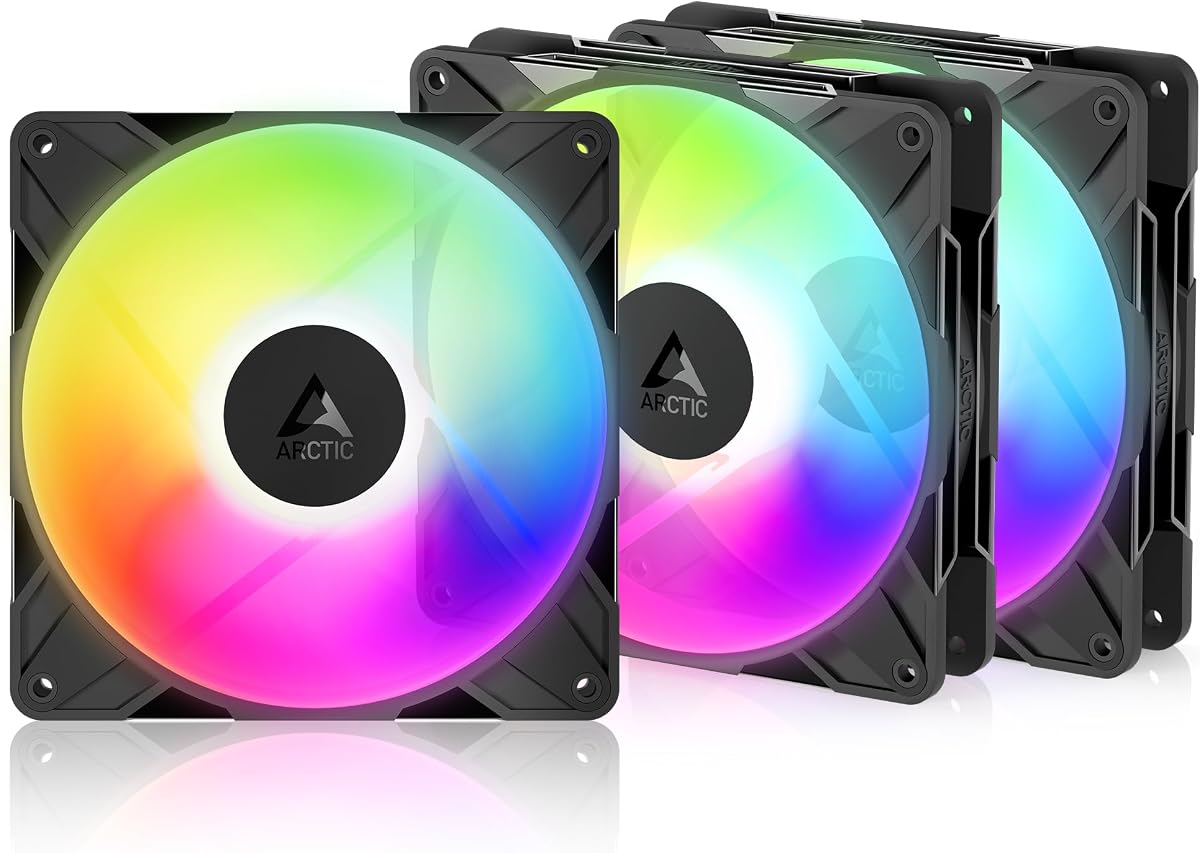
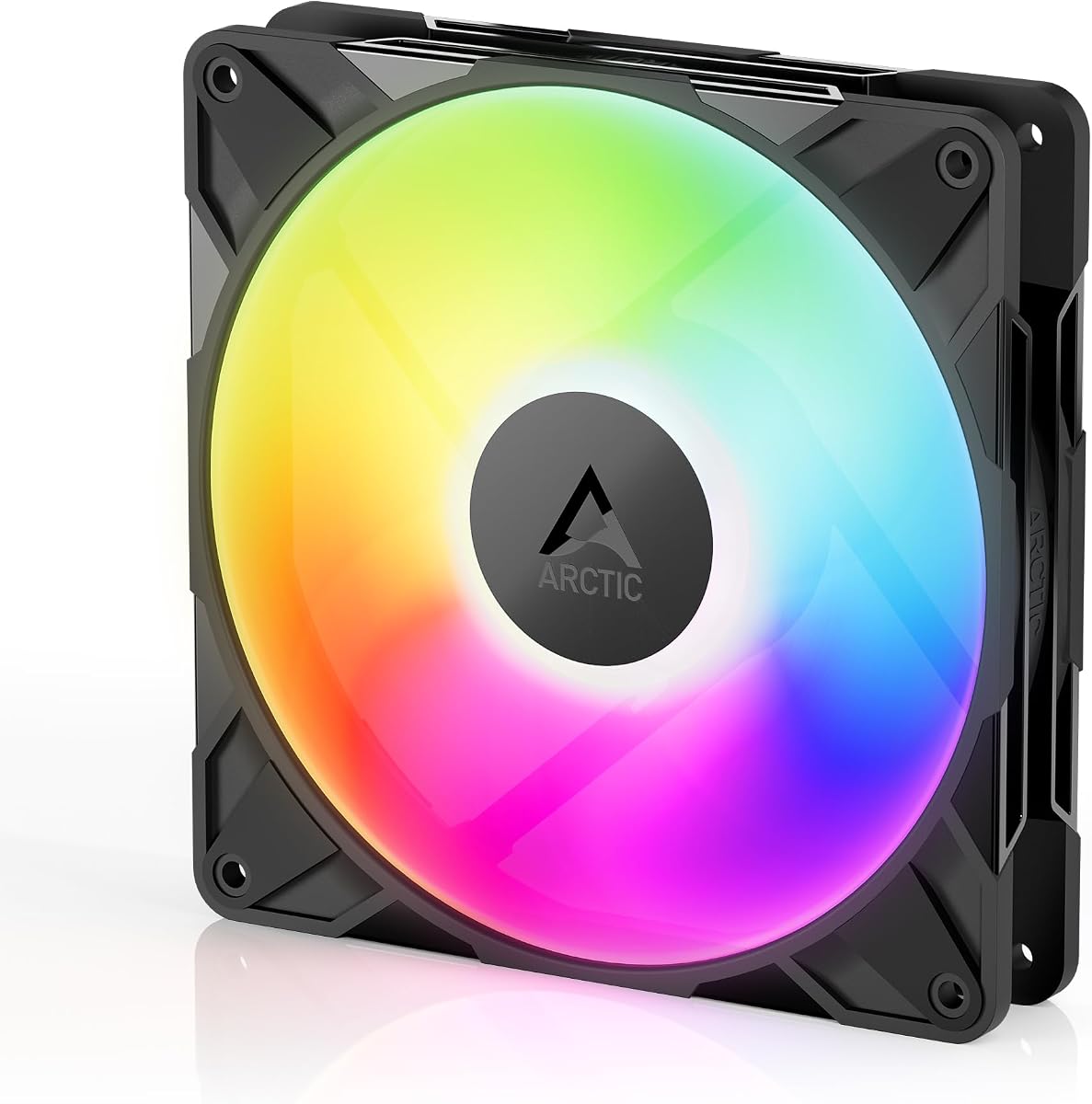
The ARCTIC P14 Pro A-RGB features a redesigned rotor for optimal performance noise balance. Speed can reach 3000 RPM via PWM allowing precise control even stopping completely below 5% PWM for silence.
We may earn a commission when you buy through this link, at no additional cost to you.
Its high static pressure efficiently penetrates radiators and mesh structures. The self-lubricating fluid dynamic bearing minimizes noise ensuring quiet operation during normal use.
While powerful the high RPM can increase noise under max load. The single unit may need additional cables for syncing multiple units.
Ideal for systems requiring maximum airflow or pressure. This fan suits builds prioritizing cooling performance with precise PWM adjustments.
Progressive adjustment up to 3000 RPM provides flexible cooling options.
New blade design balances performance and noise especially at low speeds.
We may earn a commission when you buy through this link, at no additional cost to you.
This pack focuses on silent operation with noise reduced to 26.4dBA at 1500RPM. The 7-blade design minimizes wind noise while soft silicone feet reduce vibration and improve heat dissipation.
We may earn a commission when you buy through this link, at no additional cost to you.
PBT+PC material ensures insulation and durability. The automatic speed control via 4PIN PWM adjusts based on motherboard temperature for efficient cooling.
The 55CM cable supports series control making multiple fan setups easier. It lacks ARGB lighting but prioritizes cooling performance and silence.
Choose this for noise-sensitive builds needing reliable cooling. It works well for cases radiators and CPU coolers to maintain low temperatures.
7-blade design and silicone feet minimize wind noise and vibration.
PWM interface adjusts speed based on motherboard temperature automatically.
We may earn a commission when you buy through this link, at no additional cost to you.
This single fan provides reverse airflow ideal for glass front cases where blades spoil appearance. Air is drawn from the back ensuring clean looks while maintaining high static pressure for efficient cooling.
We may earn a commission when you buy through this link, at no additional cost to you.
Precision manufacturing reduces vibrations for smooth operation up to 2650 RPM. The self-lubricating fluid dynamic bearing ensures quiet performance and long service life.
The speed stops completely under 5% PWM for zero noise at low loads. However syncing multiple units requires a splitter for ARGB control.
Choose this for single fan needs in glass cases. It delivers premium performance without visual compromise.
Reverse airflow design prevents blades from spoiling glass front aesthetics.
High-precision measurement reduces vibrations for smooth long lasting performance.
We may earn a commission when you buy through this link, at no additional cost to you.
This single unit offers high-brightness ARGB with soft lighting effects. The S-FDB bearing ensures silent operation up to 1500RPM with high heat dissipation for reliable cooling.
We may earn a commission when you buy through this link, at no additional cost to you.
Soft silicone feet reduce vibration while the 7-blade design minimizes noise. Automatic speed control adjusts based on motherboard temperature via 4PIN PWM.
The fan works well for single radiator or case needs. Without daisy chain cables you may need extra connectors for multiple units.
Perfect for builds needing one fan with soft ARGB. It suits cases radiators and CPU coolers for maximum cooling.
High-brightness LEDs reflect light softly for better visual integration.
S-FDB bearing ensures low noise during operation.
We may earn a commission when you buy through this link, at no additional cost to you.
Choosing the right ARGB 140mm fans requires understanding key specifications like airflow, noise, and lighting compatibility to ensure optimal performance and aesthetics.
Airflow measured in CFM determines how much air the fan moves. Static pressure matters more for radiators or dense cases where resistance is high. Choose high static pressure models for radiators and high airflow for open cases.
Prioritize static pressure for radiators and high airflow for general case ventilation to maximize cooling efficiency.
Bearings affect noise and lifespan. S-FDB and fluid dynamic bearings offer silent operation and long life. Hydraulic bearings provide smooth performance but may wear faster. Check bearing type to match your noise tolerance and durability needs.
Select fluid dynamic or S-FDB bearings for quiet and durable operation.
PWM allows automatic speed adjustment based on temperature. This reduces noise when full power isn't needed. Ensure your motherboard has 4-pin PWM headers to use this feature effectively.
Confirm PWM support on your motherboard for efficient and quiet speed control.
Check if your motherboard supports 5V 3-pin ARGB. Some fans sync with Aura Sync or Mystic Light while others require controllers. Ensure compatibility to avoid mismatched lighting or hardware failures.
Match fan ARGB type with motherboard headers to ensure proper sync.
Reverse fans draw air from the back side keeping aesthetics clean on glass cases. They are essential for front panels where blades would be visible. Use reverse fans for intakes on glass cases.
Choose reverse airflow models for glass front panels to maintain clean looks.
Fans often come in single or multi-packs. Buying packs can be cost-effective but ensure compatibility. Check if daisy-chain connectors are included for easier wiring.
Buy packs for multiple fans but verify connectors and compatibility for your setup.
Noise levels below 30 dB ensure quiet operation. Look for noise reduction technology and soft mounting materials. High RPM fans may produce more noise.
Target noise levels under 30 dB for silent computing experiences.
Longer cables and daisy-chain options simplify installation. Magnetic connectors reduce clutter. Short cables may need extenders.
Choose models with long cables or magnetic connectors to simplify cable management.
Install fans securely using mounting screws or magnetic connectors to ensure stability. Align airflow direction properly for intake and exhaust.
Connect PWM and ARGB headers to compatible motherboard ports. Use extenders if ports are limited. Adjust lighting in BIOS or software.
Dust fans periodically with compressed air to maintain efficiency. Monitor speeds and noise levels via software to detect issues early.
Yes most require 5V 3-pin ARGB headers and 4-pin PWM headers. Check your motherboard manual for compatibility. Adapters exist if headers are limited.
ARGB has individually addressable LEDs for custom effects while standard RGB lights all LEDs at once. ARGB offers more control and color combinations.
Yes but lighting sync may vary. Use software that supports multiple brands or stick to one ecosystem for uniform looks.
Usually 3 or fewer fans per chain is safe. More fans increase electrical load and signal loss risks. Use controllers for large setups.
Only for glass cases where intake fans would be visible. It keeps aesthetics clean without compromising cooling performance.
Use PWM control to lower speeds during low load. Ensure proper mounting with rubber pads. Choose fans with fluid dynamic bearings for smooth operation.
Quality bearings like fluid dynamic last 50000 hours. Check specifications and warranty for expected service life. Dust buildup can shorten lifespan.
They enhance aesthetics with lighting options without sacrificing performance. If visuals matter to you they are a worthwhile investment for any build.
The Cooler Master MasterFan MF140 Halo and Thermalright TL-C14C-S packs stand out for performance and value respectively. Select models based on your cooling needs and aesthetic preferences.
Prioritize static pressure for radiators and airflow for open cases. Ensure PWM and ARGB compatibility to avoid connection issues.
Prices and availability change frequently so verify current listings before buying to ensure you get the best value for your specific needs.