
15.6 Inch Privacy Screen Filter
4.2Editor score
Blocks 30% blue light
16:9 aspect ratio fit
Slide-on or mounted install
Protecting sensitive data on laptops is crucial in public spaces. A quality privacy screen filter blocks side views while maintaining clarity for the user. It helps prevent shoulder surfing and protects personal information effectively.
We compared ten top-rated privacy filters based on clarity, privacy angle, and ease of installation. Each model offers unique features like magnetic attachment, blue light reduction, or reversible finishes. Our analysis ensures you find the right fit for your laptop.
Each pick shows detailed specs, pros, cons, and real-world performance insights. Note that prices and availability change frequently. Check the latest offers before purchasing to ensure you get the best value for your specific laptop model.
4.2Editor score

4.2Editor score

4.2Editor score
As an Amazon Associate we earn from qualifying purchases.
This side-by-side comparison highlights key differences in size, attachment, and privacy features across all ten models. Use this table to quickly identify which filter matches your laptop dimensions and usage needs.
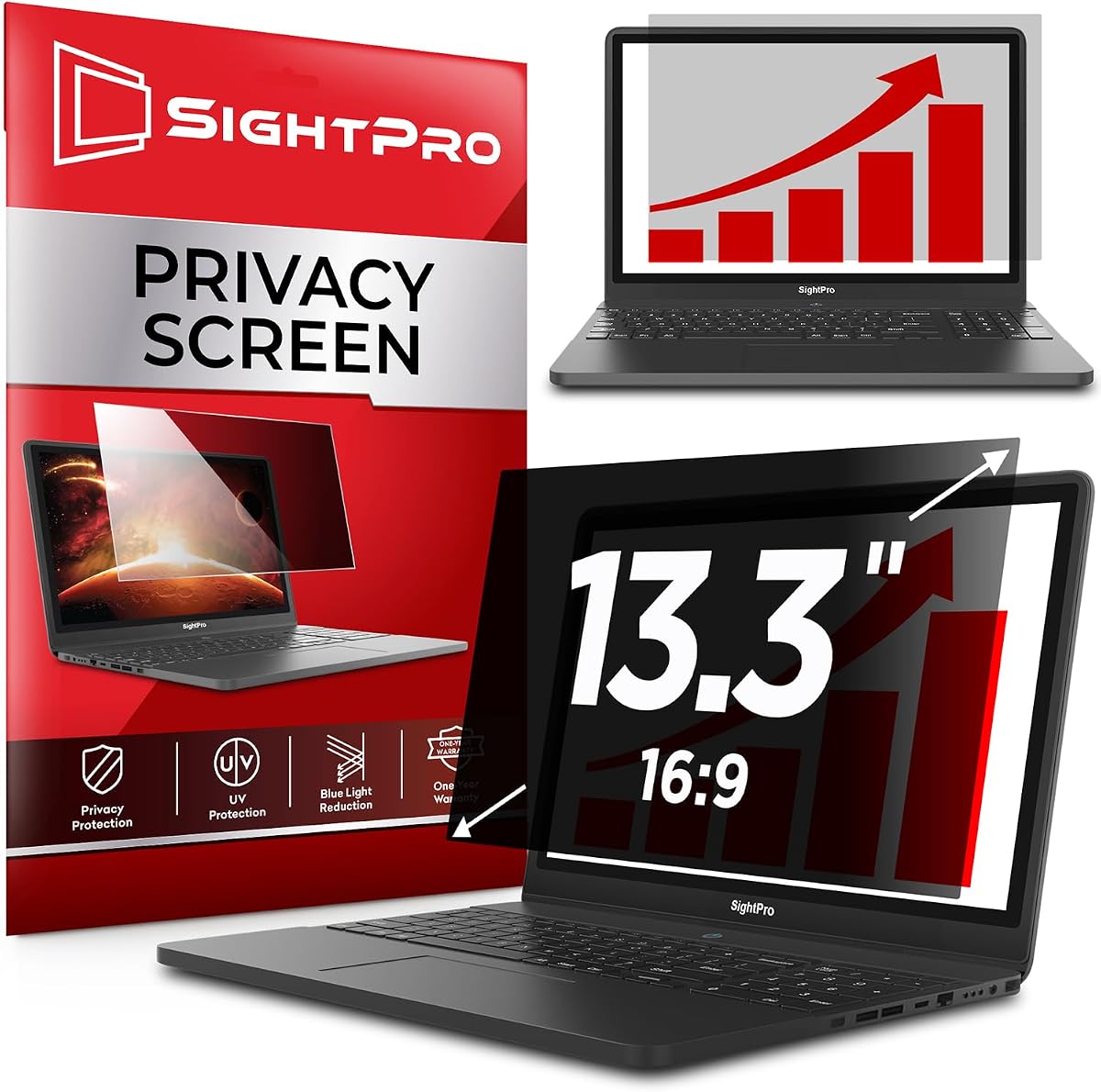


This filter delivers solid privacy protection at a budget-friendly price. It works well for standard 16:9 laptops and offers clear front visibility. Users report it effectively blocks side glances without darkening the screen too much.
We may earn a commission when you buy through this link, at no additional cost to you.
The filter uses micro-louver technology to block side views beyond a 60-degree angle. It also reduces blue light to ease eye strain during long work sessions. The matte finish helps reduce glare in bright environments.
Installation requires careful measurement of the visible screen area excluding bezels. While it offers slide-on mounting, adhesive strips are also included. It is not compatible with touchscreens, which may limit use for some devices.
Ideal for students and workers on a budget who need reliable privacy. It protects sensitive data in public spaces like airports and cafes. Check dimensions carefully before ordering to ensure a perfect fit.
The black out effect prevents others from seeing your screen content from the side.
Filters harmful blue light between 380nm and 495nm to reduce eye fatigue.
We may earn a commission when you buy through this link, at no additional cost to you.
This magnetic privacy screen stands out for its reusable design and strong protection. It attaches instantly with magnets, avoiding messy tape. It includes extras like a webcam cover and cleaning cloth for added value.
We may earn a commission when you buy through this link, at no additional cost to you.
The patented magnetic system ensures secure attachment without damaging your screen. It blocks side views effectively while keeping the front image crystal clear. It is designed for 16:10 laptops including many modern models.
While powerful, it is not optimized for touchscreens and requires precise measurement. The package includes multiple privacy aids but verify your laptop dimensions before ordering. The storage folder helps protect the filter when not in use.
Best for frequent travelers and professionals who need easy on-and-off privacy. It keeps your device compliant with corporate security policies. The magnetic attachment makes switching between privacy and sharing simple.
U.S. Patents ensure reliable magnet alignment and secure screen fit.
Includes privacy filter, webcam cover, storage folder, and cleaning cloth.
We may earn a commission when you buy through this link, at no additional cost to you.
3M filters are known for industry-leading brightness and clarity. This model uses Nanolouver technology to balance privacy with screen visibility. It offers a flip-attach system for easy switching between privacy and sharing.
We may earn a commission when you buy through this link, at no additional cost to you.
The filter transmits up to 85% of screen light making it significantly brighter. It reduces blue light without distorting natural colors. The reversible design lets you choose between glossy clarity and matte glare reduction.
It is a premium option with hand-inspected quality assurance. The flip attach system uses adhesive strips for security. It works best for 16:10 screens where brightness and color fidelity matter.
Best for designers and professionals needing high fidelity alongside privacy. It maintains color accuracy while blocking side views effectively. The flip system adds flexibility for collaboration in office settings.
Proprietary technology ensures up to 25% brighter display than black filters.
3M COMPLY Flip Attach allows easy transition between privacy and sharing.
We may earn a commission when you buy through this link, at no additional cost to you.
This filter offers comprehensive 360-degree privacy coverage. It blocks views from all sides including up and down. It is a practical choice for users in crowded or rotating environments.
We may earn a commission when you buy through this link, at no additional cost to you.
The filter provides two finish options. Glossy enhances privacy while matte reduces glare. It also blocks harmful blue and UV light to protect your eyes during long use.
Installation uses either slide tabs or double-sided adhesive. Verify your screen dimensions as it fits 14-inch 16:10 laptops. It is not compatible with Surface or MacBook series devices.
Ideal for mobile workers needing full directional privacy. It prevents overhead or rear glances effectively. Choose matte for glare reduction or glossy for maximum side privacy.
Blocks views from up, down, left, and right for complete coverage.
Filters blue and UV light to reduce eye fatigue during work.
We may earn a commission when you buy through this link, at no additional cost to you.
This SightPro model fits standard 15.6-inch laptops well. It uses a multi-layered film to block side views while keeping the front clear. It is a reliable choice for general office and travel use.
We may earn a commission when you buy through this link, at no additional cost to you.
The filter reduces UV and blue light exposure to protect your eyes. It also helps reduce glare in bright environments. Installation offers both adhesive strips and slide mount options.
Be aware it is not optimized for touchscreens. Measure your screen dimensions carefully before ordering. The matte finish helps minimize reflections for clearer viewing.
Best for users who need standard privacy without premium features. It is a balanced option for everyday protection of sensitive data. Verify your laptop dimensions to ensure a perfect fit.
Reduces UV light exposure to help protect your eyes from damage.
Matte finish reduces glare for comfortable viewing in bright rooms.
We may earn a commission when you buy through this link, at no additional cost to you.
This filter offers lifetime free support for installation or sizing issues. It uses imported Japanese materials to block blue light and UV effectively. The design includes anti-scratch protection for your screen.
We may earn a commission when you buy through this link, at no additional cost to you.
It is reversible with glossy and matte sides to suit your needs. The micro-louver technology ensures clear front vision while darkening side views. It includes alcohol wipes and extra adhesives in the package.
The permanent adhesive option requires care during installation. Verify your screen size matches the 16:10 dimensions exactly. The lifetime support policy adds significant value to the purchase.
Best for buyers who want reassurance with their privacy purchase. It blocks high percentages of harmful light for eye health. Use the reusable slide option if available for your setup.
Lifetime policy covers questions or issues for complete buyer peace.
Reduces up to 92% of blue light for reduced eye strain.
We may earn a commission when you buy through this link, at no additional cost to you.
This 3M filter targets larger full-screen 14-inch laptops. It delivers better brightness than typical privacy filters. It maintains natural color while reducing blue light exposure effectively.
We may earn a commission when you buy through this link, at no additional cost to you.
Nanolouver technology ensures 85% light transmission for a vivid view. The flip attach system allows quick privacy switching. It includes adhesive strips to secure the filter firmly.
Ensure your laptop matches full-screen dimensions. The hand-inspected guarantee confirms quality consistency. Reversible options let you choose glare-reducing matte or clarity-focused glossy.
Best for users needing maximum brightness alongside privacy. It balances screen clarity and security well. Ideal for professionals sharing data without compromising privacy settings.
Up to 25% brighter than other black privacy filters on market.
COMPLY Flip Attach enables easy privacy and sharing transitions.
We may earn a commission when you buy through this link, at no additional cost to you.
This 3M filter uses microlouver technology for effective privacy. The flip-share hinge makes it easy to switch privacy modes quickly. It is a robust choice for frequent public laptop use.
We may earn a commission when you buy through this link, at no additional cost to you.
It reduces 35% of blue light transmission from the display. The reversible gloss and matte finishes reduce fingerprints and glare. The hinge is built to withstand daily use.
Verify your laptop matches 16:9 dimensions exactly. It may cost more than generic brands but offers durability. The flip system adds convenience for office collaboration.
Best for daily users needing quick privacy changes. It protects sensitive data efficiently with durable hinges. Ideal for commuters who need reliable daily privacy.
Quick flip system transitions privacy to sharing with one flip.
Proprietary hinge withstands daily rigors of public laptop use.
We may earn a commission when you buy through this link, at no additional cost to you.
Another bright 3M option optimized for 16:9 13.3-inch laptops. It maintains natural color while boosting brightness significantly. Nanolouver technology ensures clear and vibrant viewing.
We may earn a commission when you buy through this link, at no additional cost to you.
The flip attach system simplifies privacy management. It reduces blue light without color distortion. Includes adhesive strips for secure placement on your screen.
Ensure your screen matches the 16:9 aspect ratio. Higher cost is offset by quality and brightness. Ideal for users needing premium clarity.
Best for professionals needing clear visuals alongside privacy. It balances privacy and screen quality effectively. Choose this for color-accurate displays in public.
Reduces blue light without distorting the natural color of display.
Transmits up to 85% of screen light for better visibility.
We may earn a commission when you buy through this link, at no additional cost to you.
SightPro delivers high clarity for 13.3-inch 16:9 laptops. It uses advanced film to block side views while keeping front views sharp. Ideal for users who value image quality.
We may earn a commission when you buy through this link, at no additional cost to you.
Includes slide mounts for removal without residue. The multi-layered film blocks UV and blue light to protect eyes. Cleaning cloth included for easy maintenance.
Not compatible with MacBooks or touchscreens. Verify your width and height before ordering. It is a strong option for standard Windows laptops.
Best for users needing sharp visuals with privacy. It prevents eye fatigue with light blocking. A reliable choice for business laptops.
Advanced film maintains a crystal clear screen when viewed straight-on.
Transparent slide mounts allow easy removal when privacy is not needed.
We may earn a commission when you buy through this link, at no additional cost to you.
Choosing the right privacy filter requires careful attention to dimensions and attachment methods. This guide explains the key factors to consider.
Measure your visible screen width and height excluding bezels. Diagonal size alone can be misleading for aspect ratios. Confirm your laptop model matches filter specifications exactly.
Always measure in millimeters to match standard filter sizes.
Filters are designed for specific aspect ratios like 16:9 or 16:10. Using the wrong ratio will leave visible gaps. Check your device specs before ordering.
Match the aspect ratio precisely for full coverage.
Consider adhesive strips versus magnetic or slide mounts. Adhesives are permanent while magnets allow reusable privacy. Decide based on how often you need removal.
Choose slide mounts for flexible privacy needs.
Reversible filters offer glossy for clarity or matte for anti-glare. Glossy sides enhance privacy slightly while matte reduces reflections. Decide based on your typical lighting environment.
Select glossy or matte based on glare needs.
Many filters block 30% to 92% of blue light. This reduces eye strain during long work sessions. Check the percentage if eye health is a priority.
Look for filters that block harmful blue light wavelengths.
Most filters are not compatible with touchscreens. They can interfere with touch input and accuracy. If you have a touchscreen, find a dedicated filter.
Verify touchscreen compatibility before purchase.
Privacy filters block views beyond 60 degrees from the front. Check viewing angles to ensure privacy in crowded spaces. Wider angles offer more protection.
Look for filters blocking side views beyond 60 degrees.
Reputable brands like 3M and SightPro offer durable quality. They often include warranties or support guarantees. Research customer reviews before buying.
Choose brands with strong support policies.
Clean your screen thoroughly before applying the filter. Use a microfiber cloth to remove dust and fingerprints. Apply the filter slowly to avoid air bubbles.
If using adhesive strips, remove protective layers carefully before placing the filter on the screen. For magnetic or slide mounts, align the edges precisely before securing.
Clean the filter regularly using a soft cloth. Avoid harsh chemicals that may damage the coating. Store the filter in the provided sleeve when not in use.
Use a ruler to measure the visible screen width and height excluding bezels. Convert measurements to millimeters. Compare these with the filter's dimensions listed on the product page before purchasing.
Most privacy filters are not touchscreen compatible. They may interfere with touch input. If you have a touchscreen, look for models specifically labeled as compatible.
Privacy filters reduce brightness slightly to block side views. Premium models use advanced tech to minimize brightness loss. Check the brightness specs if you work in dark environments.
Adhesive filters can leave residue if not removed carefully. Slide mounts or magnetic filters avoid this. Always peel adhesive slowly and clean the screen after removal.
Yes, they block views from the side to protect your data. They are designed to prevent shoulder surfing. Always check the privacy angle to ensure it matches your needs.
Yes, you can remove or flip the filter to share your screen. Some models include flip-attach systems. Reversible filters let you choose glossy or matte for sharing.
Many filters block blue light to reduce eye strain. Check the blue light blocking percentage. This feature helps during long work sessions.
Use a microfiber cloth to wipe the surface gently. Avoid harsh chemicals or alcohol wipes. Clean both the filter and your screen regularly.
Choosing the right filter depends on your laptop model and daily needs. The models reviewed offer solid privacy with clear front viewing.
Prioritize accurate measurements and correct aspect ratios before purchasing. Consider reversible options if you share screens often.
Check current pricing and availability before buying. These filters provide reliable protection for sensitive data in public.