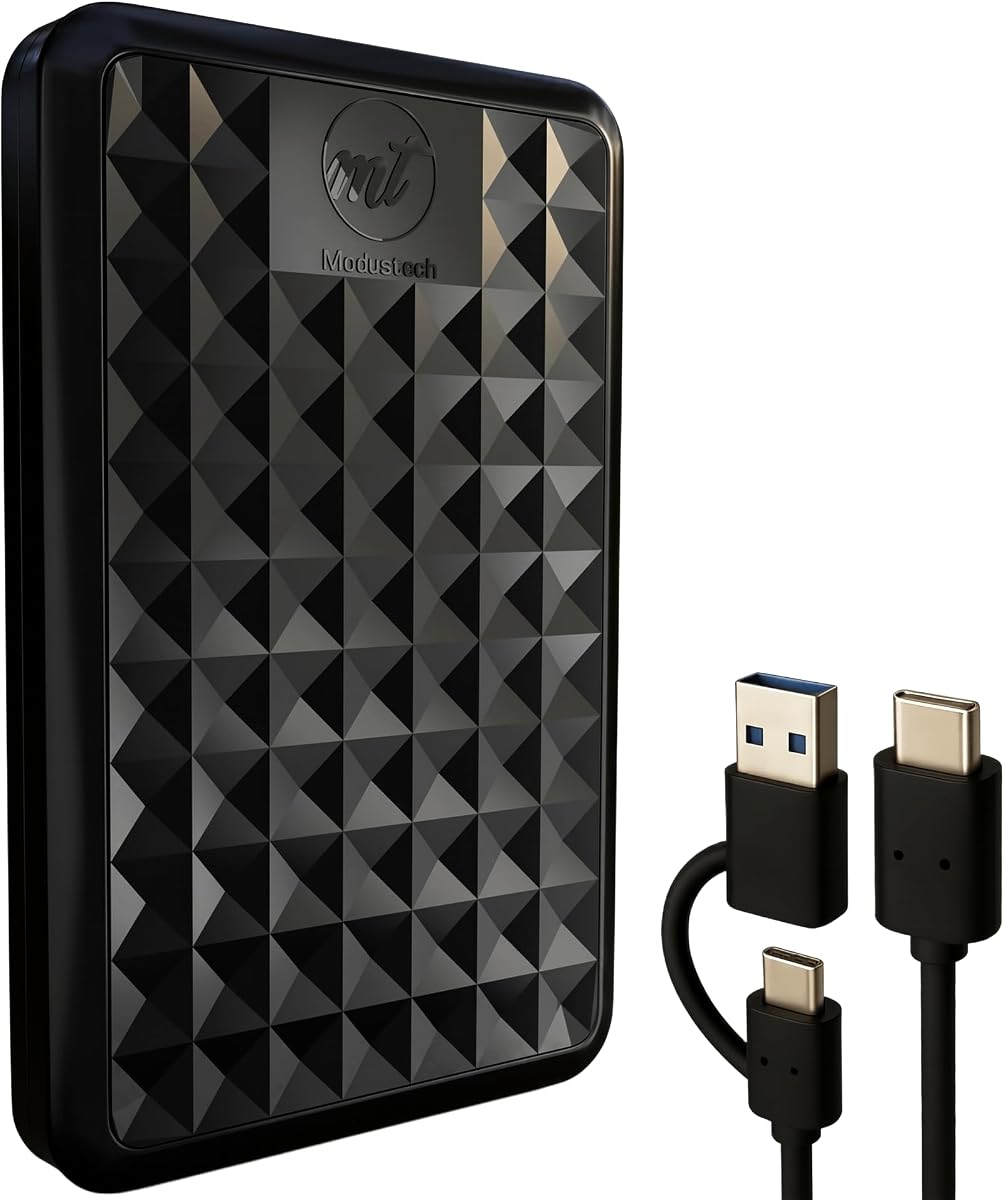
Facet 500GB External Hard Drive Portable USB-C
4.1Editor score
USB-C and USB 3.1 connectivity
Preformatted in exFAT
Slim 2.5-inch design
This guide compares the top 10 external hard drives for Chromebook users, evaluating storage capacity, USB compatibility, portability, and performance to help
Chromebooks are excellent for portability but often lack internal storage. An external hard drive solves this by providing ample space for files, media, and backups without cluttering your workspace.
We analyzed ten popular portable drives based on compatibility, speed, build quality, and value. Each option was selected for its ability to work seamlessly with Chrome OS and everyday computing needs.
Each pick highlights key strengths and potential trade-offs to help you decide quickly. Please note that pricing and availability can change frequently, so verify current details before purchasing.
4.1Editor score

4.7Editor score
4.6Editor score
Below is a side-by-side comparison of all ten drives, highlighting their storage capacity, interface type, design features, and key benefits to help you narrow down your choices.


This WD Elements drive offers reliable storage with a high user rating. It delivers fast USB 3.2 speeds and supports up to 6TB, making it ideal for media libraries and backups.
We may earn a commission when you buy through this link, at no additional cost to you.
Its plug-and-play nature means no drivers are needed on Chrome OS. The compact size fits easily in laptop bags, and the sturdy enclosure protects data during travel without needing external power.
While it lacks advanced software features like encryption, the drive focuses on core performance and value. The simple design may not appeal to users seeking premium aesthetics, but it remains a practical workhorse.
For Chromebook users needing expandable storage without fuss, this drive stands out. Its capacity options and speed make it a top choice for anyone looking to store files securely and efficiently.
Available in sizes up to 6TB, you can choose storage that grows with your needs without buying multiple drives.
USB 3.2 Gen 1 ensures quick file transfers, saving time when moving large videos or backups.
We may earn a commission when you buy through this link, at no additional cost to you.
The Facet drive delivers essential storage at a budget-friendly price. It supports USB-C and USB-A, making it versatile for modern Chromebooks and older peripherals without extra dongles.
We may earn a commission when you buy through this link, at no additional cost to you.
Formatted in exFAT, it works across Windows and macOS without reformatting. The slim design fits in pockets, and the shock-resistant casing offers decent protection for daily commutes or travel.
With 500GB, it suits casual users storing documents or photos. Heavy media collectors may need higher capacity, but for basic backup or project storage, it balances cost and utility well.
This is a smart pick for budget-conscious Chromebook owners. Its compatibility and modern connectivity ensure smooth operation while keeping costs low for reliable portable storage.
USB-C and USB 3.1 support ensures the drive works seamlessly with various devices including modern laptops and tablets.
No software or drivers are needed; just connect and start transferring files immediately.
We may earn a commission when you buy through this link, at no additional cost to you.
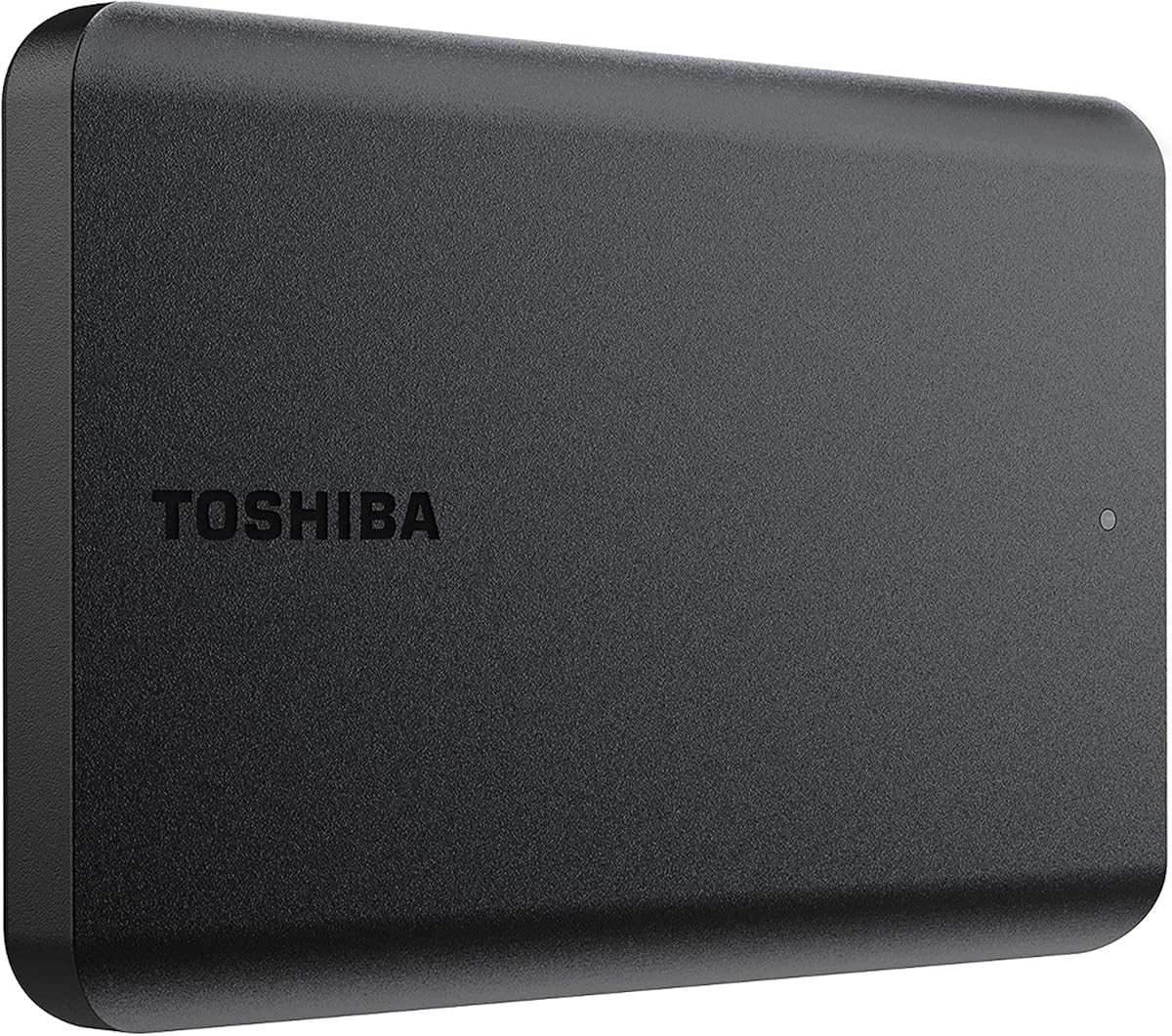
This Toshiba drive combines capacity with a sleek design. It offers 2TB of storage, ideal for large media libraries, and features a smudge-resistant matte finish that looks professional.
We may earn a commission when you buy through this link, at no additional cost to you.
USB 3.0 provides fast speeds, while the compact form factor ensures portability. Chrome users may need to reformat for compatibility, but once set up, performance is consistent and dependable.
The lack of bundled software keeps things simple but means you rely on your own backup tools. However, the build quality and capacity justify the investment for those needing reliable long-term storage.
Premium users wanting style and space will appreciate this option. Its reliability and ample storage make it a strong candidate for professionals or creators managing substantial file collections.
2TB of space allows you to store thousands of photos, hours of video, and extensive project files in one drive.
The smudge-resistant finish keeps the drive looking clean and professional even after frequent handling and travel.
We may earn a commission when you buy through this link, at no additional cost to you.
Seagate delivers reliable storage with this simple drive. It works immediately upon connection, making it perfect for users who want hassle-free expansion for their Chromebook without extra steps.
We may earn a commission when you buy through this link, at no additional cost to you.
The 2TB capacity handles most personal needs, while USB 3.0 ensures decent transfer speeds. The included cable means you don't need to buy extras right away, simplifying the initial setup.
While it lacks advanced features like hardware encryption, the focus on simplicity is a strength. It is not the flashiest drive but performs consistently for routine file transfers and backups.
This drive is ideal for straightforward needs. If you prioritize reliability and ease of use over fancy features, it provides solid performance for everyday Chromebook storage demands.
Connect the drive and let the system automatically recognize it, saving time on installation and configuration.
Includes an 18-inch USB 3.0 cable in the box so you can start using it right away.
We may earn a commission when you buy through this link, at no additional cost to you.
The Maxone drive stands out with its incredibly slim design. At just 0.4 inches thick, it slides into laptop sleeves easily, making it a great choice for travelers prioritizing portability.
We may earn a commission when you buy through this link, at no additional cost to you.
The aluminum body resists scratches and helps dissipate heat, keeping operations cool. USB 3.0 ensures fast transfers, and the three-year warranty shows confidence in its durability for regular use.
One terabyte is sufficient for many users, but those with heavy video content may need to manage space carefully. The quiet operation is a pleasant touch for office or home environments.
This drive suits users needing compact storage. Its build quality and slim profile make it a practical addition to a Chromebook setup for on-the-go file access.
Measuring only 0.4 inches thick, this drive fits easily into tight spaces like laptop bags or pockets.
The all-aluminum construction resists scratches and helps the drive stay cool during extended use.
We may earn a commission when you buy through this link, at no additional cost to you.
This drive offers a budget-friendly way to expand storage. It supports multiple systems including Chromebooks and game consoles, ensuring versatility for users with various devices.
We may earn a commission when you buy through this link, at no additional cost to you.
USB 3.0 provides solid speeds for everyday files. The lightweight build makes it easy to carry, and its slim enclosure minimizes bulk, making it convenient for occasional backup needs.
With 500GB, it suits documents and photos rather than full media archives. The warranty is shorter than premium brands, but for the price, it delivers reliable baseline performance.
Ideal for first-time external drive users, it provides essential functionality without complexity. If you need basic backup space at a low cost, this is a straightforward solution.
Supports Windows, Mac, and game consoles so you can use the same drive across different systems seamlessly.
USB 3.0 technology ensures quick file access and transfer speeds for regular use.
We may earn a commission when you buy through this link, at no additional cost to you.
The Aiolo drive comes with a Type C adapter, making it convenient for Chromebooks. Its slim design fits in pockets, and noise-free technology ensures silent operation during file transfers.
We may earn a commission when you buy through this link, at no additional cost to you.
Aluminum wrapping protects data and improves heat dissipation. USB 3.0 speeds are consistent, and the three-year warranty plus free support adds value beyond the purchase price.
It is perfect for light users needing occasional backups. While capacity is limited, the included adapter saves money on accessories, and the slim profile ensures it never gets in the way.
For Chromebook owners wanting plug-and-play convenience with modern ports, this drive delivers. Its quiet and portable nature makes it suitable for work or travel environments.
A USB-C adapter is included in the package to ensure connectivity with newer laptops and Chromebooks.
The noise-free solution provides a quiet working environment, ideal for offices or quiet spaces.
We may earn a commission when you buy through this link, at no additional cost to you.
This drive is explicitly listed as Chromebook compatible, which simplifies selection. It offers 1TB capacity, a solid middle ground between 500GB and 2TB options for most personal needs.
We may earn a commission when you buy through this link, at no additional cost to you.
USB 3.0 ensures efficient transfers, while the slim size allows easy carrying. The included Type C adapter bridges the gap between ports, ensuring compatibility without extra purchases.
The durable case protects against minor bumps and scratches. While it lacks advanced features, it focuses on core functionality, providing dependable storage for documents, media, and backups.
Ideal for general users seeking versatility and compatibility, it works across multiple platforms. If you need a reliable drive that fits a variety of devices, this option is practical.
Works with Windows, Mac, Linux, Android Chromebook, and game consoles so you can use it anywhere.
A USB to Type C adapter is included to connect to modern devices with Type C ports easily.
We may earn a commission when you buy through this link, at no additional cost to you.
UnionSine offers a drive with a distinctive mirror logo stripe that stands out. It provides 1TB capacity and USB 3.0 speeds, ensuring solid performance for daily use on Chromebooks.
We may earn a commission when you buy through this link, at no additional cost to you.
The slim size fits easily in bags, while the anti-interference layer protects data integrity. The three-year warranty offers peace of mind, and its quiet operation is a nice bonus.
While the aesthetic is unique, the core functionality remains standard. It works well for backups and media, though it does not offer advanced features like encryption or automation.
This is a good pick for users who want style and reliability. If you appreciate a unique look and decent capacity, this drive delivers practical value with a bit of flair.
The mirror logo stripe adds a distinctive look while heat dissipation strips ensure stable transmission.
The noise-free solution provides a quiet working environment ideal for professional settings.
We may earn a commission when you buy through this link, at no additional cost to you.
The Toshiba Canvio Advance adds software features often missing in portable drives. Automatic backup and password protection tools are available for Windows, enhancing security and data management.
We may earn a commission when you buy through this link, at no additional cost to you.
Its stylish textured finish resists smudges and looks professional. USB 3.0 ensures fast speeds, and the compact design fits easily into everyday carry setups without adding bulk.
Since software features target Windows, Chromebook users may benefit mostly from the hardware storage. However, the password feature can be useful if you access the drive via a Windows PC.
This is a great option for those wanting security tools. If you value automatic backups and encrypted storage when switching systems, this drive offers extra functionality beyond basic storage.
Automatic backup software helps keep your files safe by regularly saving them without manual intervention.
Password protection software prevents unauthorized access to your private data on the drive.
We may earn a commission when you buy through this link, at no additional cost to you.
Selecting the right external hard drive involves considering storage capacity, interface compatibility, speed, and portability to ensure it meets your Chrome OS needs.
Consider how much data you plan to store. Basic users may be fine with 500GB for documents, while media creators should look for 2TB or more to avoid constant file management.
Choose a drive that matches your current and projected storage needs to prevent running out of space quickly.
Chromebooks typically use USB-C or USB-A ports. Ensure the drive supports the required interface or includes adapters to avoid connectivity issues.
USB 3.0 or higher ensures fast transfer speeds, so prioritize models with modern interfaces for better performance.
If you travel often, choose a slim and lightweight model. Metal casings offer better durability, while plastic options may be more affordable but less rugged.
Look for a compact design that fits easily into your bag or pocket without adding excessive weight.
Chrome OS supports exFAT and FAT32 for read/write access. Ensure the drive is preformatted or can be easily reformatted to avoid data loss or read-only limitations.
Preformatted drives save time, while reformatting gives you flexibility but requires backing up data first.
USB 3.0 and USB 3.1 interfaces provide faster data transfer rates. For large media files, higher speeds reduce waiting time during backups and file operations.
Prioritize models with USB 3.0 or higher to ensure efficient performance during regular use.
Some drives include backup or encryption software. Chrome users may not use these tools directly but can benefit if they switch to Windows machines occasionally.
Look for hardware encryption or robust software if data security is a priority for your workflow.
Portable drives are typically bus-powered, meaning they draw power from the USB port. Avoid desktop drives needing external power sources for mobility.
Ensure the drive operates without a separate power adapter to maintain true portability.
A good warranty offers peace of mind against defects. Look for brands with reliable customer support in case of hardware failures or data issues.
Choose drives with at least a one-year warranty to protect your investment effectively.
To start using your drive, connect it to an available USB port on your Chromebook. The system should automatically recognize the device, allowing you to access files through the Files app.
Safely eject the drive before unplugging it to prevent data corruption. Open the Files app, click the drive name, and select Eject before disconnecting the physical cable.
Keep the drive in a protective case when not in use to shield it from physical damage. Avoid exposing it to extreme temperatures, moisture, or strong magnetic fields.
Yes, most standard USB external hard drives work with Chromebooks. Ensure the drive uses USB 3.0 or higher and is formatted to exFAT or FAT32 for full compatibility with Chrome OS.
Absolutely. USB-C drives connect directly to Chromebook ports without adapters. If your drive uses USB-A, ensure you have a compatible adapter for your specific Chromebook model.
Chrome OS supports FAT32, exFAT, and ext4. External drives formatted to exFAT allow read and write access across Windows and macOS, making them the most versatile choice for most users.
Always eject the drive before unplugging. Open the Files app, find the connected drive, and select Eject. This ensures all data transfers are complete and prevents corruption.
Yes. Open the Files app and drag folders to the external drive. For automatic backups, use a secondary device or cloud tools that support external storage integration.
Portable drives are better for Chromebooks since they are bus-powered and compact. Desktop drives need external power and are bulky, making them unsuitable for mobile use.
We reviewed ten drives offering various capacities and features to suit different needs. The WD 2TB Elements leads with capacity and speed, while the Facet 500GB offers budget-friendly entry options for casual users.
Prioritize USB-C or adapter compatibility, sufficient storage capacity, and reliability for smooth performance. Consider portability and warranty terms to ensure long-term value for your investment.
Prices and availability fluctuate regularly, so check current deals before purchasing. Select a drive that balances your immediate storage needs with future expansion requirements.