
ASUS ProArt PA32QCV
3.9Editor score
Factory calibrated accuracy
MacBook color matching
Dual Thunderbolt 4 ports
Finding the right display for high-resolution work requires careful consideration of pixel density, color accuracy, and connectivity options. A 32 inch 6K monitor offers exceptional clarity for creative professionals and enthusiasts who need every detail visible without scaling issues. These displays deliver over 21 million pixels, providing a workspace that feels expansive and precise for complex tasks like video editing or graphic design.
We evaluated ten leading models based on panel technology, refresh rates, color gamut coverage, and port availability. Our analysis focuses on real-world performance metrics such as HDR brightness, response times, and ergonomic adjustability. We also considered bundle options and warranty coverage to ensure you get the best value for your investment in a premium display.
Each pick in this list highlights specific strengths, whether it is industry-leading color fidelity, gaming performance, or innovative touchscreen capabilities. Prices and availability fluctuate frequently, so always verify current listings before purchasing. We recommend checking compatibility with your existing hardware to ensure seamless integration into your current workflow setup.
3.9Editor score

3.8Editor score

3.7Editor score
As an Amazon Associate we earn from qualifying purchases.
The following table provides a side-by-side comparison of all ten models, highlighting key specifications like resolution, panel type, and connectivity options to help you decide quickly.


The LG 32U990A-S stands out as a pioneer in the professional monitor market, featuring the worlds first Thunderbolt 5 connectivity. Its 6K resolution combined with Nano IPS Black technology delivers unprecedented visual fidelity for creatives. With a rating that reflects strong performance in color accuracy and brightness, it sets a new standard for high-end displays.
We may earn a commission when you buy through this link, at no additional cost to you.
Its key strength lies in the ability to handle complex workflows without bottlenecking data transfer. The Thunderbolt 5 port enables speeds double that of previous generations, facilitating rapid file transfers and seamless daisy chaining. The 2000:1 contrast ratio ensures deep blacks and vibrant shadows, making it ideal for HDR content creation.
While the price is high, the investment pays off in efficiency and quality for professional environments. Some users may find the 60Hz refresh rate limiting for gaming, but this model prioritizes color accuracy and stability over speed. The included speakers add convenience, reducing desk clutter for streamlined setups.
This monitor is best suited for video editors, graphic designers, and architects who need precise color reproduction. If your workflow involves heavy data transfer or requires Mac compatibility, the LG 32U990A-S is the top recommendation. Ensure your laptop supports Thunderbolt 5 to fully utilize its capabilities.
Thunderbolt 5 offers up to 80 gigabits per second, enabling fast external storage access without lag.
With 99.5% Adobe RGB coverage, it ensures print-ready color accuracy for professional design work.
We may earn a commission when you buy through this link, at no additional cost to you.
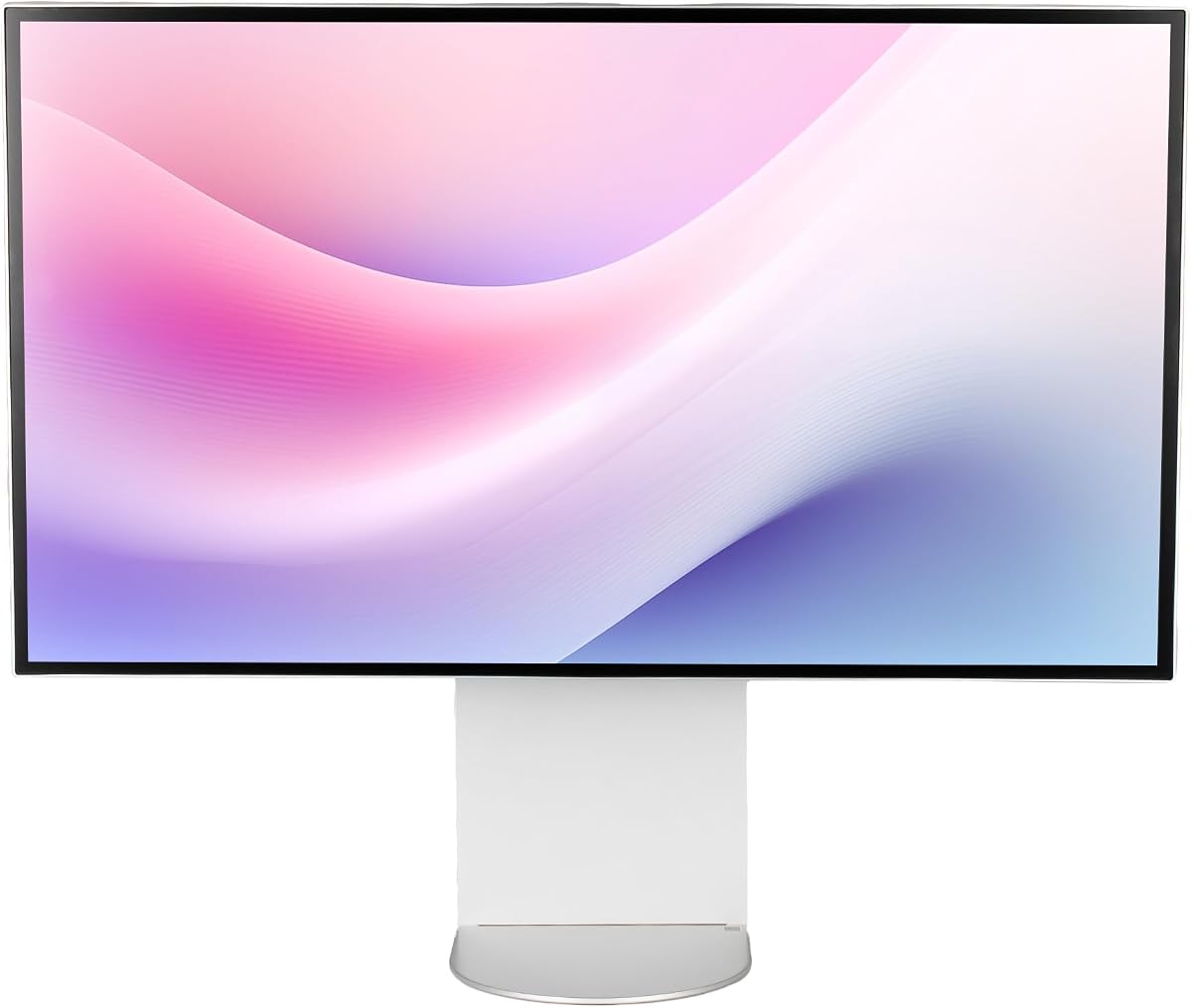
The ASUS ProArt PA32QCV is designed for professionals who demand precise color reproduction right out of the box. With Calman Verified factory calibration and Delta E < 2 accuracy, it minimizes the need for external colorimeters. Its 6K resolution and wide color gamut make it a strong contender for photo editing and video grading.
We may earn a commission when you buy through this link, at no additional cost to you.
Its MacBook color matching feature ensures seamless workflow integration for Mac users. The dual Thunderbolt 4 ports provide robust connectivity, allowing for daisy chaining and high-speed data transfer. The included 5-year warranty adds significant value and peace of mind for long-term professional use.
However, the premium price point may be prohibitive for freelancers or hobbyists. While excellent for creative work, its features might not justify the cost for general office tasks. The lack of USB-C without Thunderbolt limits flexibility for non-Mac devices.
This monitor is ideal for graphic designers and video editors who prioritize color fidelity. The included Adobe Creative Cloud subscription offers additional value for those needing design tools. If you use a MacBook Pro, this display offers unmatched workflow integration.
MacBook Color Preset Mode matches display settings perfectly with Apple devices for seamless workflows.
The 5-year warranty covers defects extensively, ensuring long-term reliability for business environments.
We may earn a commission when you buy through this link, at no additional cost to you.
The Samsung 32 Odyssey G8 brings 6K resolution to the gaming market with a unique Dual Mode feature. This allows switching between 6K at 165Hz for visuals and 3K at 330Hz for speed. Its Fast IPS panel ensures vivid colors and fast response times, making it a versatile choice for both work and play.
We may earn a commission when you buy through this link, at no additional cost to you.
Key strengths include NVIDIA G-SYNC compatibility and AMD FreeSync Premium support, which reduce screen tearing and stuttering. The 600 Nit brightness supports HDR10+ gaming, providing impactful visuals in dark rooms. The 178-degree viewing angle ensures consistent color even at the edges.
However, the price is steep for gaming compared to standard 4K options. Some users report variable HDR performance, so calibration might be needed for accurate results. The ergonomic stand is good but limits pivot options compared to pro monitors.
This monitor is perfect for hybrid users who need productivity and high-end gaming in one screen. If you play modern titles and want future-proof resolution, the G8 offers strong performance. Check your GPU capabilities before purchase to ensure 6K gaming runs smoothly.
Switch between 6K for work and 3K at 330Hz for competitive gaming without buying two monitors.
Up to 330Hz refresh rates minimize motion blur, enhancing clarity in fast-paced action scenes.
We may earn a commission when you buy through this link, at no additional cost to you.
The Dell UltraSharp U3224KB focuses on productivity and office efficiency with a built-in 4K webcam. It offers 6K resolution for sharp text and multi-tasking. Its design prioritizes cleanliness, using USB-C to reduce cables. While not as color-accurate as pro models, it serves corporate needs well.
We may earn a commission when you buy through this link, at no additional cost to you.
Its USB-C hub allows for quick data transmission and laptop charging. The 450 Nit brightness ensures visibility in well-lit offices. The 5ms response time makes it suitable for occasional light gaming or media viewing. However, the 60Hz refresh rate limits motion clarity.
Users may find the webcam average compared to dedicated webcams. The LED backlight technology offers efficiency but lower contrast than OLED or IPS Black options. It is a practical choice but not for high-end creative grading.
This monitor is best for corporate teams and office workers who need all-in-one solutions. The included webcam reduces hardware costs and setup time. If you prioritize a clean desk and reliable connectivity, this is a solid functional choice.
The built-in camera reduces clutter and improves meeting quality without external devices.
USB-C allows for laptop connection and data transfer with just one cable.
We may earn a commission when you buy through this link, at no additional cost to you.
The LG UltraFine evo Bundle offers the same high performance as the standalone unit with added accessories. It includes cable ties and a screen cleaning kit to maintain your workspace. With a high user rating of 4.5, it indicates strong satisfaction among buyers. The 6K resolution remains sharp and vibrant.
We may earn a commission when you buy through this link, at no additional cost to you.
Its value lies in the convenience of having setup tools included. The KVM functionality allows control of two systems via one keyboard and mouse. The ergonomic stand provides tilt and height adjustments for comfort. Thunderbolt 5 support ensures future-proof connectivity.
However, the bundle price is higher than buying the monitor separately. If you already have cleaning supplies, you might save money by purchasing the base unit. The accessories are generic and may not match your specific workflow preferences.
This bundle is ideal for users setting up a new workspace from scratch. The included items save time and ensure you can maintain the screen properly. If you need a complete kit for creative work, this is a strong option.
The 4.5 rating reflects reliable performance and quality control across units.
Included cables and cleaning tools help set up your monitor quickly and keep it pristine.
We may earn a commission when you buy through this link, at no additional cost to you.
The G32X offers a minimalist design with a high 5.0 user rating, indicating strong customer approval. It features 98% DCI-P3 coverage and 500 Nit brightness for immersive viewing. The CNC-machined aluminum body ensures durability and a sleek look on your desk.
We may earn a commission when you buy through this link, at no additional cost to you.
Its 100W power delivery allows charging laptops while displaying video. The stand supports height, swivel, tilt, and pivot adjustments for comfort. Anti-glare coating minimizes eye fatigue during long work sessions. The universal mount compatibility allows for custom arm setups.
Since it is a newer brand, long-term reliability remains to be tested. Color accuracy is good but not verified by industry standards. You might need third-party calibration tools for professional work.
This monitor is ideal for users who value aesthetics and basic performance. If you want a clean look and a high satisfaction score, it is a compelling choice. Ensure your device supports USB-C power delivery for full benefits.
The aluminum construction ensures a premium feel and durability against wear and tear.
Adjustable stand allows customization for optimal viewing height and angle.
We may earn a commission when you buy through this link, at no additional cost to you.
The G32P features a glossy finish and honeycomb cooling design for thermal management. Without a stand, it offers flexibility for wall mounting or custom arms. The 6K resolution provides stunning clarity for cinematic experiences. Its 4.6 rating reflects high satisfaction among buyers.
We may earn a commission when you buy through this link, at no additional cost to you.
Its cooling system keeps the panel stable during extended use. The 99% sRGB and DCI-P3 coverage ensures vibrant visuals. However, the glossy screen may reflect light in bright rooms. Ensure your setup is controlled or use curtains.
You will need a VESA mount compatible arm, adding to the setup cost. If you prefer a clean setup or need specific ergonomics, this offers freedom. But standard office setups may find the lack of stand inconvenient.
This monitor suits tech enthusiasts or home theater setups where mounting is preferred. The cooling design helps maintain performance over long periods. If you have a custom mount, this model delivers excellent visual fidelity.
Honeycomb design improves airflow and reduces overheating during intense usage.
Glossy finish enhances color saturation and black levels for immersive viewing.
We may earn a commission when you buy through this link, at no additional cost to you.
This bundle includes a two-year protection plan that adds value and security to the purchase. It comes with a set of cables to streamline setup immediately. The monitor itself is the same as the base model with 6K resolution and USB-C hub features.
We may earn a commission when you buy through this link, at no additional cost to you.
The protection plan covers accidental damage and defects, reducing long-term risk. Its brightness and productivity features suit office environments well. The included cables save time searching for compatible adapters.
However, the protection cost increases the initial price. If you already have insurance, this might be redundant. The webcam is functional but not high-end, which may limit conferencing quality.
This bundle is best for businesses or users seeking extra security. If your monitor is critical for daily operations, the warranty justifies the cost. Ensure your workflow benefits from the included accessories.
The 2-year CPS plan adds peace of mind for expensive hardware investments.
Included cables mean you can start working without waiting for extra gear.
We may earn a commission when you buy through this link, at no additional cost to you.
The ALOGIC 32 Touch offers a unique touchscreen experience with 6K resolution and pressure sensitivity. It includes a stylus that supports 4096 levels of pressure, making it a massive digital drawing board. The fold stand allows you to switch to a flat surface for sketches.
We may earn a commission when you buy through this link, at no additional cost to you.
Its factory calibration ensures Delta E less than 1 accuracy, critical for designers. The USB-C hub handles charging and audio in one cable. Pinch to zoom gestures work on both macOS and Windows for intuitive control.
However, touch screens can attract fingerprints and glare in bright environments. The price is higher than standard monitors, limiting accessibility. It is best for specific workflows like presentation or art.
This monitor is ideal for artists, architects, and presentation professionals. The stylus integration adds significant value for sketching ideas. If you want direct interaction with content, this is a powerful tool.
Direct touch interaction enhances control for presentations and creative drawing.
4096 pressure levels mimic real pen strokes for detailed digital art.
We may earn a commission when you buy through this link, at no additional cost to you.
This model shares core specs with other LG UltraFine units but carries regional distinctions. It offers 6K resolution, anti-glare coating, and height adjustable stand. The energy efficiency class G indicates compliance with regional standards. It is a practical choice for users in specific markets.
We may earn a commission when you buy through this link, at no additional cost to you.
Its anti-glare surface reduces reflections better than glossy models. The VESA mounting support allows easy integration with arms. Response time of 5ms ensures minimal ghosting. However, the rating is slightly lower than its counterpart.
Since it is a regional variant, warranty terms may differ. Check if local support is available before purchase. The core performance is solid for general productivity tasks.
This monitor suits users looking for LG reliability in specific regions. The anti-glare screen is great for well-lit offices. If you need a standard 6K display without extra features, this is a functional option.
This model meets specific regional energy standards and warranty requirements.
Anti-glare coating reduces eye strain and improves visibility in bright rooms.
We may earn a commission when you buy through this link, at no additional cost to you.
Choosing the right 6K monitor requires balancing resolution, connectivity, color accuracy, and budget. Here are key factors to consider before purchasing.
6K resolution provides over 21 million pixels, offering sharpness and workspace. Ensure your GPU can support it for smooth performance.
Prioritize high PPI for text clarity and scaling options.
For creative work, look for 99% Adobe RGB or DCI-P3 coverage. Factory calibration reduces the need for extra tools.
High gamut coverage ensures vibrant and accurate colors for design.
Thunderbolt 5 or 4 offers high data transfer speeds and charging in one cable. USB-C hubs allow connecting multiple peripherals easily.
Check port availability to avoid buying additional docks.
Standard 60Hz suits productivity, while higher rates help gaming. Response times under 5ms reduce motion blur in fast content.
Choose based on whether you game or edit static images.
IPS panels offer wide viewing angles, but IPS Black improves contrast. OLED provides perfect blacks but costs more.
Consider your environment for optimal panel choice.
Height, tilt, pivot adjustments reduce strain during long sessions. A sturdy aluminum body ensures durability and sleek aesthetics.
Adjustability is crucial for health and comfort.
Longer warranties offer peace of mind for expensive displays. Check if the brand offers good customer service.
Invest in protection plans if you plan daily heavy use.
Prices range widely; bundle deals can add accessories like cables. Consider total cost including needed adapters or stands.
Prioritize features that match your daily work needs.
To start, connect your monitor via Thunderbolt or USB-C to maximize data speeds. Ensure your laptop supports the required power delivery for charging.
Calibrate colors using built-in software or external tools for accurate results. Use preset modes for gaming or office tasks to adjust settings easily.
Clean the screen with a microfiber cloth and approved solutions. Avoid pressing hard on the panel to prevent damage to pixels.
Yes, a high-end GPU is required for smooth 6K performance. Without it, you may face lag or inability to render full resolution.
Most models support Mac via Thunderbolt or USB-C. Check for macOS-specific presets or drivers for best performance.
Yes, for text clarity and creative workflows. 6K offers more real estate without scaling, ideal for multi-window tasks.
For 6K gaming, yes. For productivity, USB-C or DisplayPort 2.1 often suffices. Choose based on your primary use case.
It is an IPS variant with better contrast. It provides deeper blacks than standard IPS, improving visual depth.
Yes, especially those with high refresh rates. Some models support G-SYNC and FreeSync for smooth gameplay.
The LG 32U990A-S leads for professionals with Thunderbolt 5 and color accuracy. For Mac users, the ASUS ProArt PA32QCV offers unmatched integration.
Prioritize color accuracy for design or refresh rates for gaming. Match the monitor to your workflow needs for best value.
Prices change frequently, so check current listings before buying. Ensure your PC supports the required connections.