
Comulytic Note Pro
4.4Editor score
Free unlimited transcription plan
Sixty-four gigabytes storage
Triple-mic array audio
Discover the top AI Meeting Transcription Devices of October 2026. This guide compares features, accuracy, and battery life to help you choose the perfect
AI Meeting Transcription Devices are transforming how professionals capture conversations. These smart recorders convert speech to text instantly, allowing you to focus on the discussion rather than taking notes manually.
We evaluated the leading models based on transcription accuracy, battery longevity, and ease of use. Our comparison covers devices suitable for business meetings, academic lectures, and personal brainstorming sessions alike.
Each pick highlights key strengths and ideal use cases for different needs. Please note that prices and availability may change frequently, so verify current details before making your final purchase decision today.
4.4Editor score

4.5Editor score

4.8Editor score
This side-by-side comparison highlights the core specifications and unique selling points of each device to help you find the right tool for your professional or personal recording needs efficiently.



The Plaud Note Pro stands out as the top recommendation for professionals seeking a comprehensive AI Meeting Transcription Device. With a 4.5 star rating, it delivers reliable transcription and summarization that saves time during busy schedules.
We may earn a commission when you buy through this link, at no additional cost to you.
Its standout feature is the ability to chat with your recordings using Ask Plaud. This allows you to extract key points and draft emails directly from the audio context. The four microphones ensure crystal clear voice capture even in noisy environments.
While the device is excellent, it does rely on a companion app for the full experience. Additionally, the free starter plan has limits, so power users might need to upgrade for higher minute caps.
This device is ideal for legal and medical professionals who need secure and accurate records. If you prioritize privacy and high quality audio, this is the best choice for your workflow.
Ask Plaud transforms static recordings into dynamic conversations. You can query specific details or request summaries without listening to the entire file again.
Built with ISO and SOC compliance, this device ensures your sensitive data remains encrypted and exclusive to you without third party sharing.
We may earn a commission when you buy through this link, at no additional cost to you.
The Pocket AI Voice Recorder is an excellent choice for iPhone users who value convenience. Its MagSafe compatibility allows you to snap it onto your phone for hands-free recording anywhere you go without holding a device.
We may earn a commission when you buy through this link, at no additional cost to you.
It functions as a personal assistant that captures and summarizes meetings instantly. The battery life is impressive, lasting up to four days on a single charge. This makes it perfect for business travelers who cannot always access a charger.
However, some of its advanced organization tools are behind a paywall. Users who want deep insights may need to subscribe for extra features. Otherwise, the core recording and transcription work well.
If you need a lightweight recorder that integrates seamlessly with your daily mobile workflow, this is a strong option. It helps you stay focused on conversations rather than note-taking.
The MagSafe mount ensures the device is always ready. You can attach it to your phone or laptop for effortless recording during any situation.
Pocket automatically extracts key action items from conversations. This helps you turn discussions into tasks immediately without manual review.
We may earn a commission when you buy through this link, at no additional cost to you.
EurekaMind offers a compelling value proposition with its free unlimited transcription in the starter plan. This device is incredibly thin and light, making it easy to carry in a wallet or card holder at all times.
We may earn a commission when you buy through this link, at no additional cost to you.
It features Ask AI to search the web for insights beyond your recording. This adds a layer of context that helps you understand complex topics discussed in meetings. The privacy features are also enterprise-grade and secure.
The lack of a display means you rely on the app for status checks. Some power users might find the basic physical interface limiting. However, the core functionality is robust and reliable for daily use.
For students or professionals who want unlimited transcription without monthly fees, this is a great pick. It balances portability and smart features effectively for most casual users.
Ask AI can look up terms or topics mentioned in your notes. This bridges the gap between raw audio and actionable knowledge instantly.
Built with ISO and SOC certifications, your data is encrypted. This is critical for professionals handling confidential information daily.
We may earn a commission when you buy through this link, at no additional cost to you.
Comulytic Note Pro is a standout budget option that offers unlimited transcription on its free starter plan. This removes the fear of hitting monthly limits while capturing all your important meetings and calls efficiently.
We may earn a commission when you buy through this link, at no additional cost to you.
It includes a vertical knowledge base for industries like law and finance. This ensures that professional terms are transcribed accurately. The Wi-Fi sync is much faster than Bluetooth, allowing real-time backups while you record.
The display is smaller than some premium competitors, which might make navigation slightly harder. However, the core features are solid and reliable for daily work needs without extra costs.
If you need a cost-effective recorder with strong transcription capabilities, this device is a top contender. It offers great value for money for students and small business owners.
The vertical knowledge base understands specific jargon. This prevents errors when recording technical or specialized business meetings.
Uploads occur much faster than via Bluetooth. You get your files in the cloud instantly without interrupting your session.
We may earn a commission when you buy through this link, at no additional cost to you.
The Comu Action Pro delivers a high-end experience with auto-generated AI documents. It turns conversations into slides, emails, and reminders automatically. This feature saves significant time when you need to follow up quickly after a meeting.
We may earn a commission when you buy through this link, at no additional cost to you.
It boasts the longest battery life at over 70 hours. This ensures you never run out of power during long events. The six-mic setup captures audio from all angles clearly, even in crowded rooms.
The price is higher than entry-level models. However, the advanced document generation and long battery justify the cost for power users who need reliability and deep productivity tools.
For executives and managers who need to move from meeting to action instantly, this device is ideal. It helps you stay organized and efficient throughout the day.
Comu can create slides and emails from your talk. This eliminates the need to manually format meeting notes later.
The six microphones adjust to the environment. This ensures clear sound whether you are in a quiet office or a busy hall.
We may earn a commission when you buy through this link, at no additional cost to you.
RECPOINT offers excellent accuracy and language support for international teams. Its GPT-5.5 engine handles transcription with high precision. The device supports over 150 languages, making it ideal for multilingual business interactions.
We may earn a commission when you buy through this link, at no additional cost to you.
You get a generous amount of free AI minutes monthly. This allows you to use the core features without extra cost. The included desktop software adds value for managing your files on a computer easily.
Some advanced translation features require a subscription. But for most users, the free package is sufficient. The durable design ensures it can handle daily travel and use.
If you work with global partners and need reliable translation, this device is a strong choice. It simplifies communication across different languages efficiently.
Transcribes and translates in over 150 languages. This is perfect for diverse teams and international business travel.
Includes desktop software for better file management. You can export and edit your notes easily on a larger screen.
We may earn a commission when you buy through this link, at no additional cost to you.
The Plaud Note Non-Pro version offers many of the premium features at a lower entry point. It includes a free starter plan with 300 minutes per month. This is sufficient for casual users who do not have massive meeting schedules.
We may earn a commission when you buy through this link, at no additional cost to you.
It supports multimodal input to add photos and notes alongside audio. This creates richer context for your files. The security standards are the same as the Pro version, ensuring your data is safe.
The main limitation is the lower monthly minute cap compared to the Pro version. If you record many meetings daily, you might run out quickly. But for occasional use, it is a solid device.
Choose this if you want the Plaud experience without the high cost. It works well for students or professionals with lighter recording needs.
Add photos and text to your recordings. This helps you visualize meeting notes and documents alongside the audio.
Even the Non-Pro version is HIPAA and SOC compliant. You get enterprise-grade security without the Pro price tag.
We may earn a commission when you buy through this link, at no additional cost to you.
This Digital Voice Recorder is unique because it supports offline transcription. This means you can process data anywhere without needing an internet connection. It is ideal for secure environments where Wi-Fi is restricted.
We may earn a commission when you buy through this link, at no additional cost to you.
It features a large eight-microphone array for capturing sound over 20 meters. This makes it suitable for large halls and speeches. The hardware-level security ensures your data is protected from external breaches.
The offline language support is limited to five languages. So if you need global translation, you will need an internet connection. The price is also higher than most other devices.
If you need a device for secure meetings offline, this is a great tool. It ensures privacy and functionality even without a network connection.
Transcribes and translates locally without Wi-Fi. This is crucial for secure business meetings in remote locations.
Eight microphones capture audio from 20 meters. You can record large lectures or conferences clearly.
We may earn a commission when you buy through this link, at no additional cost to you.
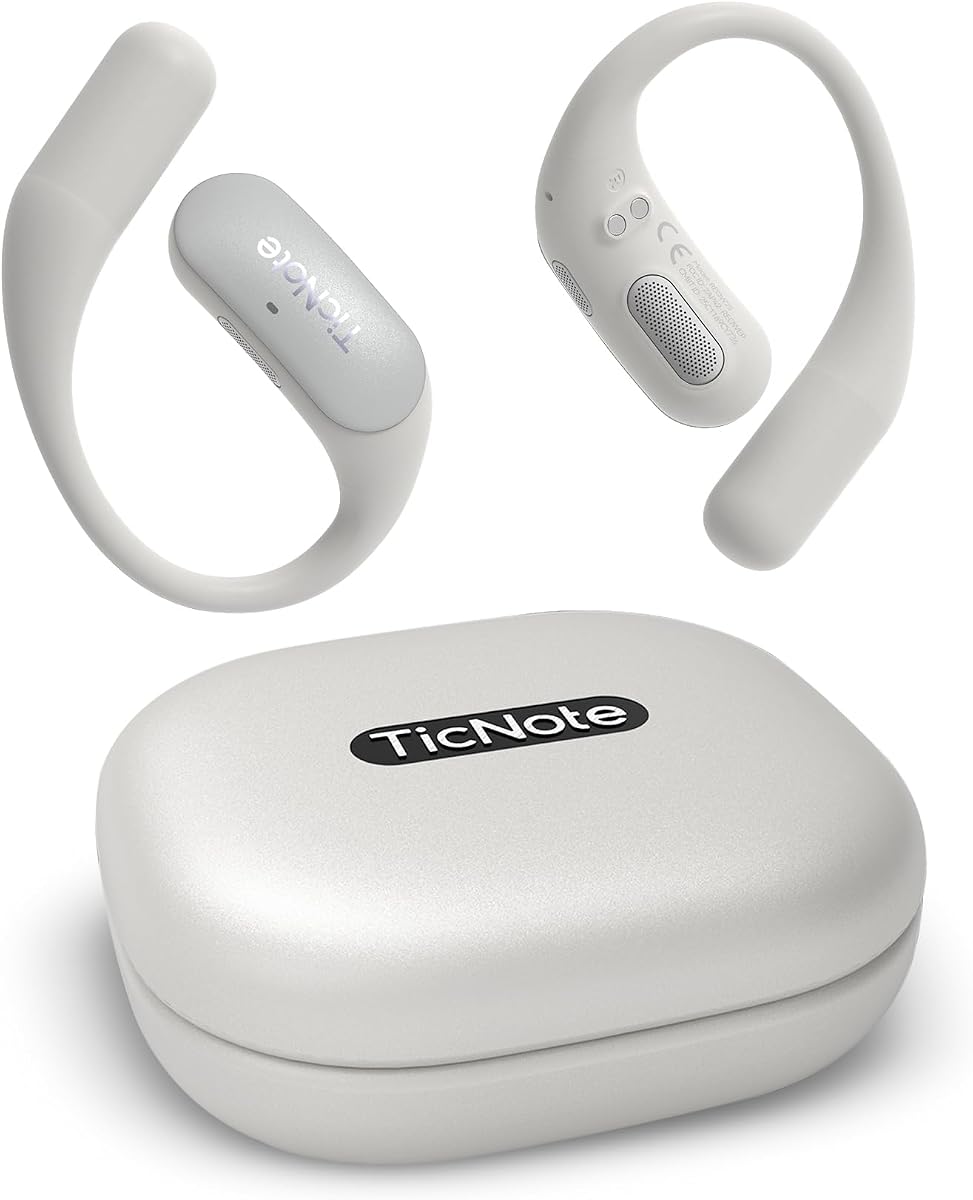
Mobvoi TicNote Pods are designed specifically for Wi-Fi environments. They are lighter than cellular models which makes them easier to carry. The device focuses on team collaboration and secure cloud storage.
We may earn a commission when you buy through this link, at no additional cost to you.
It features Shadow AI to organize information into useful outputs. This helps you stay focused on the conversation. The encrypted cloud ensures your notes are shared safely with your team.
The battery life is only five hours. This may not be enough for all-day events. You will need to charge it frequently if you use it heavily.
Choose this if you work mostly in office settings with stable Wi-Fi. It is a strong choice for collaborative teams needing secure notes.
Share notes and transcripts easily with your group. The system supports editing and version history for better teamwork.
Starts recording when it hears voices. This saves battery life by not recording silence.
We may earn a commission when you buy through this link, at no additional cost to you.
The Comulytic Note Pro V2 improves on the original with faster Wi-Fi sync. It transfers files ten times faster than Bluetooth. This ensures you get your files to the cloud instantly without delays.
We may earn a commission when you buy through this link, at no additional cost to you.
It continues to offer unlimited free transcription. This makes it a reliable budget-friendly option for daily use. The battery life is solid for a full day of meetings.
The design is similar to the previous version but with better connectivity. If you want the proven features of Comulytic with faster sync, this is a good pick.
This device is ideal for users who value speed and cost efficiency. It helps you capture and access your data quickly without spending much.
Wi-Fi transfers are ten times faster than Bluetooth. You save time waiting for your files to upload to the cloud.
You get unlimited transcription without a subscription. This makes it one of the most accessible devices on the market.
We may earn a commission when you buy through this link, at no additional cost to you.
Choosing the right device involves considering factors like battery life and software integration to ensure it meets your specific recording needs.
High transcription accuracy is essential to ensure your notes are usable. Look for devices that support multiple languages if you work with international teams.
Prioritize models with high accuracy ratings and broad language support.
Long battery life is crucial for all-day conferences or travel. Check the continuous recording time and how fast the device charges.
Choose a device with at least 30 hours of battery for reliability.
You need sufficient storage for your files and a fast sync method. Wi-Fi is generally better than Bluetooth for large file transfers.
Ensure the device has both local storage and cloud backup options.
If you handle sensitive data, security is paramount. Look for compliance with standards like HIPAA, SOC 2, and GDPR.
Select a device with encryption and strong privacy policies.
Advanced AI features can summarize meetings and draft follow-up emails. Ensure these features fit into your existing workflow easily.
Check if the device supports the specific tasks you need.
A device should be easy to carry and discreet. Look for slim designs that fit in pockets or bags comfortably.
Prioritize portability if you move around frequently.
Some devices require subscriptions for full features. Determine if you need paid tiers or if the free plan is enough.
Compare the total cost of ownership over time.
Clear audio is the foundation of good transcription. Look for devices with multiple microphones and noise cancellation features.
Opt for models with good mic counts for noisy environments.
Start by syncing your device with its companion app via Wi-Fi or Bluetooth. This ensures your files back up to the cloud automatically.
Press the recording button before meetings begin. Ensure the device is placed centrally to capture all speakers clearly.
After meetings, use the app to review summaries and export notes. Charge the device regularly to maintain battery health.
Most devices need internet for AI processing but some support offline modes. Check if the device allows local processing for offline transcription.
Top devices offer encryption and compliance with security standards. Always check privacy policies before storing confidential information on the device.
Battery life varies but many offer 30 hours or more. High-end models can last up to 70 hours for extended use without charging.
Yes, most devices have desktop apps or web portals for syncing. You can export files to your computer for editing and storage.
Many devices offer MagSafe support or iOS apps for compatibility. Check product details for specific integration options with iPhone.
Language support varies but many offer over 100 languages. Premium devices often support more languages for international business.
The Plaud Note Pro and Comu Action Pro lead the market with advanced features. Both offer excellent accuracy and integration for professionals.
Focus on what matters most for your workflow like battery or security. This helps you narrow down the options to the best fit.
Remember to verify current prices and plans before purchasing. Deals may change and the best value can vary over time.