
TP-Link BE6500 Dual-Band WiFi 7 Router (BE400)
4.3Editor score
WiFi 7 with MLO
6.5 Gbps total bandwidth
2.5 Gbps WAN port
Explore our expert comparison of the top high end WiFi routers for 2026, featuring the latest tech from brands like TP-Link, NETGEAR, ASUS, and eero.
Modern homes demand robust connectivity for streaming, gaming, and remote work. High end WiFi routers provide the speed and reliability needed to handle multiple devices without lag or dropped signals throughout your property.
We evaluated leading models based on performance, coverage, security features, and ease of use. Our analysis covers the latest WiFi 7 and WiFi 6E standards to ensure you find a router that meets your specific networking requirements today.
Each selection highlights unique strengths ranging from budget friendly options to premium gaming beasts. Please note that availability and pricing may vary over time, so check current listings before making your final purchasing decision.
4.3Editor score

4.4Editor score

4.3Editor score
This side by side comparison details the key specifications and capabilities of every selected router to help you identify the perfect fit for your network environment.



The TP-Link BE6500 stands out as a top contender in the high end WiFi router market. With a rating of 4.3 stars it delivers reliable performance for modern households needing robust connectivity.
We may earn a commission when you buy through this link, at no additional cost to you.
Its WiFi 7 technology featuring Multi-Link Operation ensures optimized performance on compatible devices like the latest laptops and smartphones. The router handles up to 90 devices simultaneously with strong coverage.
While it is limited to dual-band frequency it still offers impressive speeds for streaming and gaming. The inclusion of HomeShield security adds significant value for families concerned about online safety.
This router is ideal for users wanting next-gen speed without breaking the bank. It balances cutting-edge features with practical design making it a smart investment for any home network.
Multi-Link Operation allows simultaneous data transfer across bands for lower latency and higher throughput.
HomeShield provides real-time IoT security and parental controls to keep your network safe.
We may earn a commission when you buy through this link, at no additional cost to you.
The TP-Link AXE5400 delivers exceptional speed with its tri-band WiFi 6E architecture. This model earned Editors' Choice status due to its balance of features and performance.
We may earn a commission when you buy through this link, at no additional cost to you.
It supports simultaneous transmission to many devices ensuring smooth streaming and gaming. The 6GHz band reduces interference for a more responsive experience during peak usage hours.
Though it lacks WiFi 7 features it remains powerful enough for most high bandwidth activities. The unique design helps dissipate heat for long-term reliability.
This router suits households needing more range than standard models provide. It is a solid choice for those upgrading from older WiFi systems who want proven technology.
Three separate bands allow devices to connect to less crowded frequencies for faster speeds.
EasyMesh compatibility lets you add extenders to eliminate dead zones seamlessly.
We may earn a commission when you buy through this link, at no additional cost to you.
The NETGEAR Nighthawk WiFi 7 Router offers blazing fast speeds ideal for demanding homes. It supports up to 9.3 Gbps across three bands for maximum throughput.
We may earn a commission when you buy through this link, at no additional cost to you.
Its dedicated 6GHz band gives fastest devices a clear lane to avoid slowdowns. You can manage the network easily with the Nighthawk app for speed tests and device pauses.
The router includes multi-gigabit wired ports for premium internet plans. Security features like Advanced Router Protection help keep your data safe automatically.
This model is perfect for users wanting high performance for gaming and streaming. It combines speed with reliable coverage to handle multiple heavy users at once.
WiFi 7 technology provides 2.4x faster speeds than WiFi 6 for demanding apps.
Covers up to 2,500 sq ft ensuring signal reaches every room effectively.
We may earn a commission when you buy through this link, at no additional cost to you.
The NETGEAR RS700S is built for households requiring premium fiber plans and massive coverage. With speeds up to 19 Gbps it handles 4K streaming and gaming effortlessly.
We may earn a commission when you buy through this link, at no additional cost to you.
Its 12-stream design covers up to 3,500 sq ft supporting 200 devices simultaneously. The 10 Gig Ethernet port unlocks ultra-fast connections for NAS drives and gaming rigs.
While expensive it offers robust security and easy management through the app. The design prioritizes reliability with features to protect your family from online threats.
This router is best for large homes needing top-tier performance. It ensures every device gets full speed without congestion even during heavy usage times.
A dedicated 10 Gig port supports premium ISP plans and local data transfers.
Handles 200 devices easily making it ideal for smart homes or offices.
We may earn a commission when you buy through this link, at no additional cost to you.
The ASUS ROG Rapture GT-BE98 Pro is engineered for serious gamers needing maximum throughput. Its quad-band design and 30 Gbps speeds ensure no lag during competitive play.
We may earn a commission when you buy through this link, at no additional cost to you.
Cutting-edge external antennas boost signal strength significantly for better reach. The triple-level game acceleration optimizes traffic from your PC all the way to the game server.
Dual 10G ports provide flexibility for wired connections to high-speed devices. While the price is high the features justify it for professional or dedicated gaming setups.
This router is perfect for users wanting the absolute fastest connectivity available. It balances raw power with smart optimization to deliver consistent high performance.
Four bands allow more devices to connect at full speed without interference.
Dual 10G ports ensure your gaming rig has a direct fast connection.
We may earn a commission when you buy through this link, at no additional cost to you.
The Synology RT6600ax excels in network management with features for tech savvy users. It allows segmentation and multiple SSIDs to keep vulnerable devices isolated securely.
We may earn a commission when you buy through this link, at no additional cost to you.
Comprehensive VPN server solutions support remote connectivity and site-to-site tunneling. Parental controls and web filtering put you in full control over traffic flow.
The 2.5GbE port supports fast ISPs while the tri-band design handles multiple devices. It is ideal for those needing robust security and administrative control.
This router is perfect for small offices or homes prioritizing network safety. It offers a professional grade experience with reliable connectivity for diverse users.
VLAN support lets you create separate networks to isolate IoT devices safely.
Built-in VPN tools enable secure remote access to your home network.
We may earn a commission when you buy through this link, at no additional cost to you.
The ASUS Rog Strix Gs-Be18000 delivers solid gaming performance with tri-band capabilities. It supports 2.5 Gigabit Ethernet for fast local transfers and internet speeds.
We may earn a commission when you buy through this link, at no additional cost to you.
This model focuses on high performance ensuring stable connections for multiplayer gaming. The design prioritizes throughput and efficiency for modern internet demands.
While it lacks unique selling points compared to newer models it remains a strong contender. The 2.5 Gigabit port future proofs your wired connections for upgrades.
This router suits gamers needing reliable wired and wireless speeds. It offers a practical solution for households with heavy data usage and gaming needs.
Optimized for multiplayer gaming to reduce latency and packet loss effectively.
2.5 Gigabit Ethernet ensures your PC or console runs at full speed.
We may earn a commission when you buy through this link, at no additional cost to you.
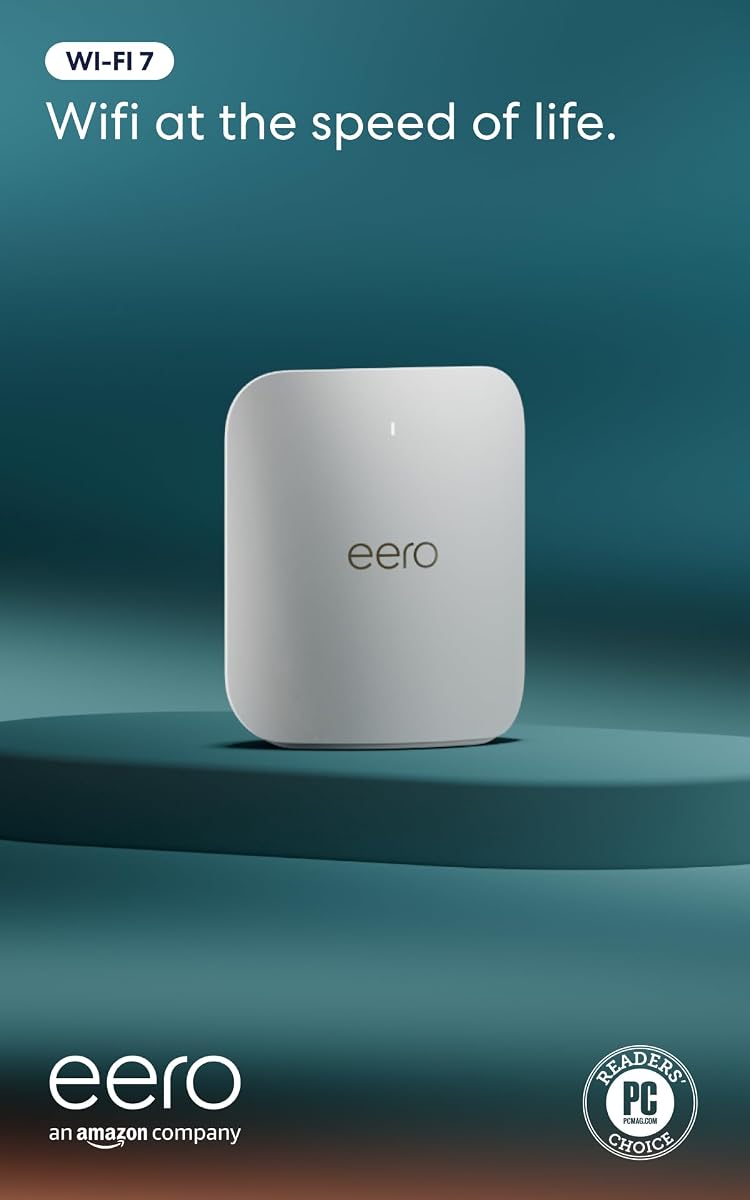
The Amazon eero Pro 7 brings next-gen speed to mesh systems with WiFi 7 support. It supports internet plans up to 5 Gbps ensuring fast wireless speeds.
We may earn a commission when you buy through this link, at no additional cost to you.
TrueMesh software proactively finds the optimal path to keep connections reliable. The system is backward compatible with previous eero models for seamless upgrades.
It supports over 200 devices and covers up to 2,000 sq ft comfortably. Setup is easy with the app guiding you through configuration in minutes.
This router is ideal for users wanting simple reliable mesh coverage. It balances speed and ease of use for busy households needing consistent connectivity.
Patented software keeps you on the fastest connection automatically without user input.
Works with Thread and Matter devices to enhance smart home compatibility.
We may earn a commission when you buy through this link, at no additional cost to you.
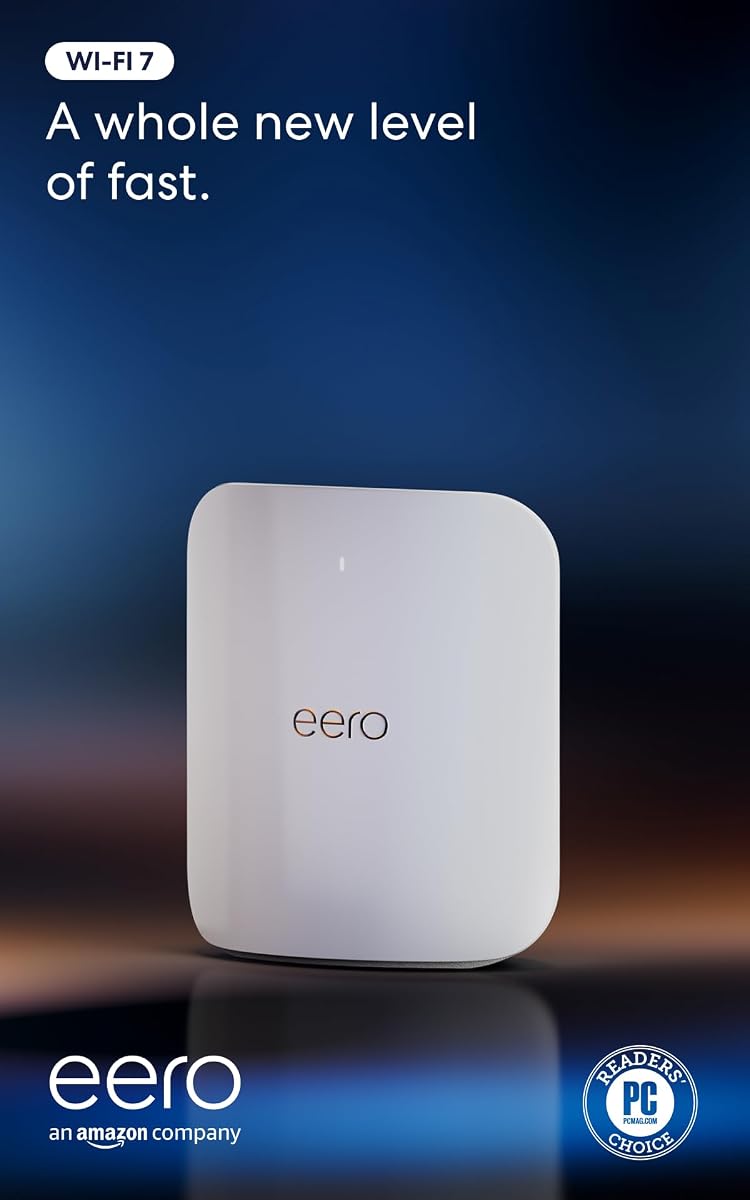
The eero Max 7 offers faster speeds and greater capacity than the Pro model. It supports internet plans up to 10 Gbps with wired and wireless speeds exceeding 4 Gbps.
We may earn a commission when you buy through this link, at no additional cost to you.
It serves as a smart home hub connecting Thread Matter and Zigbee devices easily. The network intelligence ensures reliable delivery for gaming and cloud apps.
Coverage extends up to 2,500 sq ft supporting 250 devices simultaneously. It is designed for users needing high performance mesh coverage for growing homes.
This router is perfect for households requiring top tier mesh performance. It provides a seamless experience for connected devices with excellent range.
Connects Thread and Matter devices to create a unified smart home system.
Handles 250+ devices ensuring no drops even in crowded network environments.
We may earn a commission when you buy through this link, at no additional cost to you.
The NETGEAR RS90 brings WiFi 7 performance to dual-band routers affordably. It offers speeds up to 3.6 Gbps with faster throughput than WiFi 6.
We may earn a commission when you buy through this link, at no additional cost to you.
It supports up to 50 devices and covers 2,000 sq ft effectively. The 2.5 Gig WAN port unlocks multi-gigabit internet plans for home users.
Security features like Armor add protection with a free trial included. It is easy to manage using the Nighthawk app for quick settings changes.
This router is perfect for users wanting WiFi 7 on a budget. It balances performance and cost for households needing reliable high-speed internet.
Delivers modern WiFi 7 speeds at a lower price point than tri-band models.
The 2.5 Gig WAN ensures your home network stays ready for faster ISPs.
We may earn a commission when you buy through this link, at no additional cost to you.
Selecting a high end WiFi router requires considering several technical factors to ensure your network meets your performance needs.
Modern routers offer WiFi 7 or WiFi 6E standards. WiFi 7 provides faster speeds and better efficiency for devices that support it.
Look for WiFi 7 if you have compatible devices and want future-proofing.
Tri-band routers use separate 2.4GHz 5GHz and 6GHz bands to reduce congestion. Dual-band models are sufficient for smaller homes with fewer devices.
Tri-band is better for households with many simultaneous users needing high bandwidth.
Check for 2.5GbE or 10G ports to support fast internet plans. Wired connections often provide more stable gaming and streaming than wireless.
Ensure your router has enough high-speed ports for your main devices.
Coverage depends on antenna design and power. High end routers typically cover 2,000 to 3,500 sq ft effectively.
Choose a model that matches your home size to avoid dead zones.
High end routers often include built-in firewalls and threat detection. Some require subscriptions for advanced parental controls or IoT protection.
Prioritize routers with strong out-of-the-box security features.
Mesh compatibility allows you to expand coverage by adding nodes. Many models support EasyMesh or proprietary mesh ecosystems.
Choose a router compatible with a mesh system if your home is large.
User friendly apps simplify setup and device management. Look for intuitive interfaces for guest networks and speed tests.
A good app saves time and makes troubleshooting easier.
Place the router in a central open location away from thick walls or electronics. Proper placement ensures the best signal distribution throughout your property.
Keep the firmware updated through the manufacturers app or web interface. Updates often include security patches and performance improvements.
Monitor connected devices regularly to identify any unauthorized usage. Most apps allow you to pause or limit bandwidth for specific devices easily.
WiFi 7 offers faster speeds and lower latency than WiFi 6E. It uses 320MHz channels and Multi-Link Operation to improve data transfer efficiency. WiFi 6E is still fast but lacks these advanced features.
Yes these routers connect to your existing modem via Ethernet. They do not include built-in modems for cable or fiber services. You will need a compatible modem from your ISP.
High end routers typically support 90 to 250 devices simultaneously. The exact number depends on the model and your internet bandwidth. Most can handle smart home devices without dropping connections.
Mesh systems provide better coverage for large homes with multiple floors. Standalone routers work well for single-story or smaller spaces. Choose based on your home size and layout.
Real-world speeds depend on your internet plan and environment. Walls interference and device capabilities affect performance. Use wired connections for maximum speed on important devices.
Check for updates monthly or enable automatic updates if available. Updates fix security vulnerabilities and improve stability. Ignoring updates can leave your network exposed to risks.
Our top picks like the TP-Link BE6500 and NETGEAR Nighthawk models offer strong performance for different needs. Each selection brings unique strengths whether you want speed or ease of use.
Prioritize features like WiFi 7 support or wired port speed based on your usage. A router that matches your specific habits will serve you better than a generic choice.
Always check current availability and warranty terms before purchasing. Technology evolves quickly so ensure your choice fits your long-term network goals.