
Highwings 8K 10K 4K HDMI Cable
4.7Editor score
Backward Compatible Design
Reinforced Nylon Build
Variable Refresh Rate Mode
This guide compares the top HDMI cables for Nvidia Shield to ensure optimal 4K performance and reliable connectivity for your streaming setup.
Choosing the right HDMI cable for your Nvidia Shield is crucial for unlocking full visual potential and smooth streaming performance without lag or signal loss.
We compared ten top-rated HDMI 2.1 cables based on certification, bandwidth capacity, build quality, and compatibility with high-resolution displays and gaming features.
Each pick highlights specific strengths for Shield users such as variable refresh rate support or durable construction with prices subject to change on retailer sites.
4.7Editor score

4.8Editor score
4.8Editor score
This side-by-side comparison outlines key specifications for each cable including resolution support bandwidth and unique features to help you select the right model for your Shield setup.




The UGREEN 8K HDMI 2.1 Cable stands out as the top choice for Nvidia Shield users seeking certified performance and future proofing capabilities.
We may earn a commission when you buy through this link, at no additional cost to you.
It delivers 48Gbps bandwidth ensuring smooth 4K streaming and gaming with support for features like Variable Refresh Rate and Auto Low Latency Mode.
While highly durable its aluminum alloy case and nylon jacket may be slightly stiffer than cheaper options but this ensures longevity over time.
Shield owners wanting maximum visual fidelity and gaming responsiveness will find this cable perfectly optimized for their streaming setup.
This cable is officially certified by HDMI 2.1 standards which guarantees compliance and reduces risk of signal issues on Shield.
Features like QFT and VRR reduce lag and tearing making it ideal for Shield gaming apps that support high refresh rates.
We may earn a commission when you buy through this link, at no additional cost to you.
Highwings offers a highly affordable yet capable HDMI cable that meets Shield requirements for high-speed data transfer and resolution support.
We may earn a commission when you buy through this link, at no additional cost to you.
Its military-grade tensile nylon material and upgraded anti-bending tail design make it surprisingly durable for a budget option.
While certification verification may be less prominent than top brands it delivers solid performance for 4K streaming and media playback.
Budget-conscious Shield owners will appreciate the balance of cost and performance without sacrificing essential high-speed features.
The anti-bending tail design protects the connector area from wear which is often where cables fail over time.
Backward compatible with HDMI 2.0 and older versions ensuring it works even with legacy receivers or displays.
We may earn a commission when you buy through this link, at no additional cost to you.
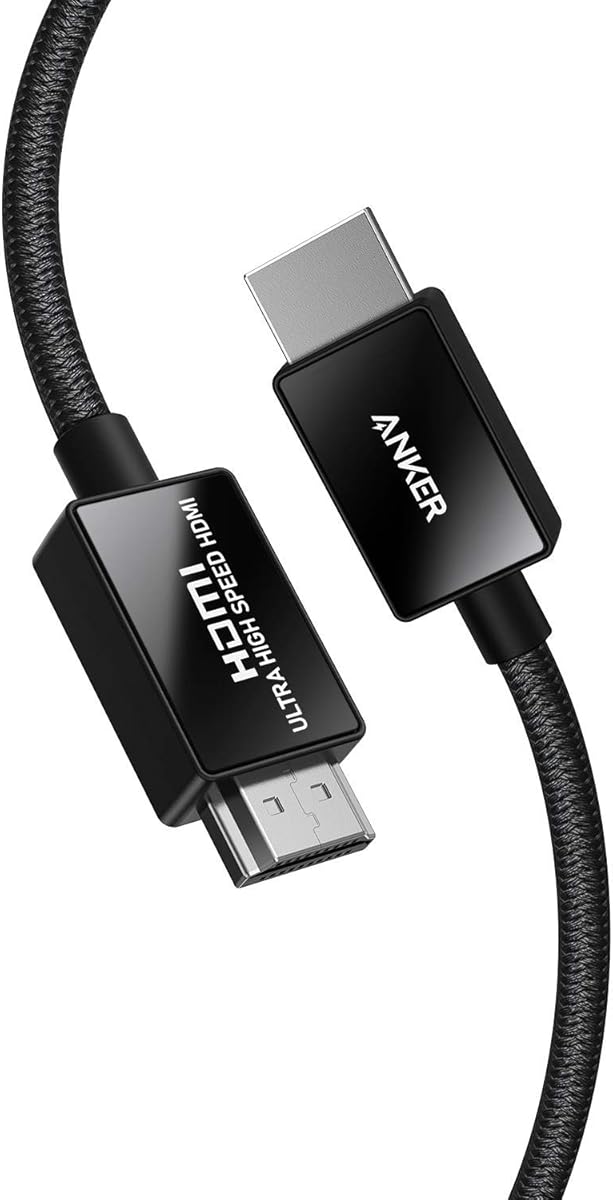
Anker delivers a premium HDMI solution with carbon steel connectors and double-braided nylon designed for maximum longevity and signal stability.
We may earn a commission when you buy through this link, at no additional cost to you.
With official certification and support for 8K@60Hz it ensures Shield users get the highest possible visual and audio performance.
The robust build adds some weight but prevents tangling and ensures consistent connections even with frequent unplugging.
Users seeking the absolute best build quality and reliability for their Shield setup will find this premium cable worth the investment.
Gold plated pins and carbon steel connectors provide superior corrosion resistance and signal integrity over years of use.
Supporting 8K resolution ensures your Shield can utilize future content sources without needing another cable upgrade soon.
We may earn a commission when you buy through this link, at no additional cost to you.
Silkland focuses on gaming performance with support for up to 144Hz refresh rates and exclusive E-Braid technology for enhanced durability.
We may earn a commission when you buy through this link, at no additional cost to you.
Ferrite magnetic beads and double-layer winding minimize interference ensuring stable signal transmission during intense Shield gaming sessions.
While verification requires a QR scan the 2.1 certification ensures compliance and smooth operation with modern high-resolution displays.
Shield users prioritizing smooth motion and low latency in gaming apps will find this cable specifically optimized for those needs.
The unique double-layer fishnet winding technique increases bend resistance and prolongs the cable's usable lifespan.
Ferrite beads filter electromagnetic interference which helps prevent black screens or flickering during high-speed data transfer.
We may earn a commission when you buy through this link, at no additional cost to you.
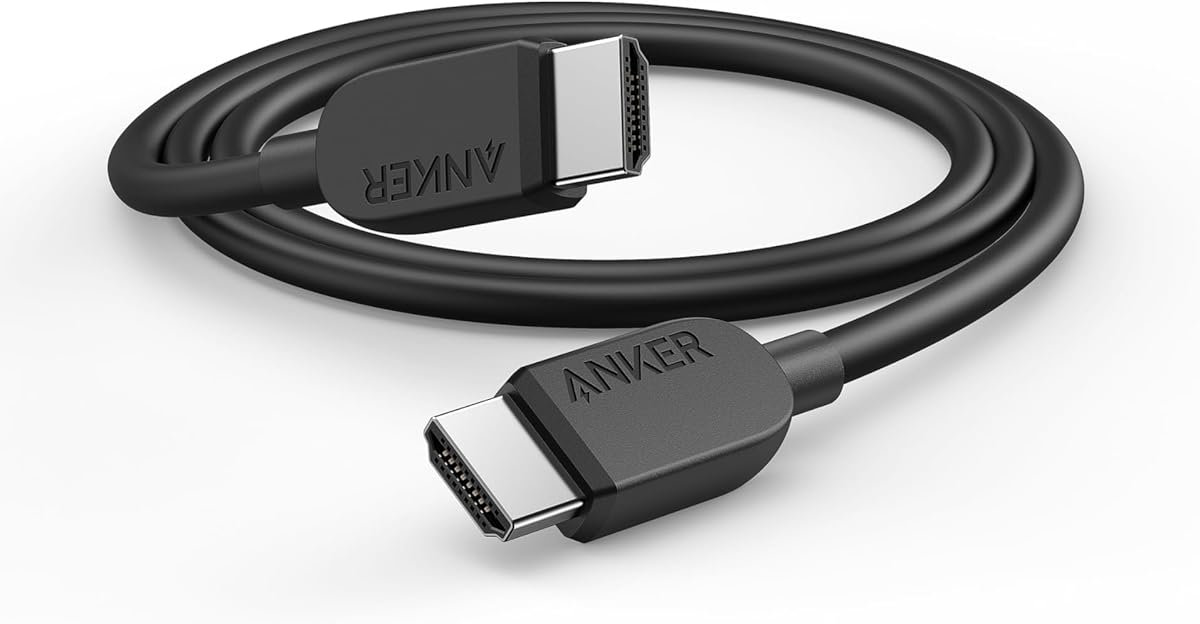
This Anker model prioritizes ultra-high refresh rates supporting 4K@240Hz which is rare and beneficial for Shield users with high-end displays.
We may earn a commission when you buy through this link, at no additional cost to you.
Its design withstands up to 1000 bends and provides consistent 48Gbps bandwidth for seamless video transfers and streaming.
While the bend life is lower than the premium Anker version it still offers solid durability for typical home entertainment use.
Owners with capable displays who want to maximize refresh rates for gaming or motion clarity should consider this specialized cable.
Supporting 240Hz allows for ultra-smooth motion which is ideal for fast-paced games or sports content.
Swift connectivity ensures videos stream without interruptions maintaining clarity and speed across high bandwidth scenarios.
We may earn a commission when you buy through this link, at no additional cost to you.
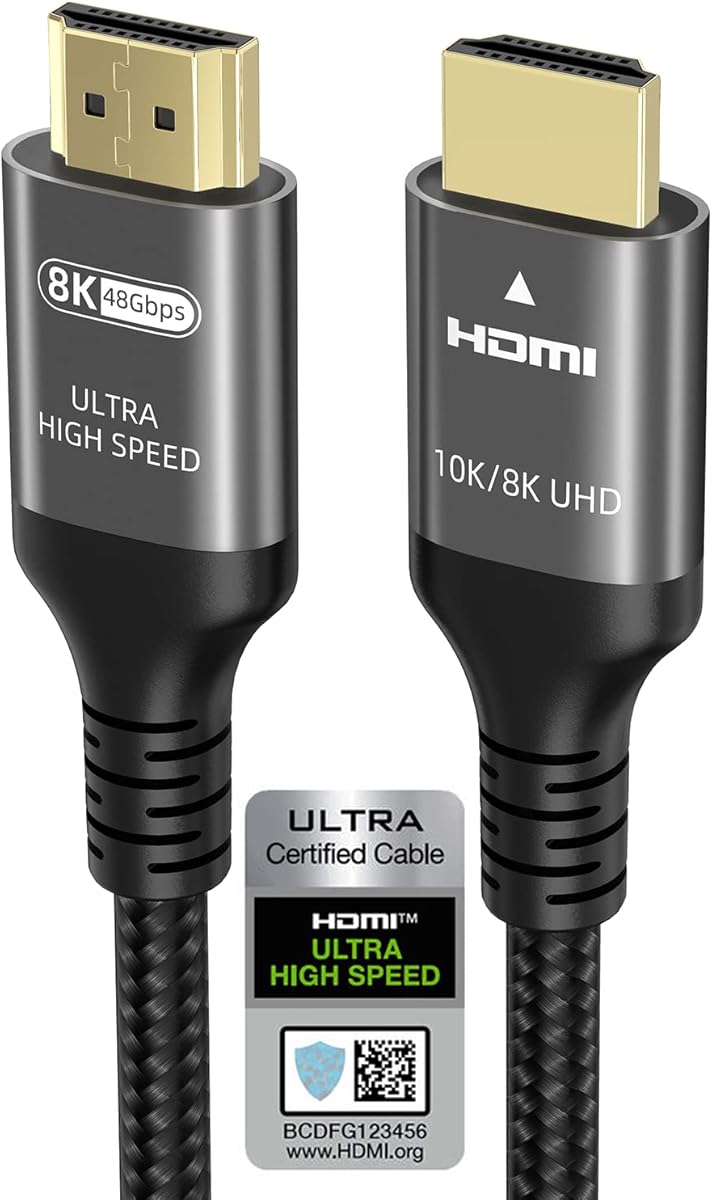
Ubluker stands out for featuring an official HDMI certification label on the package which offers reassurance of strict standard compliance.
We may earn a commission when you buy through this link, at no additional cost to you.
It supports extreme resolutions up to 10K and includes advanced features like SBTM and VESA DSC for future-proofing setups.
While Shield users may not need 10K capability today this level of compliance ensures long-term compatibility with evolving standards.
Certification-focused buyers or those planning future upgrades will appreciate the documented compliance and broad feature set.
The official label confirms the cable meets HDMI Forum requirements which reduces risk of connectivity or resolution issues.
Features like SBTM and DSC enable efficient data transmission ensuring high-quality visuals without signal degradation.
We may earn a commission when you buy through this link, at no additional cost to you.
This 2-pack from Highwings offers excellent value for households needing multiple HDMI cables for Shield and other devices.
We may earn a commission when you buy through this link, at no additional cost to you.
Each cable features the same 48Gbps bandwidth and reinforced aluminum alloy shell ensuring consistent performance across all connections.
Lab testing and rigorous performance checks on every part help ensure reliability even for the budget-friendly bulk offering.
Families or setups with multiple HDMI Shield or displays will find this pack reduces cost while maintaining necessary performance.
Buying two cables often costs less than buying two singles making it economical for whole home entertainment.
Rigorous tests in the laboratory confirm every part meets standards for quality and signal transmission.
We may earn a commission when you buy through this link, at no additional cost to you.
Acer combines gaming features with a robust braided jacket design that resists wear and tear for long-term use.
We may earn a commission when you buy through this link, at no additional cost to you.
VRR support helps reduce screen tearing during gaming while eARC enables immersive audio on compatible sound systems.
The high-purity copper core and aluminum alloy shell ensure strong signal integrity and resistance to electromagnetic interference.
Users wanting a balance of durability and gaming features without extreme pricing will find this Acer model practical.
The braided jacket adds mechanical strength and protects against daily wear and bending stress.
eARC support allows high-quality audio formats to pass through to soundbars for better sound immersion.
We may earn a commission when you buy through this link, at no additional cost to you.
JSAUX offers a versatile 2-pack supporting all major high-speed modes and shielding against interference for stable connections.
We may earn a commission when you buy through this link, at no additional cost to you.
Triple tin shielding and gold-plated connectors guarantee top-tier image and sound quality across devices and setups.
While slightly thicker due to shielding the cable provides consistent performance for Shield and other gaming consoles.
Households with mixed devices like Shield Switch or laptops will value the universal compatibility and dual cable convenience.
Triple tin shielding significantly reduces electromagnetic interference ensuring clean video and audio output.
Gold plating prevents corrosion and ensures reliable connections even after many plug cycles.
We may earn a commission when you buy through this link, at no additional cost to you.
Cable Matters provides a 3-pack with color-coded cables making it easier to manage and identify connections across devices.
We may earn a commission when you buy through this link, at no additional cost to you.
Each cable supports certified 48Gbps bandwidth and features standard HDMI 2.1 capabilities for reliable performance.
The color coding simplifies troubleshooting and swapping without unplugging incorrectly which is valuable for complex setups.
Users with multiple devices seeking organized cable management will find this set both practical and reliable for Shield.
Distinct colors help identify which cable connects to which device quickly and accurately.
Supporting 21:9 aspect ratios ensures cinematic content displays correctly on compatible screens.
We may earn a commission when you buy through this link, at no additional cost to you.
Selecting the right cable involves understanding bandwidth certification and build quality to ensure optimal performance.
Official certification guarantees the cable meets strict standards which reduces risk of compatibility or signal issues.
Look for verified logos or QR codes to confirm authenticity before purchasing.
Shield devices require at least 48Gbps bandwidth to support high-resolution streaming and gaming modes effectively.
Ensure the cable explicitly states support for 48Gbps or Ultra High Speed HDMI.
Higher refresh rates like 120Hz or 144Hz are critical for smooth gaming motion and low latency experiences.
Check product specs to confirm support for variable refresh rate or high frame rates.
Materials like braided nylon or metal shells increase durability and protect against bending and wear over time.
Prioritize cables with reinforced connectors and anti-bending designs for longer lifespan.
Gold-plated pins resist corrosion and ensure stable connections especially in humid environments or frequent use.
Check for mention of gold plating or stainless steel shells in specs.
Measure the distance between Shield and display before buying to ensure the cable reaches without stretching.
Standard lengths like 6ft or 10ft should be chosen based on your physical setup.
eARC support is essential for high-quality audio formats like Dolby Atmos when using soundbars or receivers.
Verify audio features in the product description to match your audio gear.
2 or 3-packs often offer better value and organization features like color coding for multiple devices.
Consider bulk packs if you have multiple consoles or setups needing cables.
Connect the HDMI cable firmly to the Shield HDMI port and your TV display ensuring both ends click into place securely.
Avoid bending the cable sharply near connectors as this can damage internal wiring and degrade signal quality over time.
Regularly inspect connectors for dust or debris and clean gently with dry cloth to maintain optimal performance.
HDMI 2.1 is recommended for optimal 4K streaming at high refresh rates. However Shield 2.0 can handle basic 4K60Hz streaming. For gaming and HDR features use 2.1.
Not necessarily. Price depends on build materials and certification. A certified budget cable may perform same as expensive one. Focus on specs not brand.
Yes Shield works with HDMI 2.0 cables for 4K60Hz. But for 120Hz gaming or future 8K content you need HDMI 2.1 cables for full performance.
Any certified 2.1 cable supports HDR10 and Dolby Vision. Ensure cable supports eARC for audio features HDR is standard on modern Shield cables.
Choose a length that reaches your display without stretching. 6ft is common for home setups. Longer cables may need active signal boosters.
Signal loss often comes from poor cable quality or connection. Use certified 2.1 cables and ensure connectors are fully inserted to avoid intermittent issues.
The UGREEN 8K HDMI 2.1 offers the best balance of certification and features for most Shield owners.
Prioritize bandwidth and build quality to ensure your setup can handle high-resolution content and gaming needs.
Check current prices before buying as deals often vary across different retailers and packages.