
HP OmniBook 3 17.3 inch Laptop PC
4.5Editor score
Affordable Entry Level Option
17.3 Inch FHD Screen
AMD Radeon Graphics Support
Selecting the right laptop for Enscape requires balancing processing power with display fidelity. You need a machine that handles real-time rendering smoothly without overheating during long design sessions or client presentations.
We evaluated ten diverse models based on CPU performance, GPU capabilities, and screen quality. Our analysis focuses on devices that deliver reliable frame rates and accurate color representation for professional architectural visualization work.
Each pick below highlights specific strengths tailored to different workflow needs and budgets. Please note that product availability and pricing fluctuate frequently so verify current details before finalizing your purchase decision.
4.5Editor score

4.3Editor score

4.1Editor score
As an Amazon Associate we earn from qualifying purchases.
This side-by-side comparison highlights key specifications across all ten selected models to help you quickly identify the hardware features that matter most for your rendering workflow.



The Lenovo V15 Gen 4 delivers solid performance for moderate rendering workloads. It holds a strong rating due to its robust processor and ample memory configuration.
We may earn a commission when you buy through this link, at no additional cost to you.
Its Intel Core i5-13420H processor handles multitasking efficiently while 16GB RAM ensures smooth operation across multiple design applications simultaneously.
The trade-off involves reliance on integrated graphics which may limit high-fidelity scene rendering speeds compared to dedicated GPU models available.
Professionals needing reliable daily performance without excessive cost will find this model a balanced choice for standard architectural visualization tasks.
The processor handles multiple browser tabs and design software without lagging during standard workflow operations.
Windows 11 Pro provides enhanced security and management tools beneficial for corporate design environments.
We may earn a commission when you buy through this link, at no additional cost to you.
This HP model offers a large screen at a budget-friendly price making it accessible for students or entry-level users.
We may earn a commission when you buy through this link, at no additional cost to you.
Its AMD Ryzen 3 processor provides decent performance for basic tasks while the 17.3 inch display offers plenty of workspace.
Limited memory may require closing background applications during heavy rendering sessions to maintain optimal system responsiveness.
Ideal for users prioritizing screen real estate and cost efficiency over high-end rendering capabilities in their workflow.
The large display allows detailed viewing of complex models without constant zooming or scrolling.
Rapid battery restoration ensures you stay productive throughout long workdays without frequent outlet access.
We may earn a commission when you buy through this link, at no additional cost to you.
This device stands out with its vibrant OLED display offering exceptional color accuracy crucial for high-end visual presentations.
We may earn a commission when you buy through this link, at no additional cost to you.
The Snapdragon processor delivers impressive battery life while AI tools streamline routine design tasks effectively.
Software compatibility with Snapdragon architectures requires verification for specific rendering engines used in your pipeline.
Best for mobile professionals needing portability and visual fidelity without sacrificing battery endurance during travel.
OLED technology ensures true-to-life colors essential for accurate material representation in visualizations.
The optimized architecture extends battery runtime significantly compared to traditional x86 equivalents.
We may earn a commission when you buy through this link, at no additional cost to you.
A reliable choice for business users needing a large display for client presentations and modeling work.
We may earn a commission when you buy through this link, at no additional cost to you.
The 17.3 inch screen provides ample workspace while 16GB RAM supports smooth multitasking.
Graphics performance remains limited compared to dedicated GPU models affecting complex scene rendering speeds.
Suitable for office environments where screen size and keyboard functionality outweigh raw graphical power needs.
The large screen allows clients to see detailed designs clearly during meetings.
Full numeric keypad speeds up data entry and numerical calculations.
We may earn a commission when you buy through this link, at no additional cost to you.
This laptop balances performance and portability making it suitable for casual rendering and general design tasks.
We may earn a commission when you buy through this link, at no additional cost to you.
The Ryzen 7 processor offers high frequency performance for multitasking and lighter rendering workloads.
Integrated graphics might struggle with highly detailed scenes requiring advanced ray tracing capabilities.
A practical option for users needing a versatile machine for both work and leisure activities.
Processor speeds ensure responsive interactions during design and editing workflows.
Lightweight build facilitates easy transport to meetings or client sites.
We may earn a commission when you buy through this link, at no additional cost to you.
Ideal for users prioritizing high resolution visuals and touch interaction over heavy computational tasks.
We may earn a commission when you buy through this link, at no additional cost to you.
The 2K display offers sharp details beneficial for reviewing fine design elements and textures.
Memory limitations may restrict simultaneous application usage or heavy rendering capabilities.
Best suited for creative professionals needing precise visual control and a portable form factor.
High pixel density reveals subtle design flaws missed on lower resolution screens.
Direct touch input enhances navigation and selection during detailed modeling tasks.
We may earn a commission when you buy through this link, at no additional cost to you.
This model offers exceptional memory and storage capacity ideal for handling large project files locally.
We may earn a commission when you buy through this link, at no additional cost to you.
The 32GB RAM supports heavy multitasking ensuring smooth operation even with many applications running.
Lack of dedicated GPU might limit performance for extremely complex or photorealistic renders.
Perfect for data-heavy workflows requiring extensive storage and memory headroom for efficiency.
Large storage ensures all project assets remain accessible without external drives.
High RAM allows seamless switching between design tools without system slowdowns.
We may earn a commission when you buy through this link, at no additional cost to you.
A budget-friendly option for students or casual users needing basic functionality for light design tasks.
We may earn a commission when you buy through this link, at no additional cost to you.
The compact 14 inch design makes it highly portable for on the go use.
Limited memory and storage may hinder performance for demanding visualization software requirements.
Best for learners exploring architectural rendering without needing full professional workstation capabilities.
Small form factor fits easily in backpacks for daily transport.
Sufficient for simple tasks and initial learning experiences with design software.
We may earn a commission when you buy through this link, at no additional cost to you.
This Dell model offers a balanced mix of performance features suitable for moderate professional design work.
We may earn a commission when you buy through this link, at no additional cost to you.
The Intel Core 7 processor ensures smooth responsiveness during everyday rendering and multitasking tasks.
Graphics capabilities remain standard for general use rather than high end real time visualization.
Recommended for professionals seeking reliability and comfortable viewing conditions over maximum graphical power.
High resolution reduces eye strain during long viewing sessions.
Ergonomic design supports healthy posture during extended work hours.
We may earn a commission when you buy through this link, at no additional cost to you.
A solid general purpose laptop capable of handling moderate design tasks with reliable daily performance.
We may earn a commission when you buy through this link, at no additional cost to you.
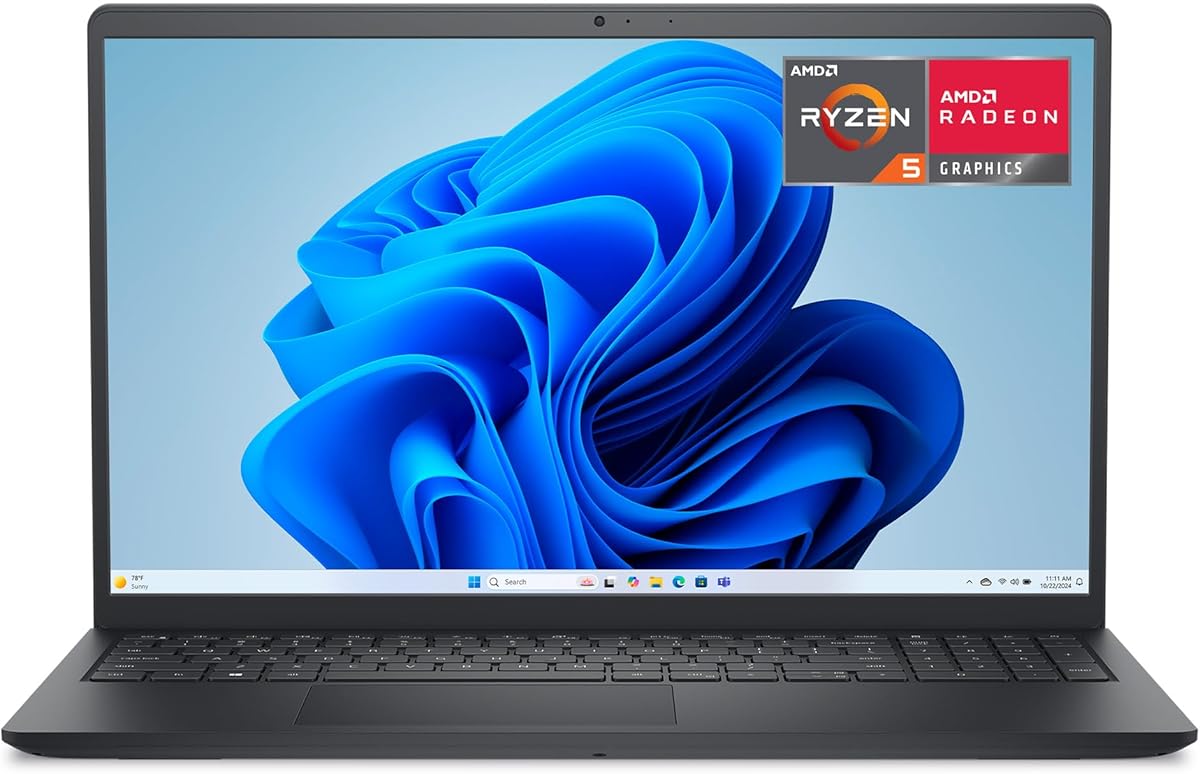
The AMD Ryzen 5 CPU ensures smooth responsiveness for daily workflows and rendering software.
Integrated GPU limits high fidelity rendering potential compared to dedicated graphics card options.
Ideal for professionals needing a dependable machine for basic tasks without specialized heavy graphics needs.
Modern architecture supports smooth transitions between design applications.
Onsite service offers peace of mind for business users.
We may earn a commission when you buy through this link, at no additional cost to you.
Choosing the right laptop for Enscape involves evaluating several hardware and design factors to ensure smooth rendering and visualization.
A strong multi-core processor is essential for handling complex geometry calculations and rendering tasks efficiently. Look for recent Intel Core or AMD Ryzen chips to ensure smooth performance during design work.
Prioritize CPUs with high clock speeds and core counts to avoid lag during intensive workflows.
While many modern Enscape workflows integrate with GPU rendering, integrated graphics may limit complex scene performance. Dedicated GPUs often provide smoother frame rates for detailed models.
Check compatibility with your specific design software to ensure optimal rendering speeds.
Sufficient RAM is crucial for multitasking and keeping large scenes active without slowdowns. Aim for at least 16GB to handle multiple applications and browser tabs simultaneously.
More memory ensures your system remains responsive during long design sessions.
A high resolution screen with accurate color reproduction helps you judge textures and lighting accurately. Look for Full HD or higher resolution panels with wide viewing angles.
Invest in a display that reduces eye strain during prolonged use.
Solid state drives significantly reduce load times for projects and applications compared to traditional hard drives. NVMe SSDs offer the fastest read and write speeds available today.
Ensure you have enough storage space to archive completed projects.
If you work away from an outlet, long battery life is vital for uninterrupted productivity. Look for models advertised with extended battery ratings and fast charging capabilities.
Balance performance with battery efficiency to meet your mobility needs.
Weight and dimensions matter if you frequently travel to client sites or meetings. Lighter laptops reduce physical strain while still offering the necessary computing power.
Choose a chassis that balances durability with ease of transport.
A variety of ports including HDMI and USB-C helps you connect external monitors and peripherals easily. Wireless standards like Wi-Fi 6 ensure reliable internet for cloud collaboration.
Verify port selection matches your current and future peripheral needs.
Always keep your operating system and drivers updated to ensure compatibility with the latest design software versions and security patches.
Use a cooling pad during intensive rendering sessions to prevent overheating and maintain consistent performance over time.
Store your laptop in a protective case and avoid extreme temperatures to preserve battery health and internal components.
Ideal specifications include a multi-core processor like Intel Core i7 or AMD Ryzen 7, at least 16GB of RAM, and a dedicated GPU for handling complex rendering tasks efficiently.
While integrated graphics can handle basic tasks, a dedicated GPU is recommended for high-resolution real-time rendering and complex 3D scenes to ensure smooth performance.
High screen resolution helps you see fine details in your models and textures clearly. A minimum of Full HD resolution is recommended to avoid pixelation during design reviews.
Using a laptop with 8GB RAM might lead to slowdowns when running multiple design applications. Upgrading to at least 16GB ensures smoother operation and better multitasking.
Rendering tasks consume significant power so expect shorter battery life during intense sessions. Look for models with fast charging to quickly replenish power when you are away from an outlet.
Yes modern lightweight laptops often balance portability and performance. Ensure they meet thermal and power specifications to handle rendering workloads without overheating.
Regularly clean vents to prevent dust buildup and keep software updated. Use a cooling pad during heavy workloads to protect internal components from overheating.
Windows 10 and 11 provide the widest compatibility with most architectural rendering software including Enscape ensuring access to all features and updates.
Our top picks offer a range of options balancing performance and budget to suit various professional needs.
Prioritize memory and processor strength if you regularly handle complex 3D rendering tasks daily.
Always check current pricing and availability before purchasing to ensure you get the best value for your investment.